component
Ruler
By eyezayuh
Details
- eyezayuhAuthor
- componentType
- $9.00Price
- 2026-06-26Published
- 2026-07-14Updated
- 2026-06-26Added
- TextCategories
Summary
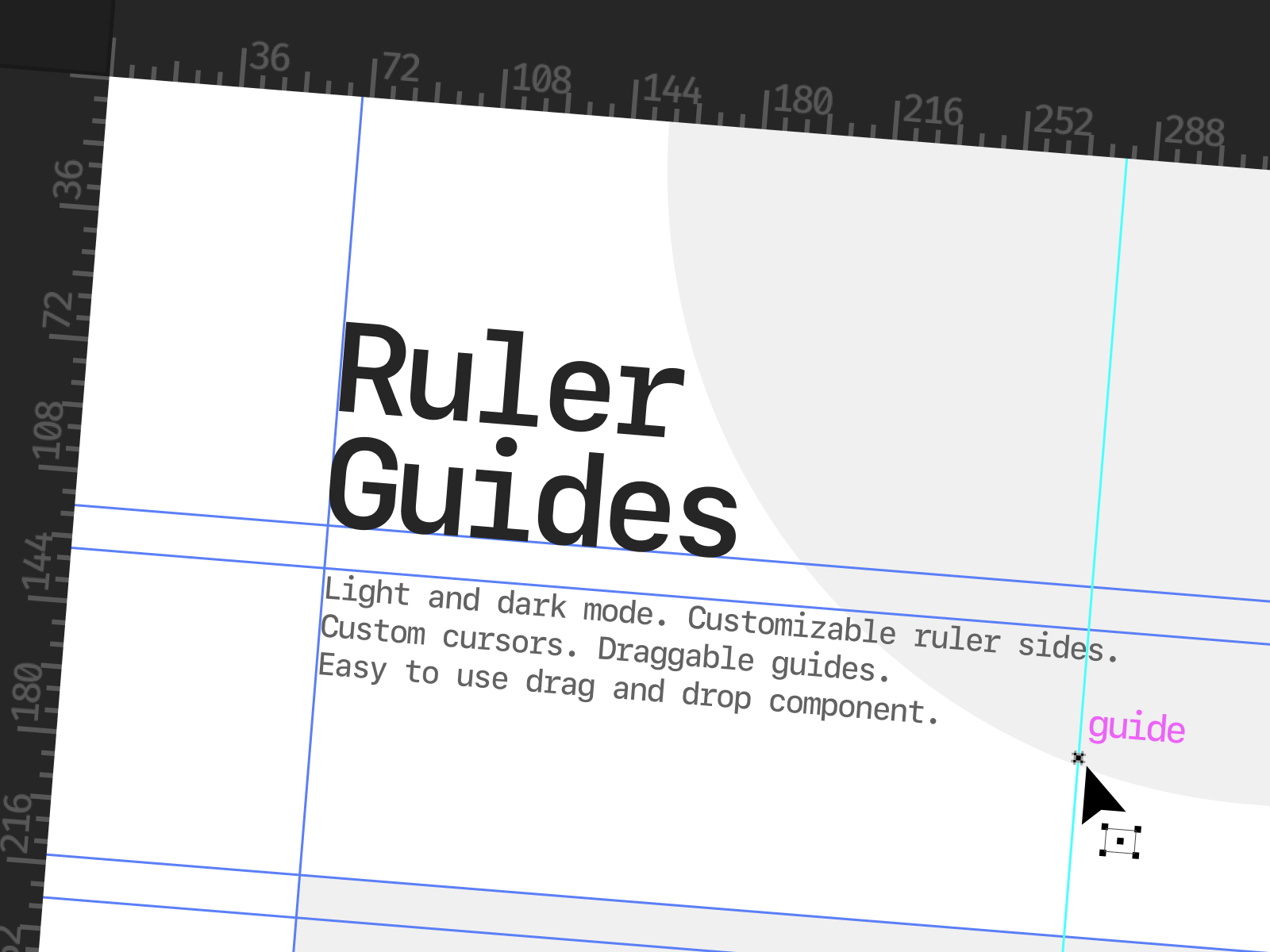
ruler and guide system from Adobe Illustrator — drop it over any frame and you get draggable guide lines.
Description
DISCLAIMER: To have it work properly, set: Pointer events: none Ruler is a Framer component that recreates the ruler and guide system from Adobe Illustrator — drop it over any frame and you get draggable guide lines. Everything is click-through by default so it sits on top of your existing content without blocking anything. Features: Dark/Light Mode Support — toggles the ruler strips between dark and light mode Show Guides — shows or hides all placed guide lines. Useful if you want the rulers visible without the guides cluttering the view. Horiz. Ruler — turns the horizontal ruler strip on or off entirely. Horiz. Side — when the horizontal ruler is on, choose whether it sits at the top or bottom of the frame. Vert. Ruler — turns the vertical ruler strip on or off entirely. Vert. Side — when the vertical ruler is on, choose whether it sits on the left or right side of the frame. Potential Use Cases: UI/UX or graphic designer portfolio — Could be used as a landing page element to add a subtle "WOW" factor. Design educator or course creator — if you're teaching design tools or any sort of visual principles, having this on your site immediately establishes some context. Creative agency or design studio — These types of businesses are always pushing the envelope of interactivity on their site, and this turns a normal webpage into something like a working environment. Support: If you ever run into any issues with this component, text me at 478-334-8505, and we'll get it resolved as quick as possible (:
Introduction
Interactive Illustrator Guides
Rank history
Daily rank per list, from the first snapshot — lower is better.
- All · #2865