component
SaaS Navigation
By Matt
Details
- MattAuthor
- componentType
- 2026-06-24Published
- 2026-07-28Updated
- 2026-06-24Added
- NavigationCategories
Summary
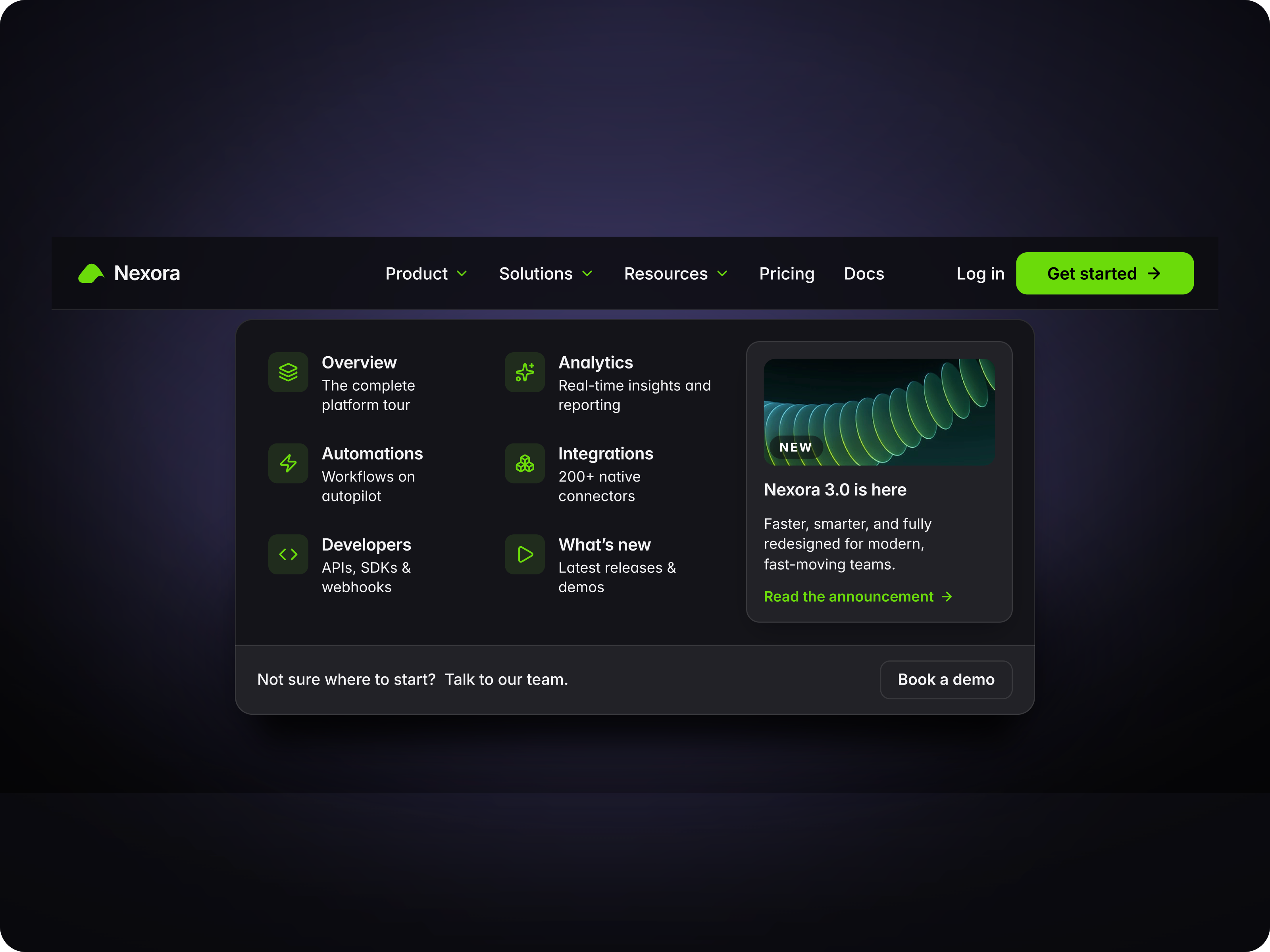
About SaaS Navigation helps you create a premium, conversion-focused navbar for Framer with a mega menu, dropdowns, mobile variants, and a standout CTA button.
Description
About SaaS Navigation helps you create a premium, conversion-focused navbar for Framer with a mega menu, dropdowns, mobile variants, and a standout CTA button. What it does Gives SaaS websites a clean and structured navigation experience. Use the mega menu to highlight key pages, features, resources, and product areas while the pulse button guides visitors toward demos, signups, or contact. What you can customize Full control from the Framer panel: logo, navigation labels, dropdown items, mega menu content, icons, links, button text, button link, colors, spacing, radius, borders, background styles, hover states, mobile menu content, and responsive behavior. Everything is easy to adjust without touching code. Great for (examples) Just a few ideas, use it anywhere you want a more polished navbar experience: SaaS landing pages startup websites product websites software platforms AI tools dashboard products agency websites pricing pages documentation hubs waitlist pages demo booking pages premium Framer templates Share your build If you ship something cool with it, post it on X and tag me @Matthias_Oel, or send it over. I’d love to see what you create. Need help? Questions or feedback? Reach me anytime: matthias@lmvision.de or on X @Matthias_Oel.
Introduction
Conversion-focused navbar
Rank history
Daily rank per list, from the first snapshot — lower is better.
- All · #317