component
Smart Checklist
By Daniel Moreno
Details
- Daniel MorenoAuthor
- componentType
- $6.00Price
- 2026-06-16Published
- 2026-08-15Updated
- 2026-06-16Added
- TextCategories
Summary
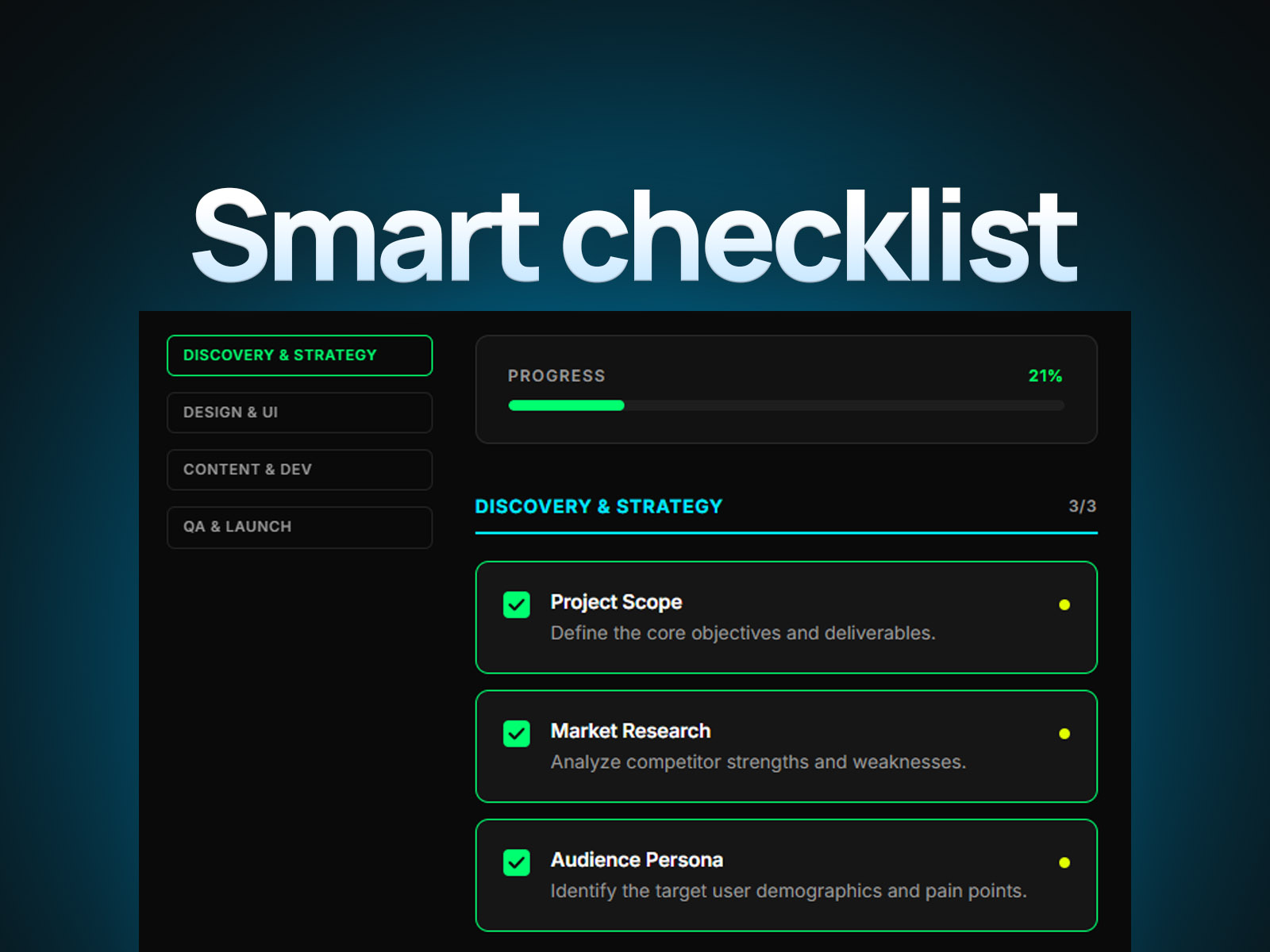
Smart Checklist is a high-utility component designed for creators who prioritize a frictionless user experience.
Description
Smart Checklist is a high-utility component designed for creators who prioritize a frictionless user experience. By seamlessly tracking progress through local browser storage, it transforms static checklists into an intelligent, interactive tool that guides users through onboarding, educational flows, or project milestones. Key Features Intelligent State Persistence: Automatically saves user progress via local storage. No databases or complex setups required—just plug, play, and track. Sticky Navigation: Features a persistent index that provides clear orientation and allows users to jump instantly to specific sections with smooth-scroll physics. Responsive Precision: Designed for all breakpoints. Includes built-in properties to intelligently manage or hide the index on mobile, ensuring a clean, distraction-free interface. Visual Polish: A clean, minimal aesthetic that integrates perfectly into any modern design system, allowing the content to take center stage. Properties & Customization Content Management: Easily update, add, or reorder checklist items and sections directly via the properties panel. UX Controls: Toggle the sticky index behavior and customize global progress bar states with a single click. Style Control: Customize accent colors, typography, and spacing to perfectly match your brand identity. Best Practices User Onboarding: Use this to guide new users through complex setup processes; the auto-save feature ensures they never lose their place. Concise Labeling: Keep your checklist items short and actionable. The cleaner the text, the higher the completion rate. Strategic Placement: Ideal for "Get Started" pages or Client Dashboards where providing a sense of momentum is essential for conversion. Support & Assistance For technical questions, implementation help, or bug reports, please reach out at: danielgrafix12@gmail.com.
Introduction
Auto-saving progress, zero config
Rank history
Daily rank per list, from the first snapshot — lower is better.
- All · #2789