component
Smooth Tabs
By Ali Çorak
Details
- Ali ÇorakAuthor
- componentType
- $5.00Price
- 2026-06-30Published
- 2026-08-16Updated
- 2026-06-30Added
- NavigationCategories
Summary
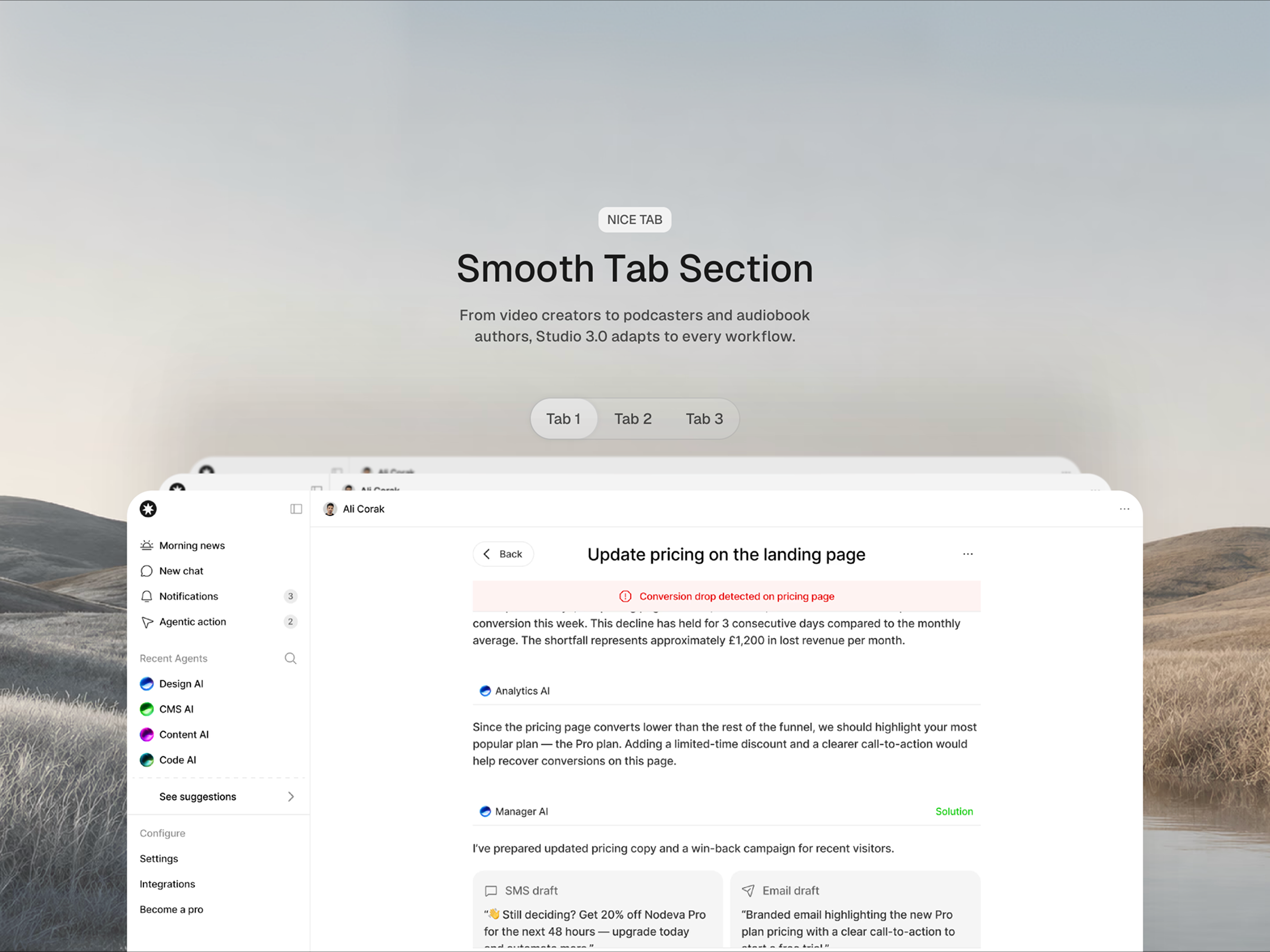
Smooth Tabs lets you showcase different content, product previews, feature sections, dashboards, or portfolio visuals inside a simple tab layout.
Description
Unlock entire Depth library for $149. One price. Lifetime. Get Depth Create clean, animated tab sections in Framer with smooth transitions and image switching. Smooth Tabs lets you showcase different content, product previews, feature sections, dashboards, or portfolio visuals inside a simple tab layout. Add your tab labels, upload images for each tab, choose a variant, adjust the corner radius, and connect the trigger directly from the properties panel. It’s built to make tabbed content feel polished without needing custom code. Features Smooth animated tab switching Multiple visual variants Custom tab labels Image support for each tab Adjustable corner radius Trigger support Works well for product previews, feature sections, dashboards, and portfolios Easy setup from the Framer properties panel No code How to use Drop the component onto your page, add your tab names, and upload an image for each tab. Then choose the variant and adjust the radius to match your design. Perfect for SaaS landing pages, app previews, feature breakdowns, portfolio case studies, and interactive product sections. Refund Policy Due to the nature of digital products, all sales are final. Once purchased, this template is non-refundable. Please make sure it fits your needs before completing the checkout. Support: hi@alicorak.com
Introduction
Tab with smooth transitions
Rank history
Daily rank per list, from the first snapshot — lower is better.
- All · #5341