component
Spotlight Hover
By Lera
Details
- LeraAuthor
- componentType
- 2026-07-26Published
- 2026-08-18Updated
- 2026-07-26Added
- EffectsCategories
Summary
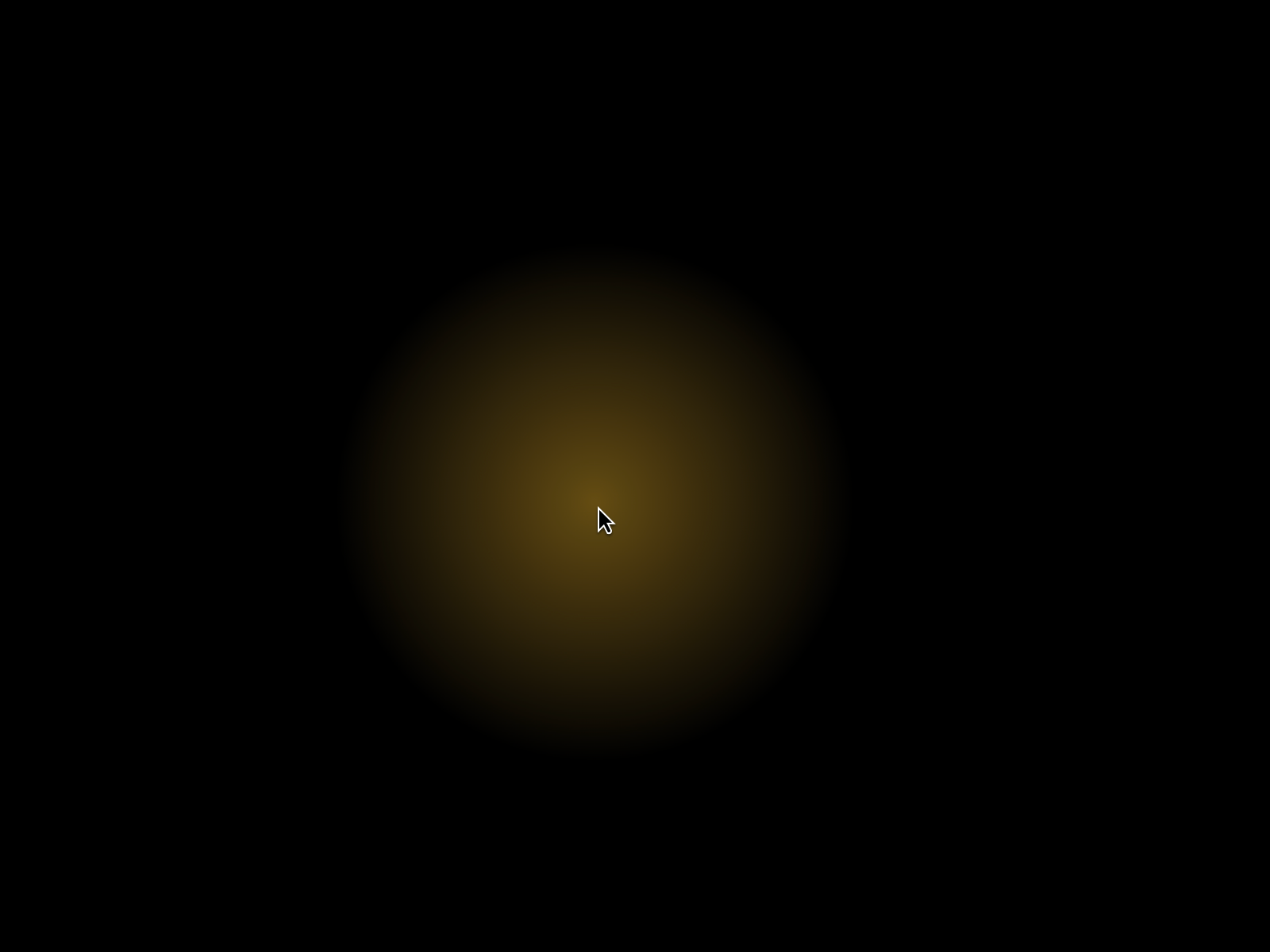
Cursor glow effect, no UX harm
Description
Drag & drop the Spotlight component onto your canvas; set its position to "Absolute" and size it; It renders a soft radial glow that follows the cursor inside whatever stack/frame it's placed in . Customization ಄ Color - set the glow's core hue; ಄ Radius - control how far the glow spreads (50–1000px); ಄ Intensity - set peak brightness (0–1); ಄ Falloff - control how softly the edge fades out (10–100%). Interaction-safe by design ಄ Never blocks clicks, hovers, or links underneath it; ಄ Text stays fully selectable through the glow; ಄ Hides automatically when navigating by keyboard, so it never covers a focus ring (Tab key); ಄ Skips itself on touch devices , since there's no persistent cursor to follow.
Introduction
Cursor glow effect, no UX harm
Rank history
Daily rank per list, from the first snapshot — lower is better.
- All · #653