Divyesh WebCraft
Ribbon Hero
Free3D ribbon with smooth motion
Searching…
Cursor glow effect, no UX harm

Cursor glow effect, no UX harm
Drag & drop the Spotlight component onto your canvas; set its position to "Absolute" and size it;
It renders a soft radial glow that follows the cursor inside whatever stack/frame it's placed in.
Customization
಄ Color - set the glow's core hue;
಄ Radius - control how far the glow spreads (50–1000px);
಄ Intensity - set peak brightness (0–1);
಄ Falloff - control how softly the edge fades out (10–100%).
Interaction-safe by design
಄ Never blocks clicks, hovers, or links underneath it;
಄ Text stays fully selectable through the glow;
಄ Hides automatically when navigating by keyboard, so it never covers a focus ring (Tab key);
಄ Skips itself on touch devices, since there's no persistent cursor to follow.
Divyesh WebCraft
3D ribbon with smooth motion
Karim Saif
ٍpider that tracks your cursor
Jamik
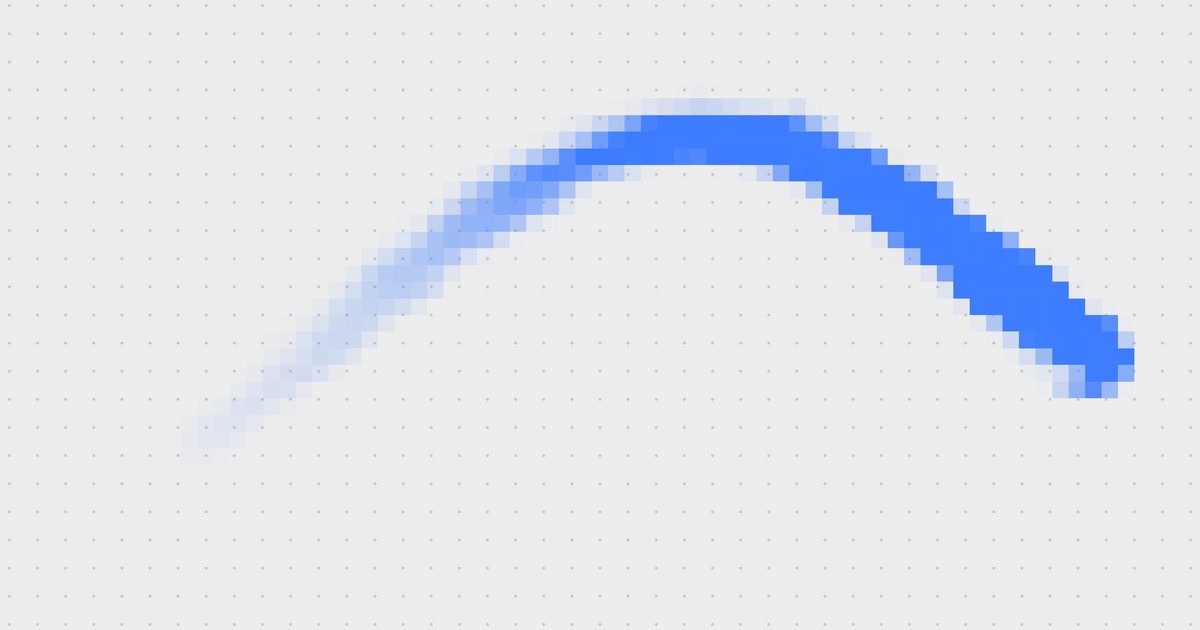
Fluid cursor trail in pixels/ASCII
princeee
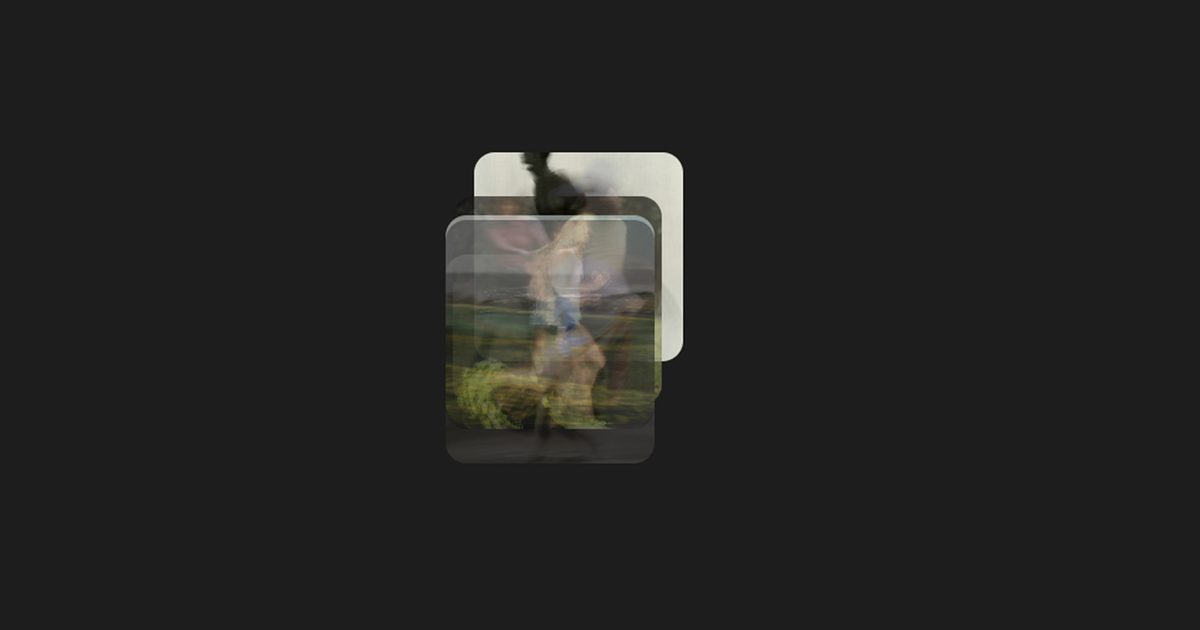
Image Trail is a dynamic Framer component that creates an immersive hover experience by displaying a sequence of images that trail behind…