component
Stagger Reveal
By erica ruste
Details
- erica rusteAuthor
- componentType
- $9.00Price
- 2026-07-02Published
- 2026-07-02Updated
- 2026-07-02Added
- CardsCategories
Summary
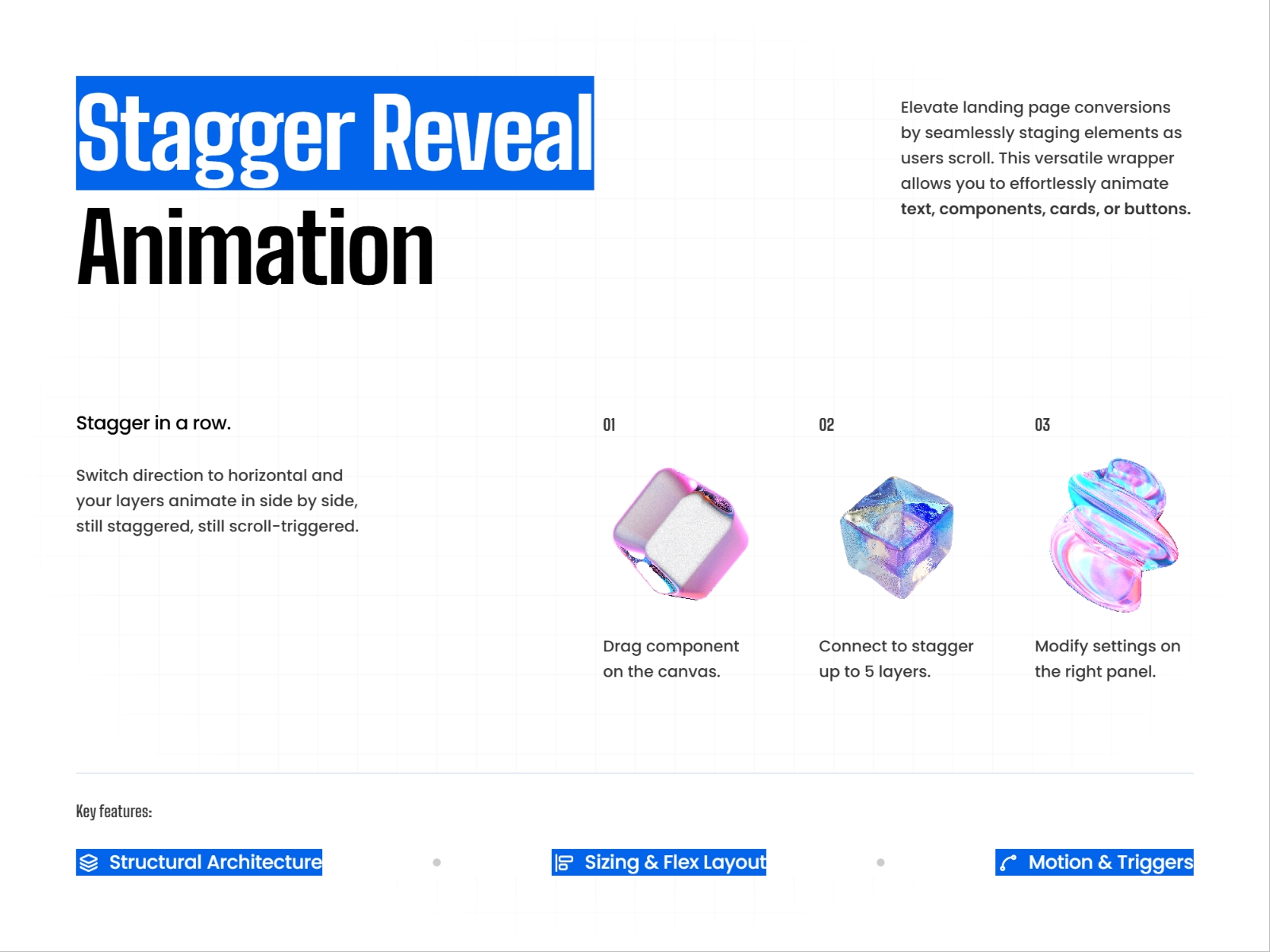
Stagger Reveal Animation Bring designs to life with fluid, sequenced reveals in Framer.
Description
Stagger Reveal Animation Bring designs to life with fluid, sequenced reveals in Framer. Connect up to 5 layers ( text, cards, or components ) and easily control the animation layout. Control the behavior: Use the property panel to control layer sizing, fit, and alignment. Configure scaling rules for groups or individual elements, set containers to auto-adjust to their content, and position layers at the Start, Center, or End . Customize layout & animation: Take full control over how your layers behave and move. Use these property settings to adjust the orientation and spacing of your elements, fine-tune transition timings, and style the visual reveal of your animations. Best Used For: Hero sections: Capture attention the second your page loads. Feature grids & pricing sections: Introduce your core value props and tiers in an intentional, eye-catching sequence. Testimonial layouts: Make client social proof pop with smooth reveal timings. Step-by-step breakdowns: Guide users through onboarding flows or features chronologically. Any structured layout where elements look best revealing one after another.
Introduction
Smooth reveal animations
Rank history
Daily rank per list, from the first snapshot — lower is better.
- All · #7113