component
Terminal Tabs
By Yasiru S
Details
- Yasiru SAuthor
- componentType
- $6.00Price
- 2026-07-05Published
- 2026-07-09Updated
- 2026-07-05Added
- NavigationCategories
Summary
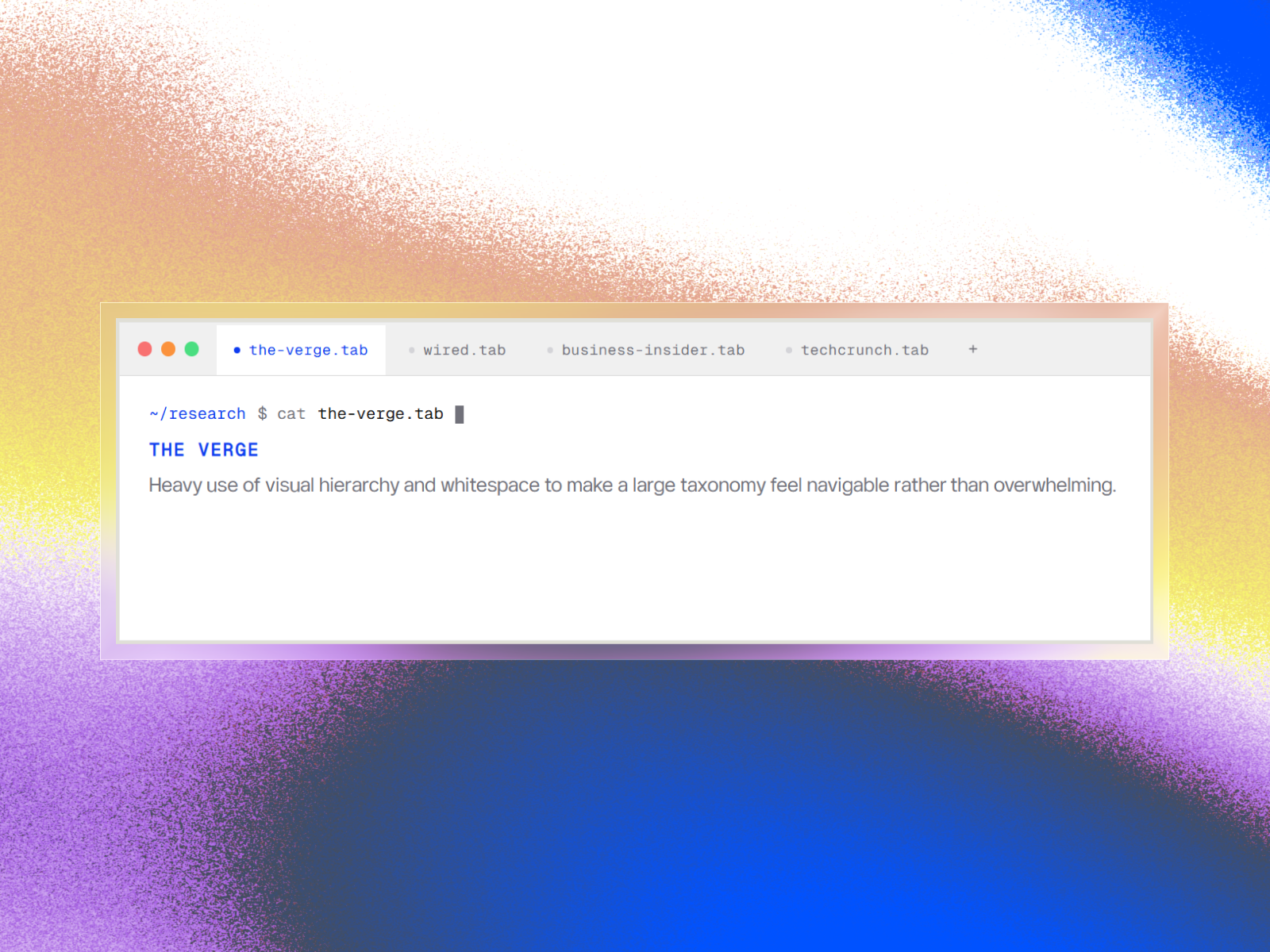
Editorial Terminal Aesthetic Terminal Tabs combines a command-line interface with strong editorial typography.
Description
Editorial Terminal Aesthetic Terminal Tabs combines a command-line interface with strong editorial typography. Engineered for SaaS platforms, developer tools, and technical documentation, it presents dense information in a scannable format. Complete with macOS controls, a blinking cursor, and subtle spring interactions, it adds immediate technical polish to any Framer site with zero external dependencies. Zero Layout Shift & Touch Scrolling Zero Layout Shift: Standard web tabs cause page jumping when switching between short and long text. Terminal Tabs solves this with a fixed-height structure. Set the height once in the Framer sidebar, and content transitions smoothly without shifting surrounding page layouts. Mobile Touch Scrolling: Terminal Tabs embeds custom CSS to strip away bulky browser scrollbars on mobile and tablet screens. Users can effortlessly swipe horizontally through unlimited tabs with fluid touch gestures while maintaining a clean, professional interface. What You Can Customize Every element is exposed directly in your Framer properties panel: Tabs Architecture: Add, edit, remove, and reorder unlimited tabs via native array controls, managing labels and descriptions. Terminal Pathing: Customize the command-line string (e.g., ~/research or ~/docs ). Dimensions: Slider controls for Box Height (preventing layout shifts) and Border Radius (0px sharp corners to 32px rounded edges). Interface Toggles: Show or hide macOS traffic light dots, the prompt line, and button press animations. Typography: Independent font pickers for code and body copy, integrated with Framer's native scaling. Color Theming: Six isolated color controls for Accents, Background, Window Chrome, Borders, and Text to match any light or dark palette.
Introduction
Multi-tab terminal UI
Rank history
Daily rank per list, from the first snapshot — lower is better.
- All · #5663