component
Text Stagger
By Ali Çorak
Details
- Ali ÇorakAuthor
- componentType
- $5.00Price
- 2026-06-18Published
- 2026-08-16Updated
- 2026-06-18Added
- TextCategories
Summary
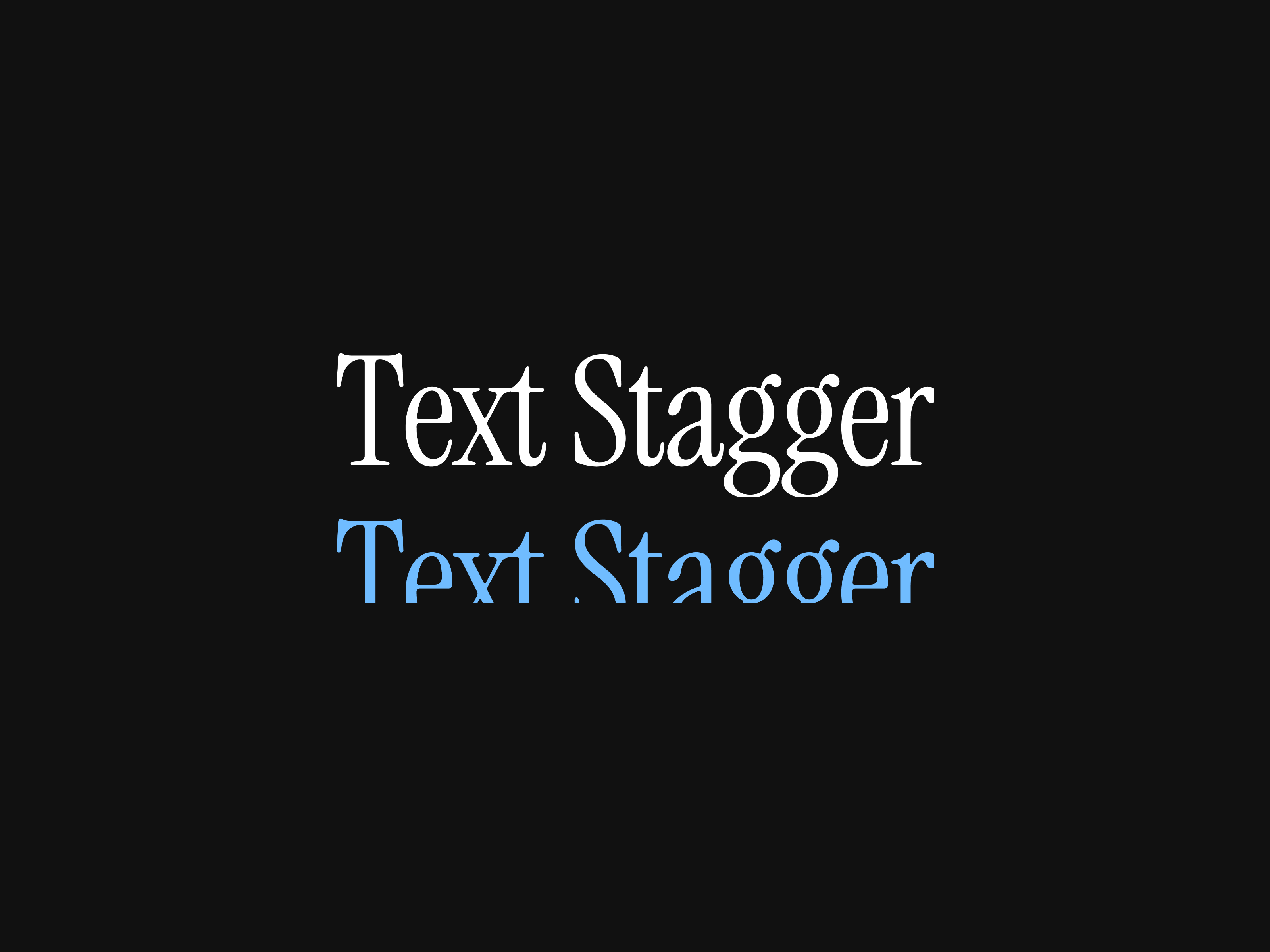
Get Depth Preview component Text Stagger turns any line of text into a polished, staggered animation.
Description
Unlock entire Depth library for $149. One price. Lifetime. Get Depth Preview component Text Stagger turns any line of text into a polished, staggered animation. Each character animates in sequence with refined easing, so your headlines, links, and labels feel alive without a single keyframe. How to use Drag TextStagger onto the canvas. Type your text in the property panel. Pick an Animation and a Trigger. (Optional) Enable Swap Text for a second word/color on activation. Tune duration, stagger, and font to taste. Watch here Features 8 animation styles — Slide Up, Slide Down, Slide Left, Slide Right, Roll, Scale, Blur, and a 360° Flip 4 triggers — Hover, On View (scroll-in), Click (toggle), and Loop (auto-repeat with adjustable interval) Text swap — show a different word and color when active (great for buttons & links) Stagger control — start, middle, end, or random character order, with adjustable timing Custom typography — full font controls (family, weight, size, spacing, line height) Adjustable speed — fine-tune duration and stagger per instance Lightweight & responsive — built on Framer Motion, auto-sizes to your text Refund Policy Due to the nature of digital products, all sales are final. Once purchased, this template is non-refundable. Please make sure it fits your needs before completing the checkout. Support: hi@alicorak.com
Introduction
Polished, stagger animation
Rank history
Daily rank per list, from the first snapshot — lower is better.
- All · #7403