component
Threadline
By Brandwit
Details
- BrandwitAuthor
- componentType
- $5.00Price
- 2026-07-28Published
- 2026-07-29Updated
- 2026-07-28Added
- SectionsCategories
Summary
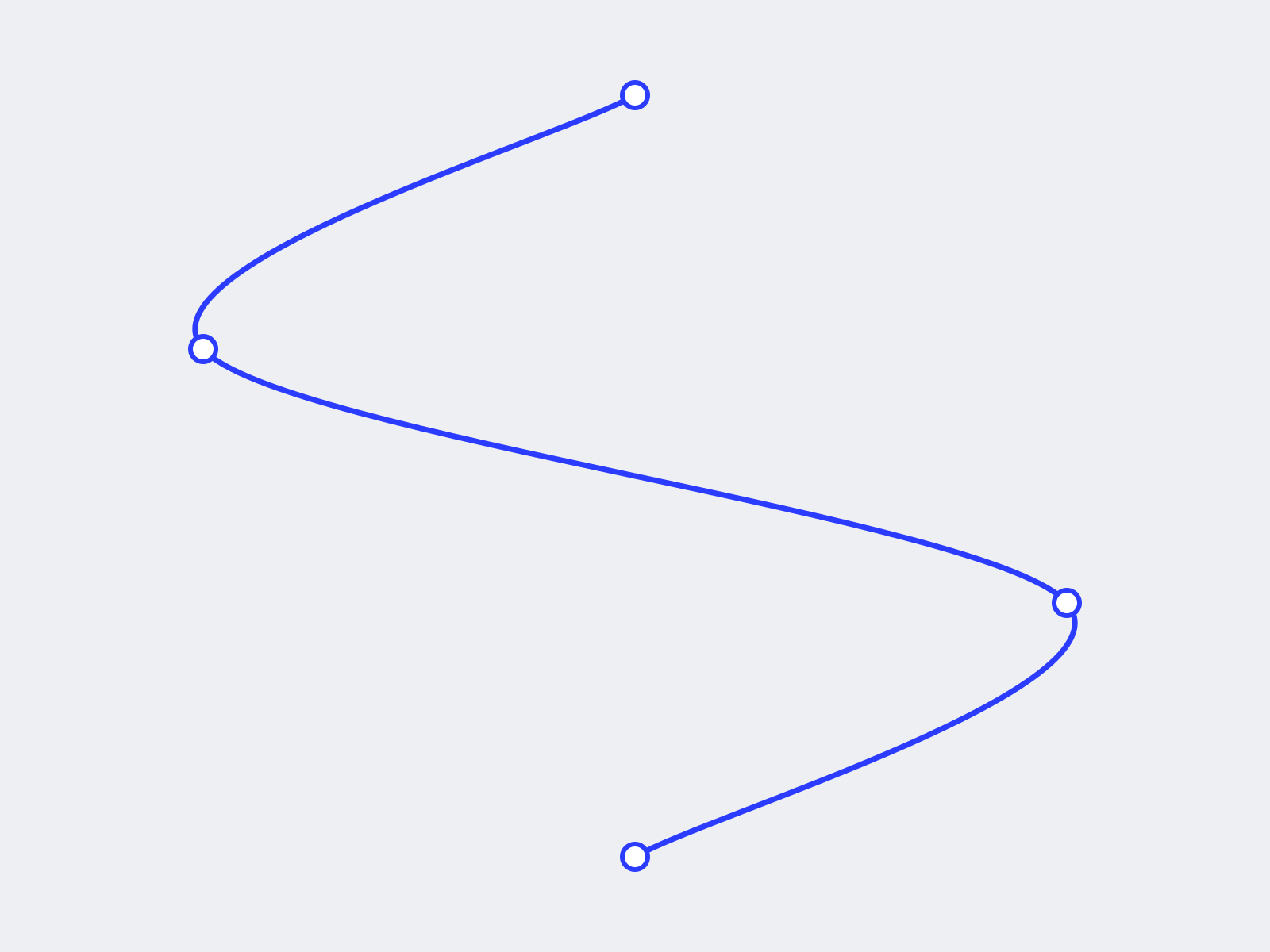
Threadline adds a connecting line that draws itself as visitors scroll down your page, with nodes that pop in the moment the line reaches them.
Description
Threadline adds a connecting line that draws itself as visitors scroll down your page, with nodes that pop in the moment the line reaches them. It guides the eye from one point to the next, which makes it a natural fit for storytelling sections, timelines, process steps, and feature flows. Features Draws on scroll. The line animates as your section moves through the viewport and settles once it is fully revealed. Pop in nodes. Circular markers scale in at each turn the moment the line reaches them. Auto serpentine or custom path. Set the number of turns and the side it starts on, or paste your own SVG path for full control. Fully styleable. Color, thickness, node size, node fill, and node border, all from the property panel. Accessible and safe. It respects the visitor's reduced motion setting and never blocks clicks, so it sits cleanly on top of your content. Lightweight. Pure SVG with no external libraries. How to use Drag Threadline onto your page and pin it over your content (top 0, left 0, full width and height) as the top layer. Choose the number of turns and the starting side, or paste a custom SVG path. Adjust color, thickness, and node style to match your brand. Scroll to preview the draw. On the canvas the full line stays visible so you can position it. Great for Timelines, onboarding and process steps, scrollytelling sections, feature walkthroughs, and connecting cards or milestones.
Introduction
Scroll-drawn line with pop-in node
Rank history
Daily rank per list, from the first snapshot — lower is better.
- All · #2512