component
Tilt Preview Card
By ARUNVIKRAM S
Details
- ARUNVIKRAM SAuthor
- componentType
- 2026-07-23Published
- 2026-07-23Updated
- 2026-07-23Added
- CardsCategories
Summary
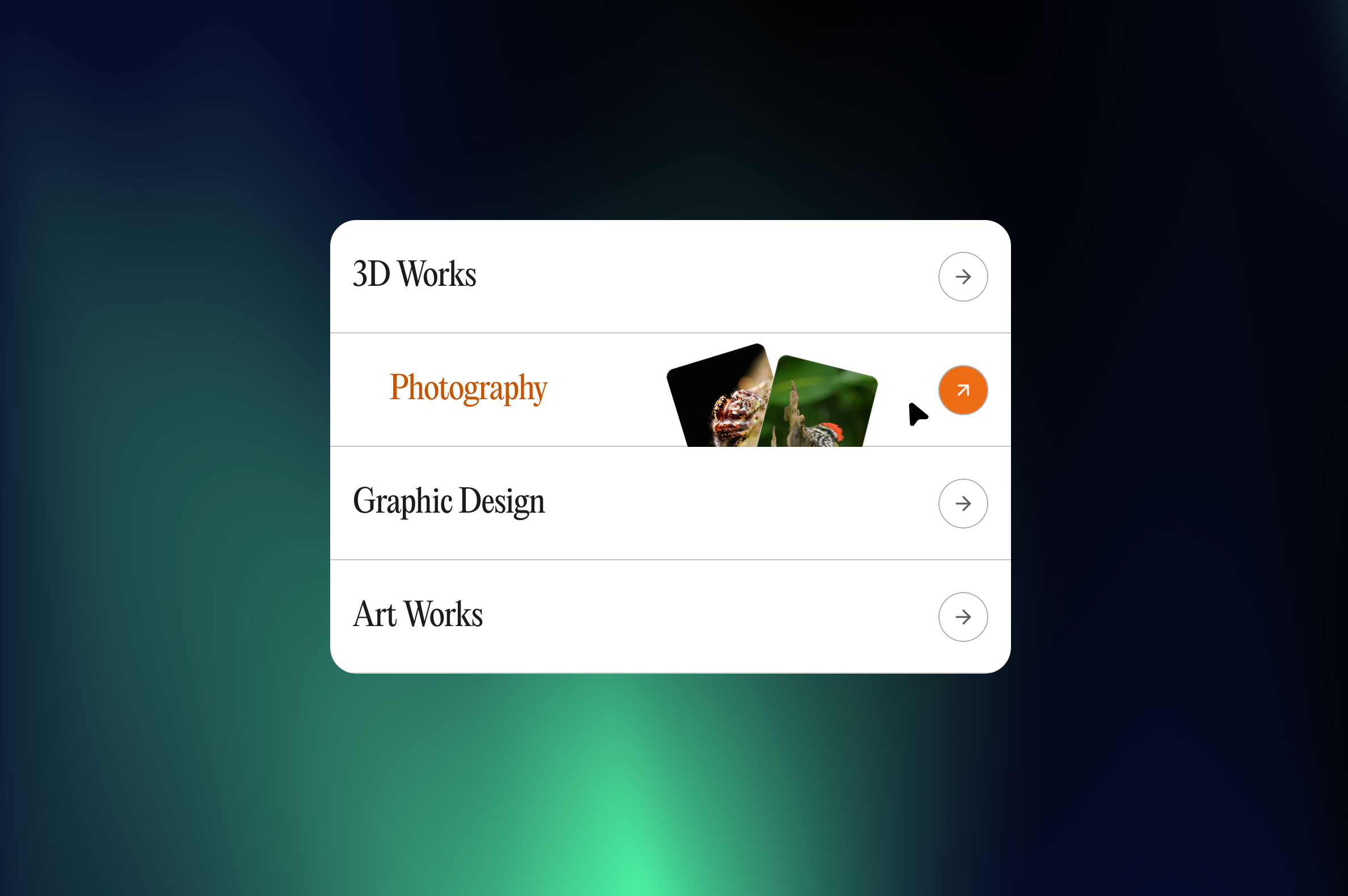
Hover reveals tilting media cards
Description
"Hover a card and two tilted media previews fan out, trailing your cursor. Each slot holds an image or video, your choice, set independently. Mobile locks the previews visibly in place. Customizable title, link, radius, and media per card." Why It's Different Upload an image or a video into the same media slot, no separate control for each. Two slots per card, mixed freely. Nothing else in this category does that. How It Works Add a title, a link, and up to two media files, image or video, either works in either slot. Hover on desktop tilts and trails both previews with the cursor. On mobile, both previews stay permanently visible in a stacked layout, no hover needed. What's Included Free, no-code Framer component, ready to drop in Desktop and mobile layouts, both included Same-slot image or video upload, auto-detected Title, link, and corner radius controls
Introduction
Hover reveals tilting media cards
Rank history
Daily rank per list, from the first snapshot — lower is better.
- All · #2170