component
TimeBox
By Hamim Reza
Details
- Hamim RezaAuthor
- componentType
- 2026-08-29Published
- 2026-08-29Updated
- 2026-08-29Added
- InteractiveCategories
Summary
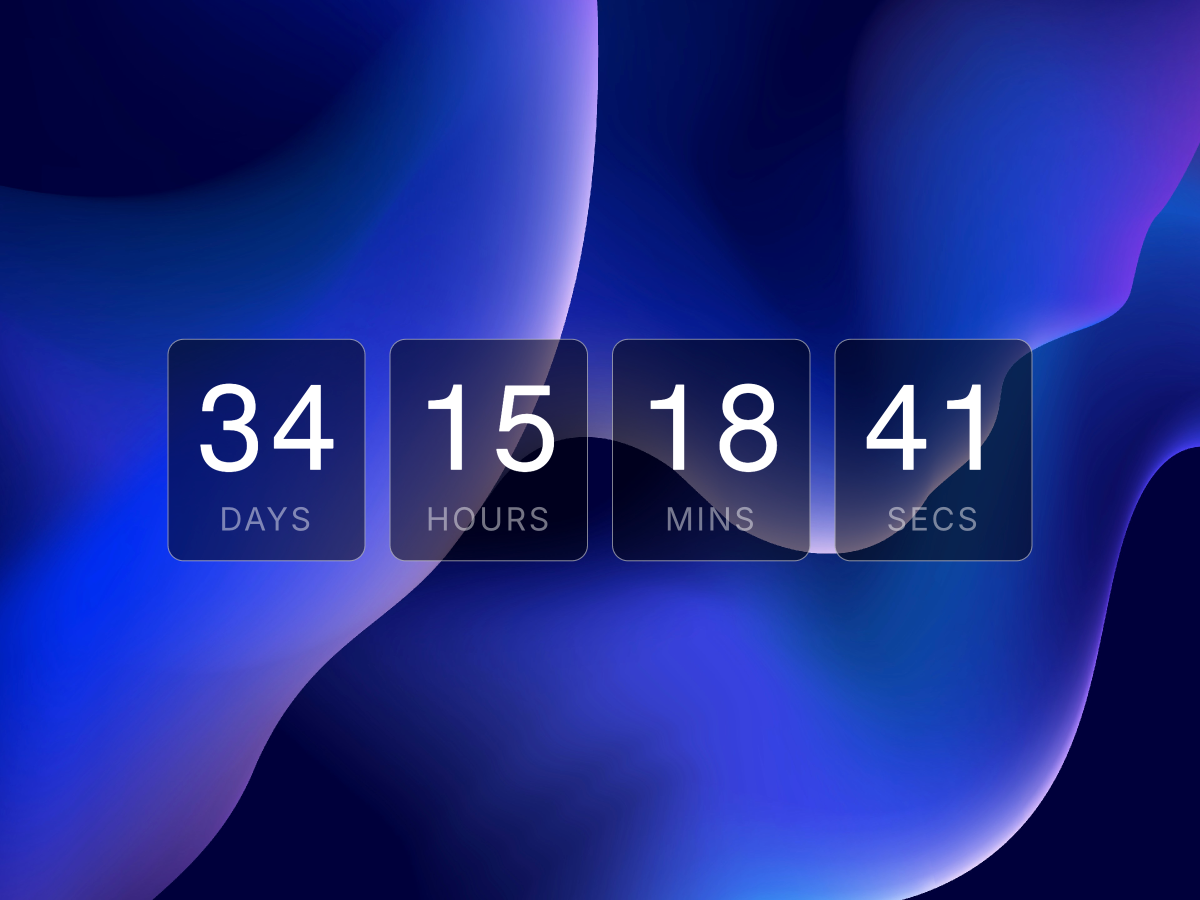
TimeBox is a clean, boxed countdown timer for Framer, counting down days, hours, minutes, and seconds to any target date, built for product launches, event pages, and limited-time…
Description
TimeBox is a clean, boxed countdown timer for Framer, counting down days, hours, minutes, and seconds to any target date, built for product launches, event pages, and limited-time offers. Each unit sits in its own bordered box with a tabular-number display and a customizable label underneath, updating live every second and stopping cleanly at zero instead of showing negative numbers. WHAT IT DOES Set a target date and time, and TimeBox counts down in real time across four boxed units: days, hours, minutes, and seconds. Every box is independently styled, background, border, corner radius, and spacing all adjustable, so the timer matches your brand rather than looking bolted on. KEY FEATURES Live countdown to any target date and time, updates every second Four boxed units: days, hours, minutes, seconds, each with custom labels Stops cleanly at zero, no negative numbers or broken display Independent font controls for numbers and labels Adjustable box background, border color, and corner radius Configurable gap between boxes for any spacing preference Static-safe rendering shows sample numbers on the Framer canvas Fully responsive, boxes size to their content automatically Zero third-party dependencies, single self-contained code component Lightweight, pure React state and interval, no animation libraries WHY IT WORKS A countdown timer creates urgency, but only if it fits the page it's on. TimeBox keeps the boxed, tabular-number layout familiar from countdown timers everywhere while giving full control over color, radius, and typography. PERFECT FOR Product launch pages, event registration pages, limited-time sales, webinar countdowns, and any Framer site that wants urgency around a specific date. WHAT'S INCLUDED A single drop-in code component. Set your target date, customize labels, and tune colors, fonts, radius, and spacing through property controls. Drop it in, set your date, and let the countdown build urgency.
Introduction
Clean countdown timer for Framer
Rank history
Daily rank per list, from the first snapshot — lower is better.
- All · #1945