component
Timed Page Navigator
By Alt3Studio
Details
- Alt3StudioAuthor
- componentType
- $3.00Price
- 2026-08-29Published
- 2026-08-30Updated
- 2026-08-29Added
- InteractiveCategories
Summary
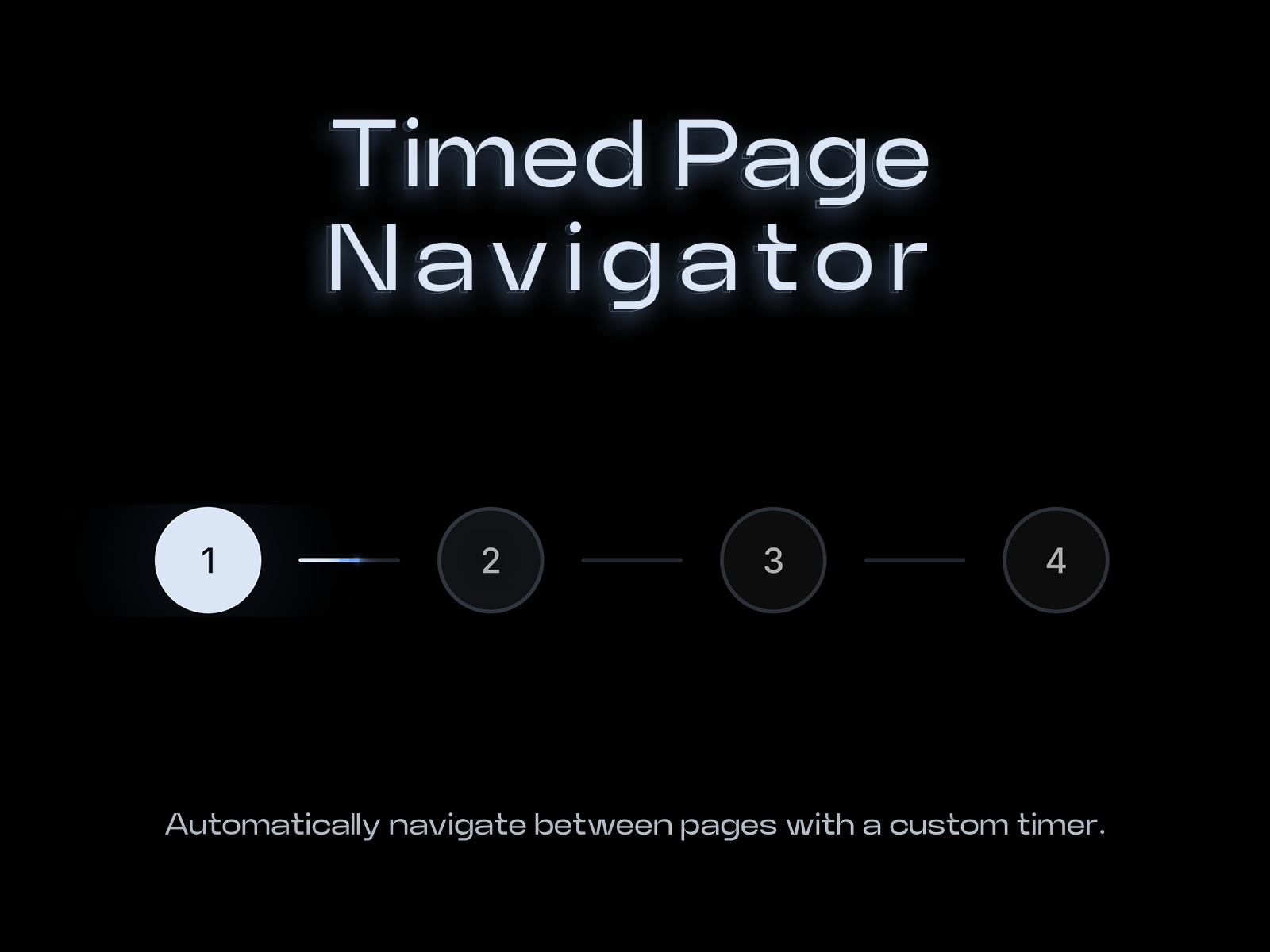
Timed Page Navigator lets you create automated journeys through your website by moving visitors between pages at precisely defined intervals.
Description
Automatically navigate between pages with a custom timer. Timed Page Navigator lets you create automated journeys through your website by moving visitors between pages at precisely defined intervals. Set a different duration for every page, choose how navigation looks, let visitors move manually, or hide the navigation entirely and let the experience run quietly in the background. No complicated setup. Add the component, configure your pages, set your timing, and publish. Key Features Custom Timing — Set an individual duration for every page. Automatic Page Navigation — Move visitors between actual pages automatically, creating a continuous, timed experience. Manual Navigation — Visitors can jump to any page at any time. Custom Labels — Use numbers, page names, or any labels you want. Four Navigation Styles — Choose between Linear, Circular, Square, or Hidden navigation styles. Hidden Mode — Remove the navigation completely while keeping the automatic page timer running. Progress Indicator — Show visitors exactly how much time remains before the next page. Custom Blink & Motion — Control blinking behavior, progress speed, and visual intensity. Custom Colors — Match the navigator to your site's visual identity. Loop or Stop — Choose whether the sequence continuously loops or ends after the final page. Built for Real Page Experiences This isn't a slideshow or carousel. Timed Page Navigator works with actual website pages, allowing you to create timed presentations, guided journeys, automated portfolios, product showcases, storytelling experiences, and other page-to-page interactions. Use the visible navigation when visitors should have control. Hide it when the experience should simply flow. Getting Started Add the component to your project, define your page sequence, set the duration for each page, choose your navigation style, and publish. Support For support, custom requests, or enquiries: contact@alt3studio.com Configure it once. Let your pages do the rest.
Introduction
Automatically Change Pages by Time
Rank history
Daily rank per list, from the first snapshot — lower is better.
- All · #6970