component
Timer Widget
By Omer Mirza
Details
- Omer MirzaAuthor
- componentType
- 2026-08-09Published
- 2026-08-09Updated
- 2026-08-09Added
- InteractiveCategories
Summary
Timer Widget is a responsive countdown timer for focused work, workouts, routines, and launches.
Description
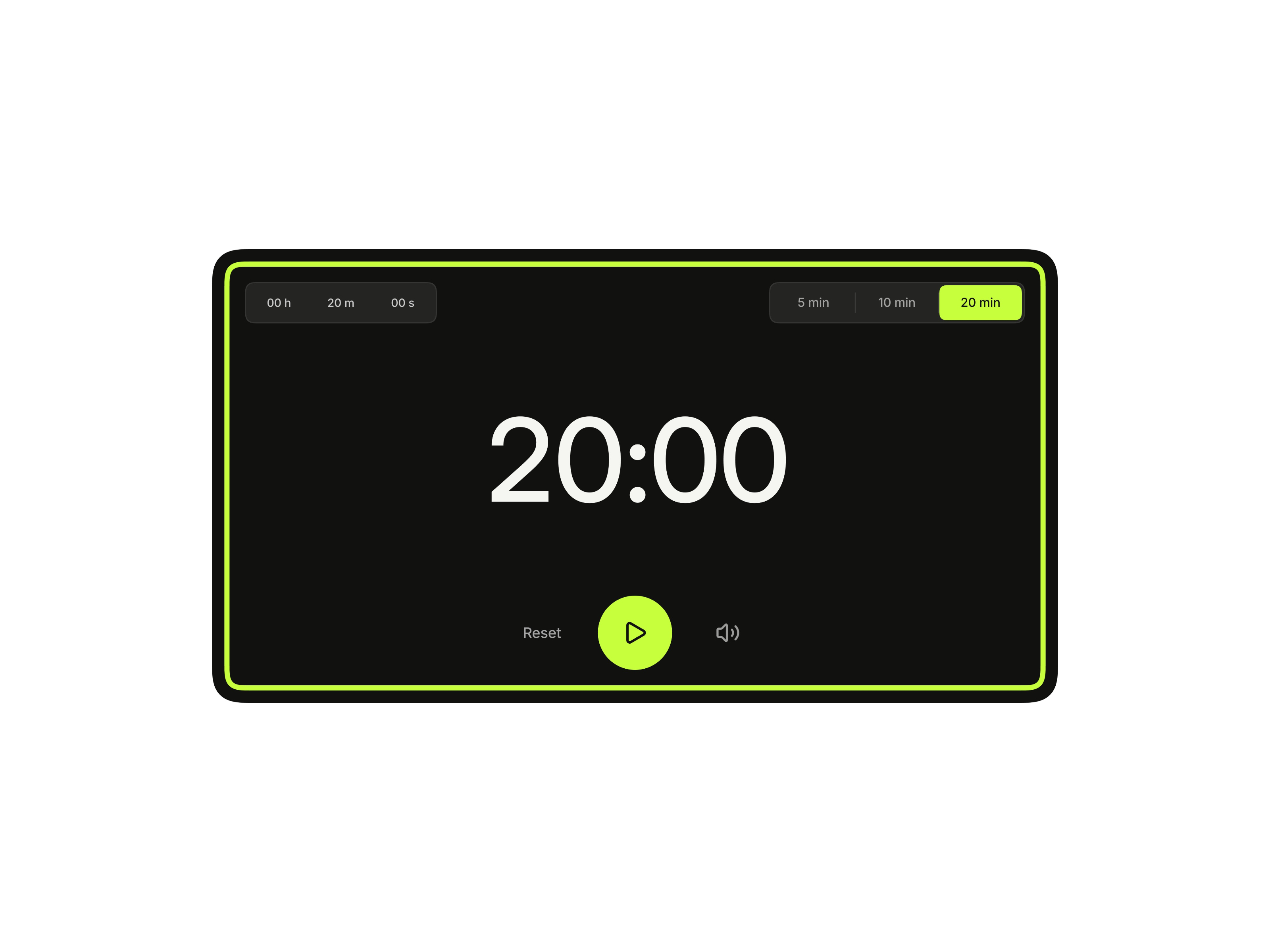
Timer Widget is a responsive countdown timer for focused work, workouts, routines, and launches. Its crown-style duration control replaces a conventional dropdown. Drag or scroll through the hour, minute, and second fields, or focus a field and type the exact value you need. How It Works Start with the built-in 5, 10, or 20-minute presets, or create a custom duration. The main display updates immediately, while recently selected times replace the presets for quick reuse. Use the central control to start, pause, or resume. Reset returns the widget to its original state, and the speaker control mutes or enables the alert. When time runs out, the interface clears into a focused alarm state with a large Stop button and a repeating completion sound. Design and Motion A large display, compact controls, Inter typography, matched corner radii, and a squircle-inspired silhouette create an Apple-influenced hierarchy. The progress trail begins at the top center and moves clockwise. Minimal transitions keep scrubbing, presets, and state changes consistent. Dark mode pairs a near-black surface with acid lime. Light mode uses warm off-white surfaces with an orange accent. Responsiveness Dedicated desktop, tablet, and phone layouts adjust the composition, spacing, controls, and type scale rather than simply shrinking the desktop design. Light and dark appearances are included at every size. Great For Productivity tools, workouts, launch countdowns, dashboards, landing pages, portfolios, and Framer templates. Questions & Support Reach out any time via x.com or email at contact@omermirza.com .
Introduction
Responsive Timer With Presets
Rank history
Daily rank per list, from the first snapshot — lower is better.
- All · #2048