component
Toggle Button
By Dilshodbek Kholmuminov
Details
- Dilshodbek KholmuminovAuthor
- componentType
- 2026-06-17Published
- 2026-06-25Updated
- 2026-06-17Added
- ButtonsCategories
Summary
A polished 3D toggle button for Framer with a realistic depth-rotation animation.
Description
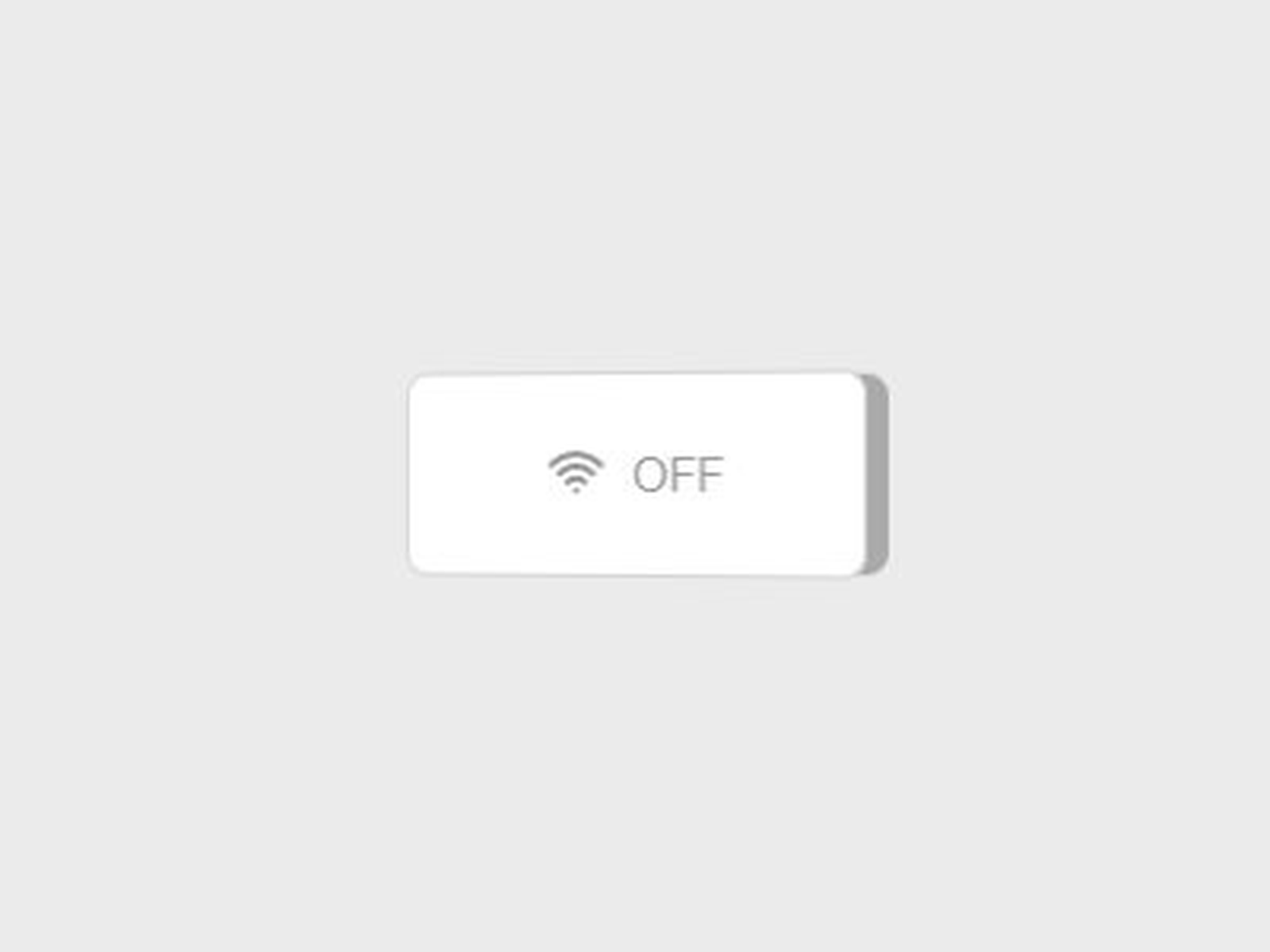
A polished 3D toggle button for Framer with a realistic depth-rotation animation. Fully customizable through the property panel — no coding required. Features: - 12 built-in icons (Wi-Fi, Bluetooth, Bell, Moon, and more) - 8 accent colors (Amber, Blue, Sky, Green, Pink, Purple, Orange, Red) - 4 shapes: Square, Pill, Icon-only square, Icon-only circle - Light and dark theme support - Adjustable 3D depth via slider - onChange callback for code overrides How to install: 1. Open Assets → Code → New Component in Framer 2. Paste the component code 3. Drag onto canvas and customize via the property panel
Introduction
3D toggle with depth animation
Rank history
Daily rank per list, from the first snapshot — lower is better.
- All · #6013