component
Vector Editor
By designbydeke
Details
- designbydekeAuthor
- componentType
- $7.00Price
- 2026-07-08Published
- 2026-07-08Updated
- 2026-07-08Added
- InteractiveCategories
Summary
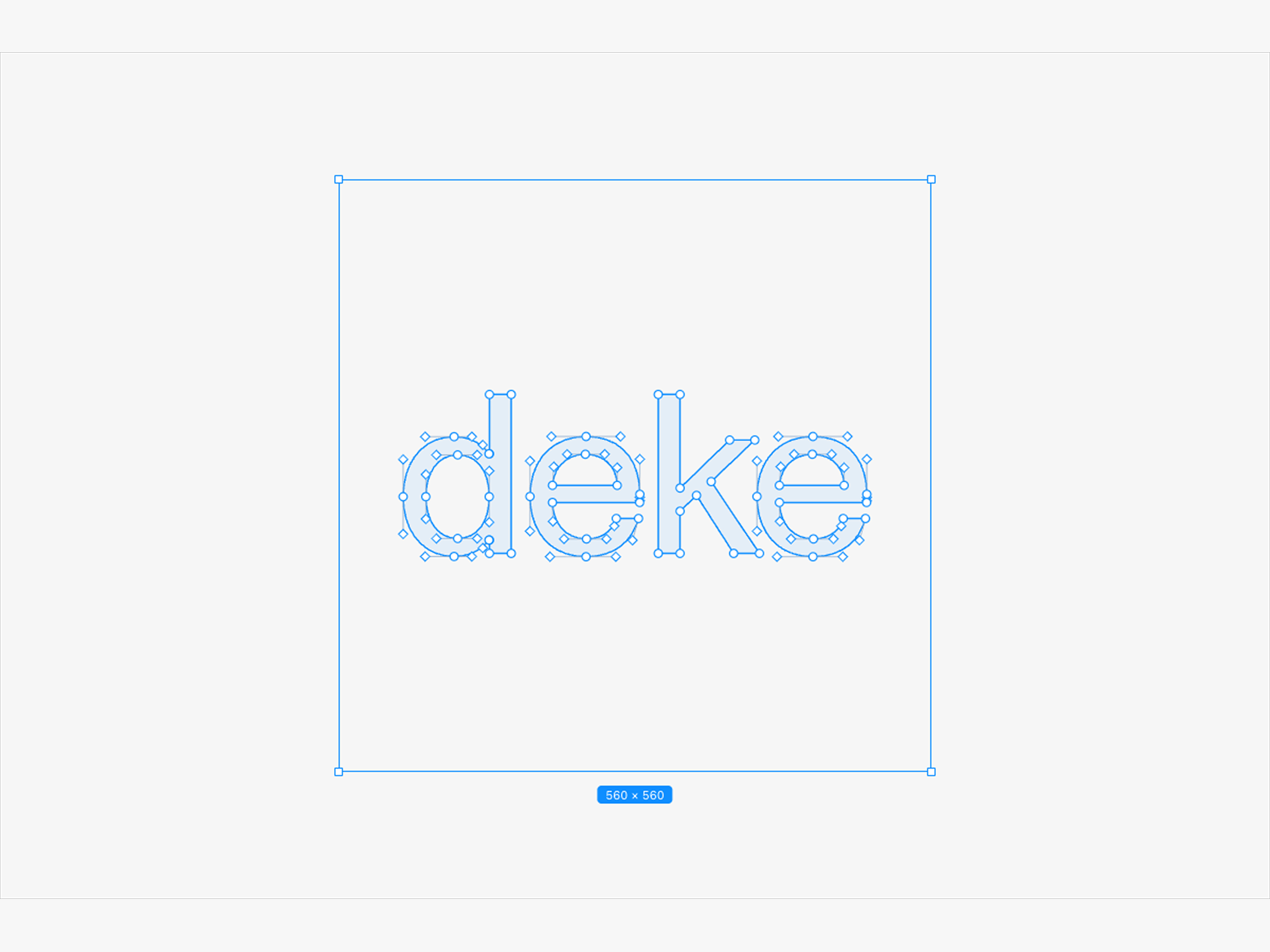
Vector Editor turns any SVG path into a live, draggable shape right inside Framer — drag anchor points to move them, drag bezier handles to bend curves, and watch a Figma-style…
Description
Vector Editor | Figma-Style Bezier Point Rig [ Live Preview ] Vector Editor turns any SVG path into a live, draggable shape right inside Framer — drag anchor points to move them, drag bezier handles to bend curves, and watch a Figma-style blue selection box with a live size badge track every edit in real time. What you will get after purchase: - Live bezier rig — drag anchors to move a shape, drag handles to bend its curves -Mirrored handles — smooth curves by default, hold Alt to break into sharp corners -Point count control — resample any shape to exactly N evenly-spaced points -Figma-style selection chrome — animated blue border, corner handles, live W×H badge -Multi-subpath support — shapes with holes render correctly via fill-rule control -Fully responsive — scales to any frame size on canvas, no fixed pixel sizing -Live path output — see the edited d string update as you drag, ready to copy -Native color pickers — accent, fill, and stroke color straight from the panel -FREE lifetime updates Important Information: License : Use this component for unlimited personal and commercial projects. One purchase, yours to keep. Support : Have questions or need help setting it up? Reach out anytime. - Email: designbydeke@gmail.com - X (formerly Twitter): https://x.com/designbydeke
Introduction
Drag points, bend curves, edit SVG
Rank history
Daily rank per list, from the first snapshot — lower is better.
- All · #6360