component
Video Bento Box
By Framer-Expert
Details
- Framer-ExpertAuthor
- componentType
- 2026-07-14Published
- 2026-09-14Updated
- 2026-07-14Added
- GalleriesCategories
Summary
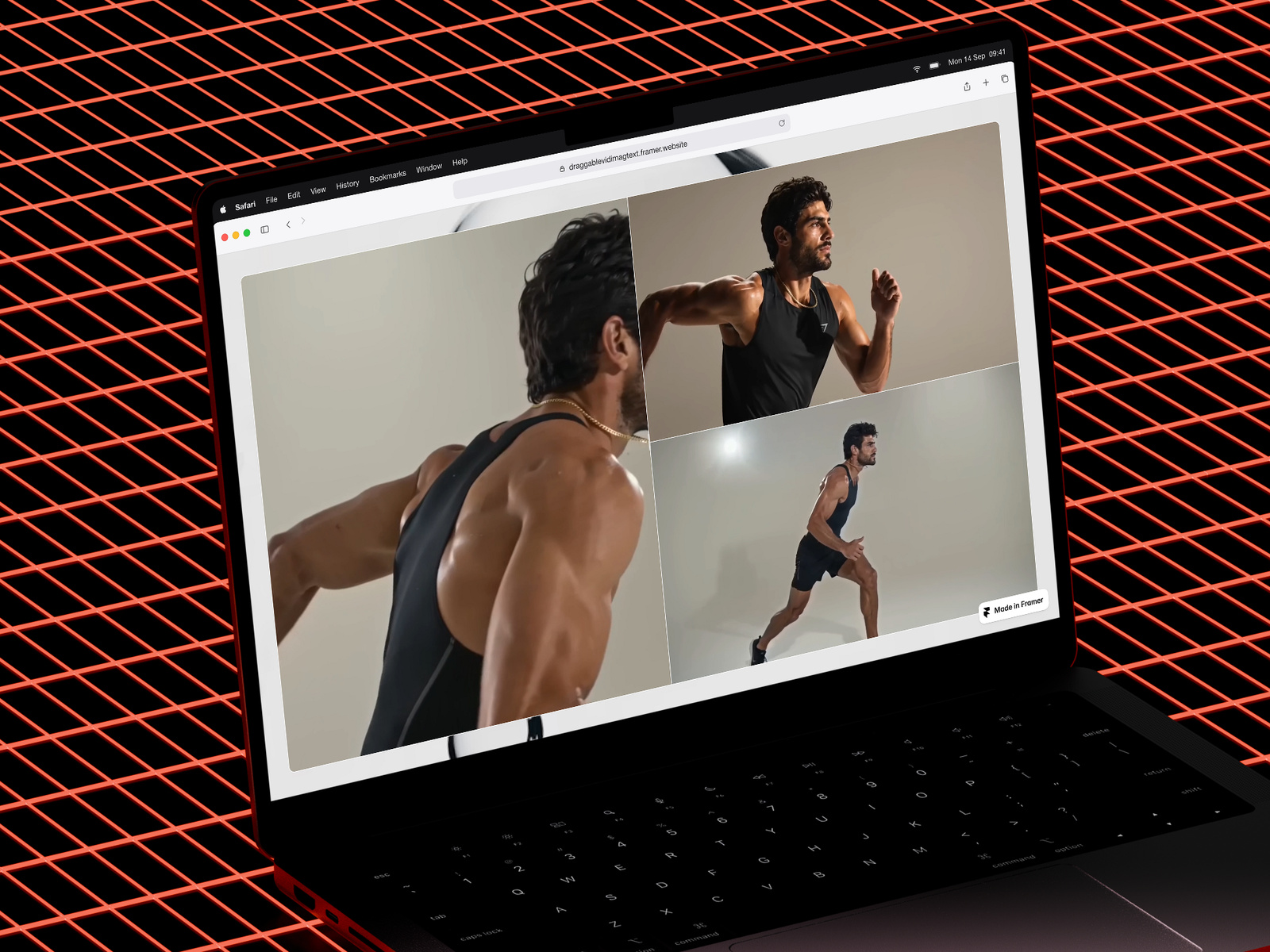
A resizable video bento box
Description
Transform static layouts into interactive experiences. Let your visitors drag, explore, and discover your content. Overview A drag-to-resize panel component that turns passive viewers into active explorers. Create 2 or 3 panel layouts where visitors control the split — perfect for comparisons, portfolios, and feature showcases that demand attention. Features Drag-to-resize panels with smooth, responsive interactions 2 or 3 panel configurations Horizontal and vertical layout directions Nested panel support for complex layouts Image, video, and component support per panel Text overlays with optional mask/knockout effect Customizable gap, border radius, and colors Auto-hide panels when dragged to edge Video autoplay, loop, and mute controls Works on desktop (mouse interactions) Use Cases Before/after comparisons Portfolio and case study showcases Feature and product comparisons Interactive dashboards Pricing tier breakdowns Image galleries with captions Video presentations Customization All settings available directly in Framer's UI — no code required. Adjust panel sizes, colors, content types, text positioning, and more from the properties panel.
Introduction
A resizable video bento box
Rank history
Daily rank per list, from the first snapshot — lower is better.
- All · #6080