component
Video Unlock
By Felipe Carvalho
Details
- Felipe CarvalhoAuthor
- componentType
- $6.00Price
- 2026-07-22Published
- 2026-07-22Updated
- 2026-07-22Added
- ButtonsCategories
Summary
Video Unlock is a Framer code component that puts your call-to-action on a timer the viewer controls with their attention.
Description
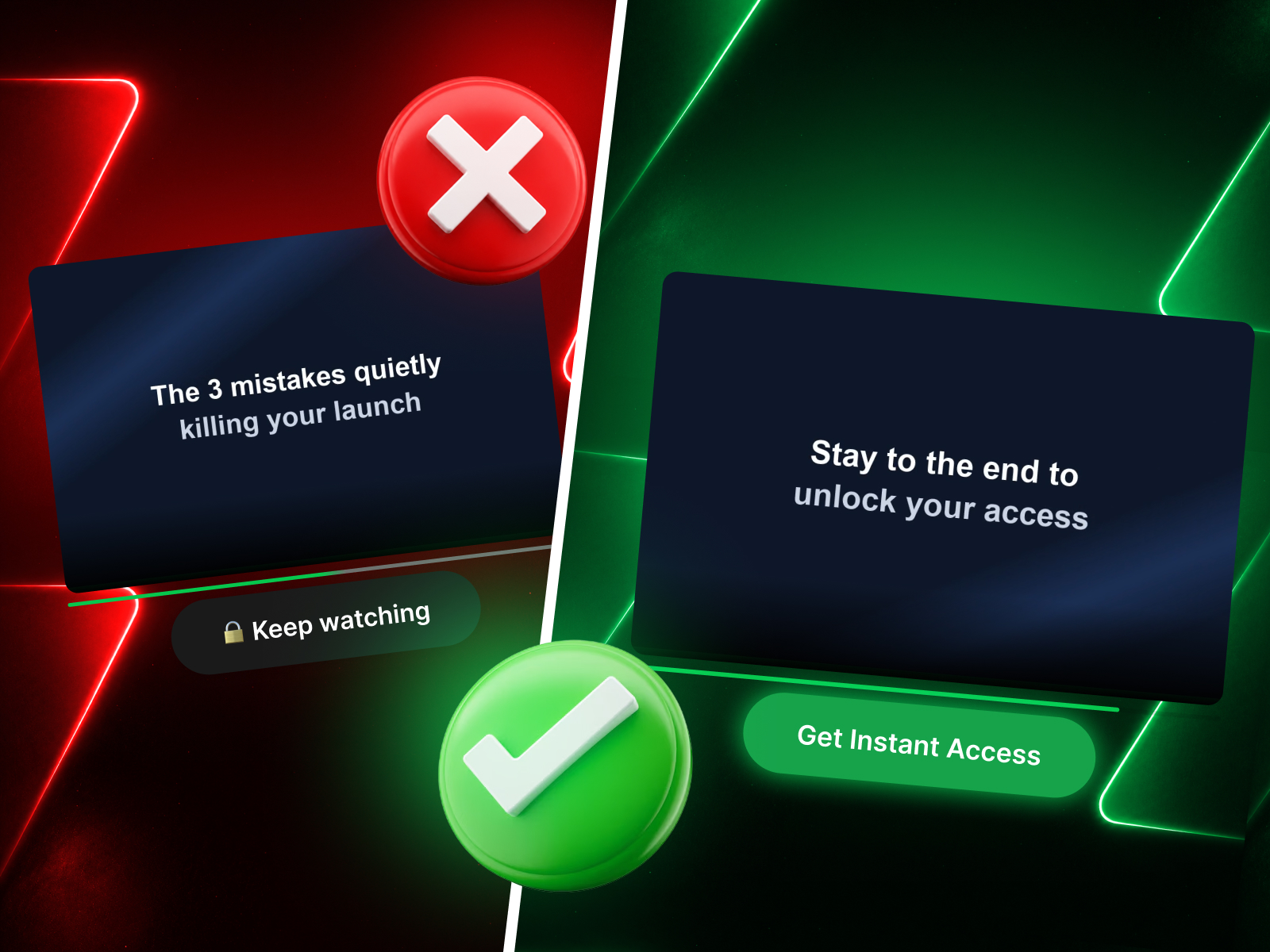
Make people watch before they click. Video Unlock is a Framer code component that puts your call-to-action on a timer the viewer controls with their attention. The button sits below your video in a clearly locked state — dark and unclickable — and only comes alive once the viewer has watched the percentage you choose. When it unlocks, it animates to your "go" color, swaps its label, gains a soft glow, and becomes a real link. It's the exact mechanic behind high-converting video sales letters (VSLs) , course and cohort launches, and webinar replays: the offer button feels earned , not just shown. Instead of hiding your CTA and hoping people scroll, Video Unlock keeps the reward visible the whole time — the viewer watches the button they're working toward. Why it converts The locked → unlocked color change is a visible reward, not a hidden reveal — it pulls the eye the moment it fires. Anti-Skip stops viewers from dragging the scrubber past what they've actually watched, so "watched 65%" means watched. Remember saves progress in the browser, so a returning visitor who already watched enough sees the button unlocked right away. Everything you need, nothing you don't 16 focused controls — no wall of settings. Set your unlock percentage, both button labels ( 🔒 Keep watching → Get Instant Access), both colors, the link, font, radius, and an optional progress bar. Spacing, shadow, and the unlock animation are tuned in and just work. What's inside Self-hosted video player (upload MP4 / WebM / MOV) with optional poster Two-state CTA button — Locked & Unlocked colors and labels Adjustable unlock threshold (1–100%) Anti-Skip — blocks scrubbing past the furthest watched point Remembers progress across visits Optional progress bar with custom color Smooth unlock transition with a subtle "pop" Setup in under a minute Drop it on the page, upload your video, set your unlock percentage, point the button at your checkout link, and match your brand colors.
Introduction
Watch-to-unlock CTA video player
Rank history
Daily rank per list, from the first snapshot — lower is better.
- All · #6645