component
VideoImagePlayer
By Framer-Expert
Details
- Framer-ExpertAuthor
- componentType
- 2026-05-07Published
- 2026-09-14Updated
- 2026-04-25Added
- PlayersCategories
Summary
Smart Media Card for Framer
Description
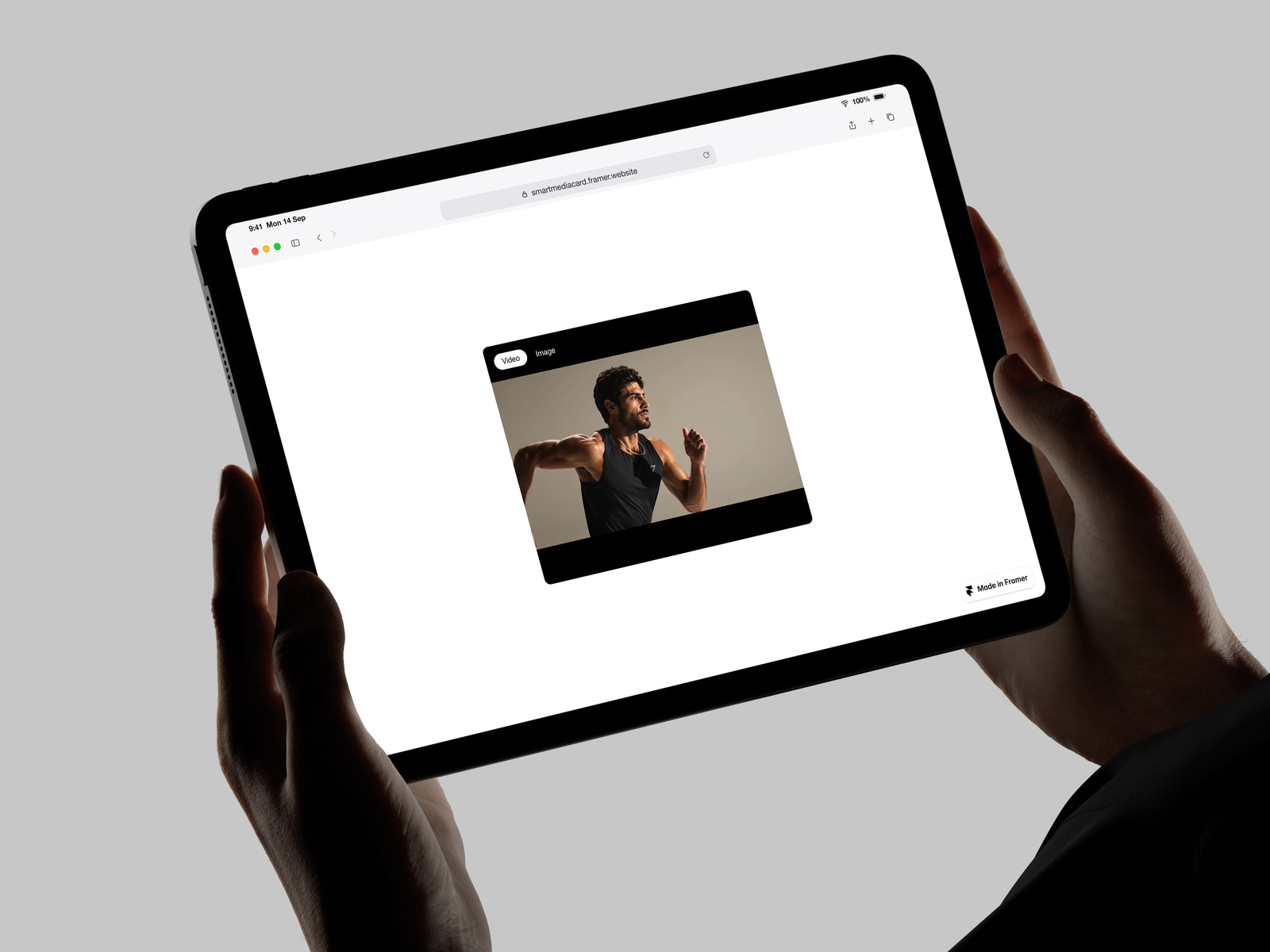
One component, every media source. Drop in a video file, a YouTube link, a Vimeo link, or an image — Smart Media Player figures out what to render. Switch sources without swapping components. What it handles Direct video uploads (MP4, WebM, MOV). YouTube and Vimeo URLs auto-detected and embedded with autoplay, loop, mute, and controls properly wired through. Responsive images with srcSet support. Cover or contain fit. Built for performance No DOM bloat. CSS-driven layout, single media element at a time, no mapped arrays for visual state. Static rendering on canvas and export uses a paused first frame or image thumbnail instead of loading iframes, so your Lighthouse score stays clean. Autoplay that actually works Browsers block autoplay with sound. Smart Media Player starts muted when autoplay is on and surfaces an unmute button — only when needed, never when controls are enabled or when muted is locked on. Optional toggle overlay Turn on a built-in video/image toggle for demo pages or interactive sections. Six anchor positions, pill or icon style, fully themeable. Off by default and hidden from the property panel until you enable it, so production use stays clean. Property controls Mode, video upload, video URL, image, autoplay, loop, muted, controls, fit, radius, plus the full toggle styling kit when enabled. Works with Framer CMS (bind any field to any prop), variants, breakpoints, and effects. Use it as a hero, in a grid, inside a card, or as a standalone block.
Introduction
Smart Media Card for Framer
Rank history
Daily rank per list, from the first snapshot — lower is better.
- All · #6044