Lera
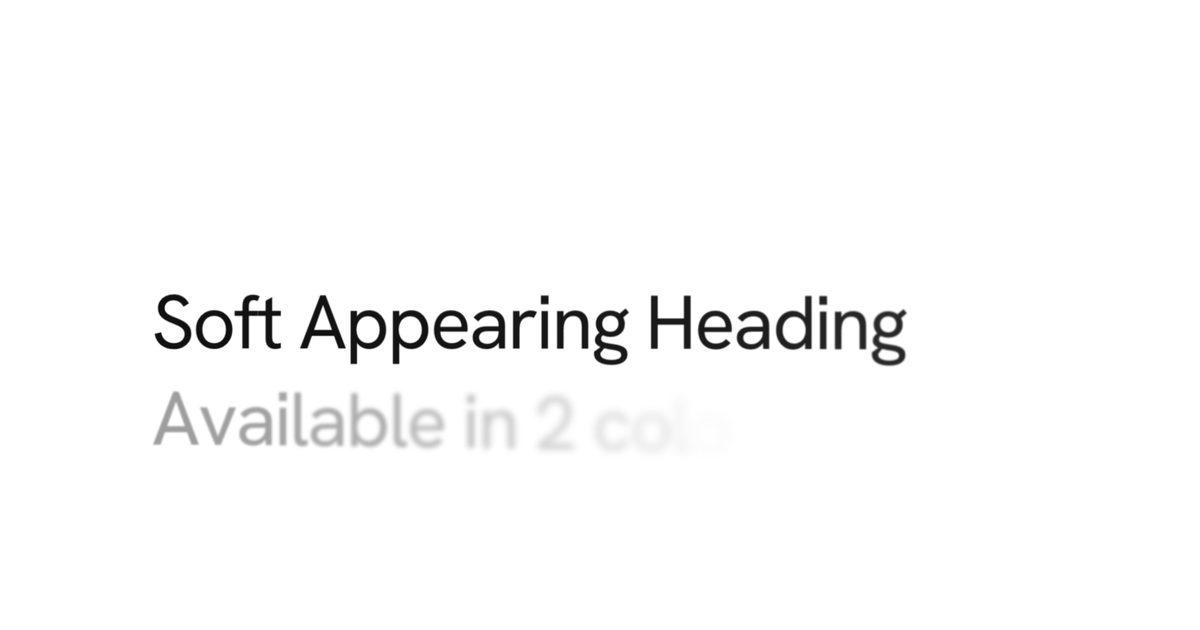
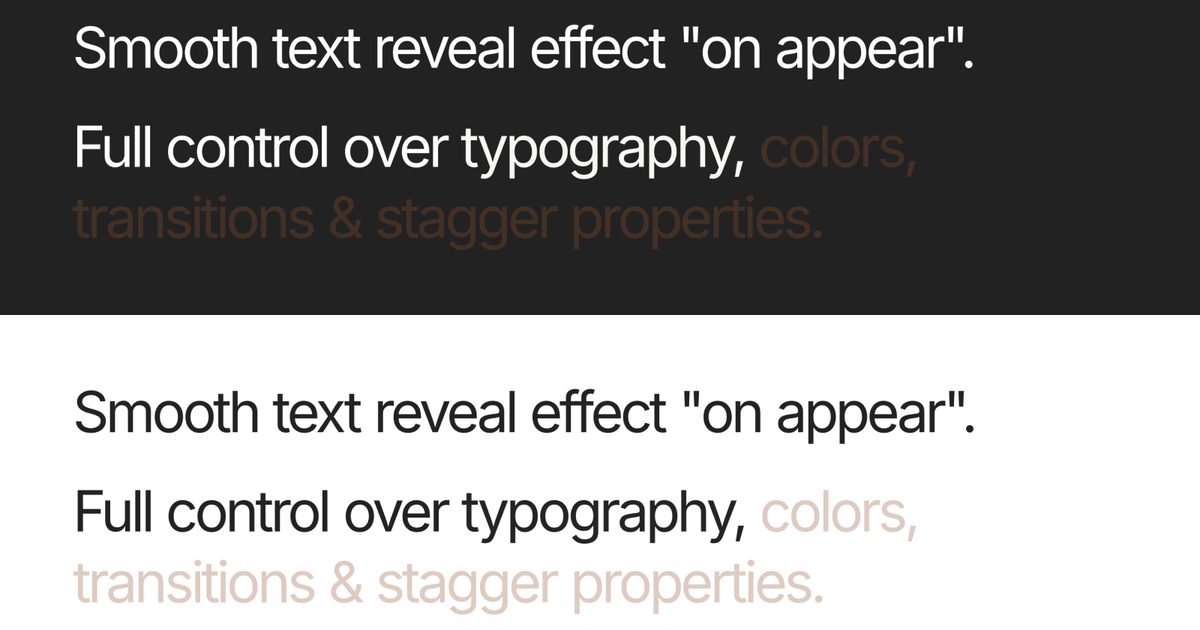
Text Reveal Effect
$4Text reveal effect over "ghost" layer.
Searching…
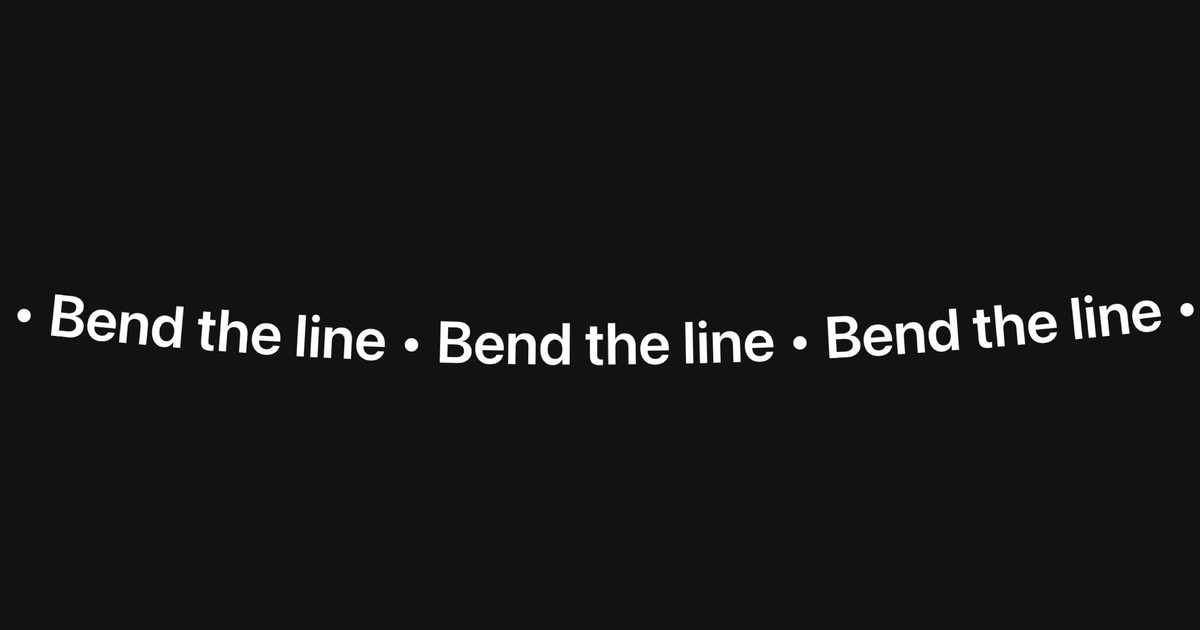
Interactive wavy text marquee
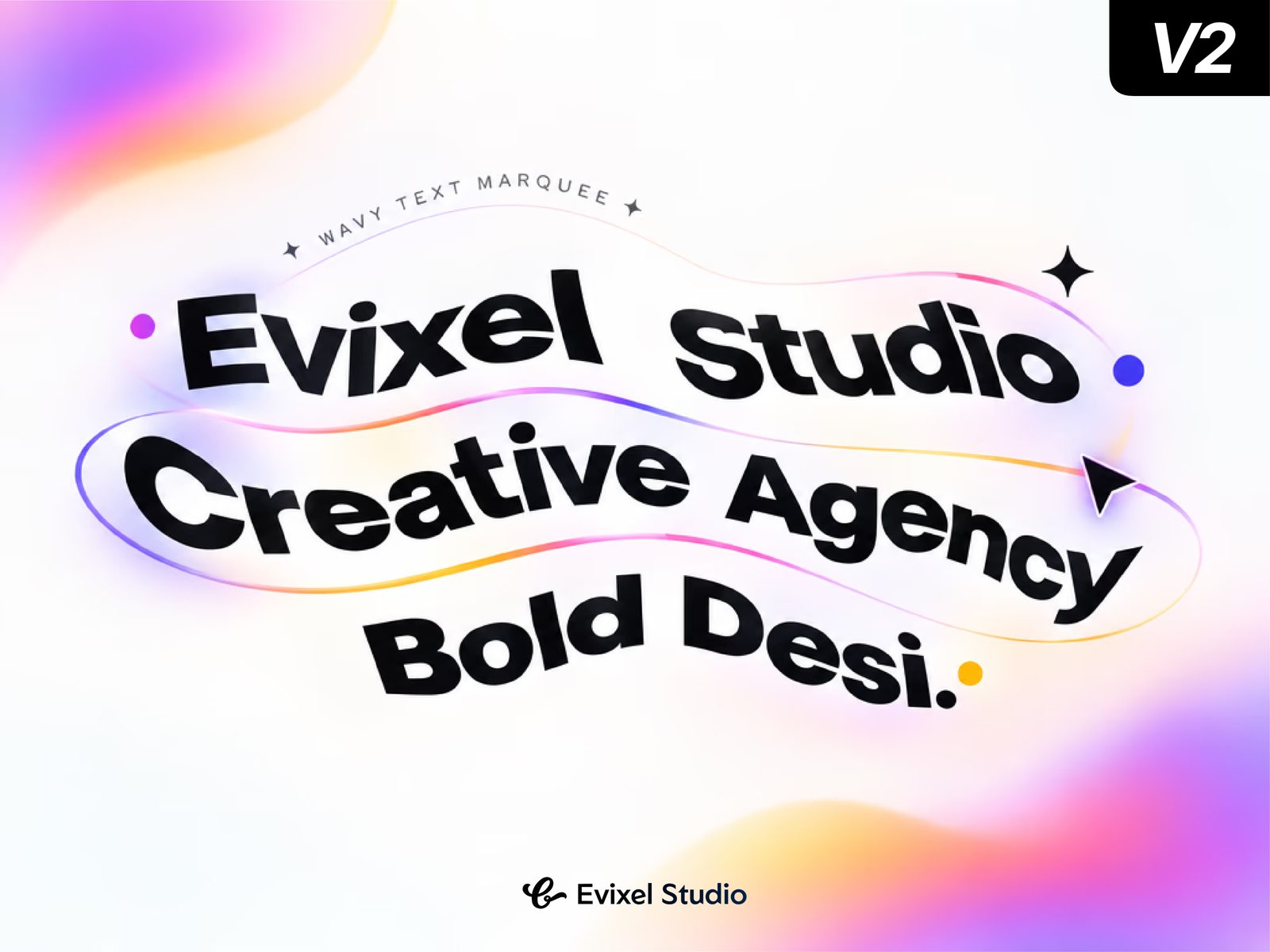
Kinetic wave text with 3D distortion
Wavy Marquee is a Framer code component that turns text into a looping, per-character animated marquee. It scrolls horizontally while each glyph moves through a wave. Use it for hero headlines, tickers, dividers, and creative text sections.
Key Features
Six wave types: Sine, Triangle, Smooth, Elastic, Bounce, Chaos.
Per-character distortion: vertical, horizontal, scale, rotation, skew, 3D, opacity, color shift, blur.
Scroll controls: speed, direction, hover pause/slow/reverse.
Pointer interaction: repel or attract.
Edge fade, separator, gap, padding, uppercase, auto-sizing, emoji-safe text.
Accessible hidden text, static canvas/export rendering, reduced-motion support, offscreen pause.
Text: multiline string.
Font: extended Framer font control.
Appearance: text color, background, case, edge fade.
Layout: gap, separator, padding Y, overflow (Contain/Bleed).
Scroll: speed, direction, hover effect, hover speed, smoothing.
Wave: type, amplitude, wavelength, speed, follows hover.
Distortion: intensity + toggles for vertical, horizontal, scale, rotation, skew, 3D, opacity, color shift, blur.
Pointer: effect (None/Repel/Attract), radius, strength.
Advanced: respect reduced motion, pause offscreen.
Add Wavy Marquee to the canvas, enter your text, and choose a font/color.
Set Scroll speed/direction, then choose a Wave type and tune amplitude/wavelength.
Optional: enable Distortion toggles, hover behavior, or Pointer repel/attract. Place full-width; height auto-adjusts.