component
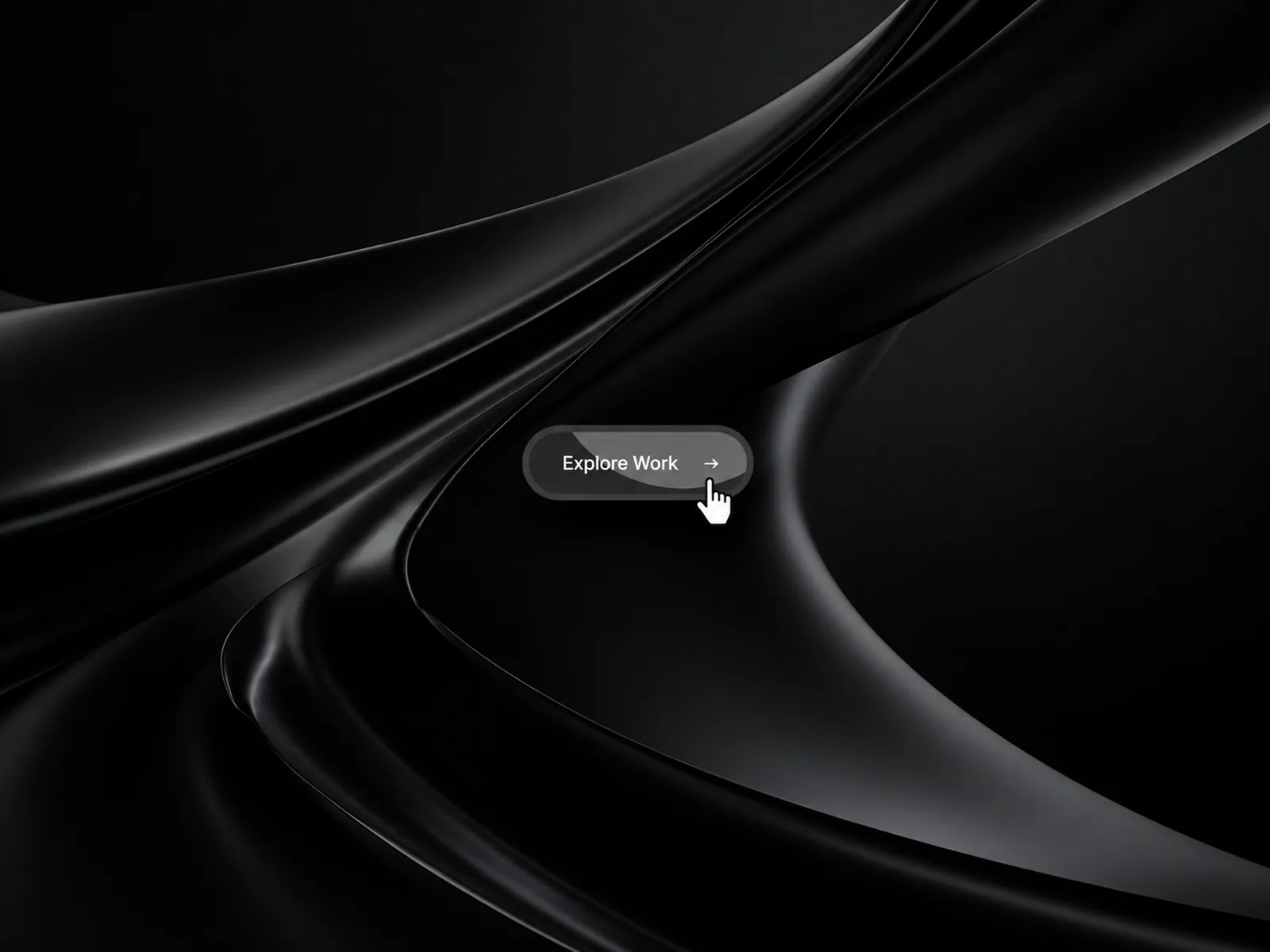
WebX Magnetic Button
By Bode Chris
Details
- Bode ChrisAuthor
- componentType
- 2026-09-07Published
- 2026-09-07Updated
- 2026-09-07Added
- ButtonsCategories
Summary
WebX Magnetic Button responds to cursor movement with smooth magnetic motion, giving buttons a more tactile and premium feel without making them difficult to use.
Description
Turn an ordinary call to action into a small moment of interaction. WebX Magnetic Button responds to cursor movement with smooth magnetic motion, giving buttons a more tactile and premium feel without making them difficult to use. Movement That Feels Natural As the cursor moves around the button, the entire element follows with a smooth spring response. Adjust the magnetic strength and hover scale to create anything from a subtle pull to a more expressive interaction. Icons can also move independently on hover, adding another layer of feedback to arrows, chevrons, plus icons, or your own custom symbol. Style Every Detail Customise the label, typography, text colours, solid or gradient backgrounds, border, outline, corner radius, padding, and shadow directly inside Framer. Add an optional decorative overlay, choose its shape, colour, position, rotation, opacity, scale, and proportions, then connect the button to any page or external link. Key Features • Smooth cursor-based magnetic movement • Adjustable magnetic strength and hover scale • Solid and gradient backgrounds • Custom typography and hover colours • Border, outline, radius, padding, and shadow controls • Arrow, diagonal arrow, chevron, plus, and custom icons • Left or right icon placement • Independent icon hover movement • Optional decorative overlay • Internal and external link support • Responsive mobile containment • Reduced-motion support • Pauses motion work while offscreen • Optimised for Framer canvas and exports Perfect For Hero sections, landing pages, portfolios, product pages, navigation, contact sections, and any call to action that deserves more presence. Built for Framer Every visual and interaction setting is available in the Framer properties panel. No code or external setup required. Add it to your project, connect your link, and make your next call to action feel more alive.
Introduction
A button that follows your cursor
Rank history
Daily rank per list, from the first snapshot — lower is better.
- All · #3326