Tanber
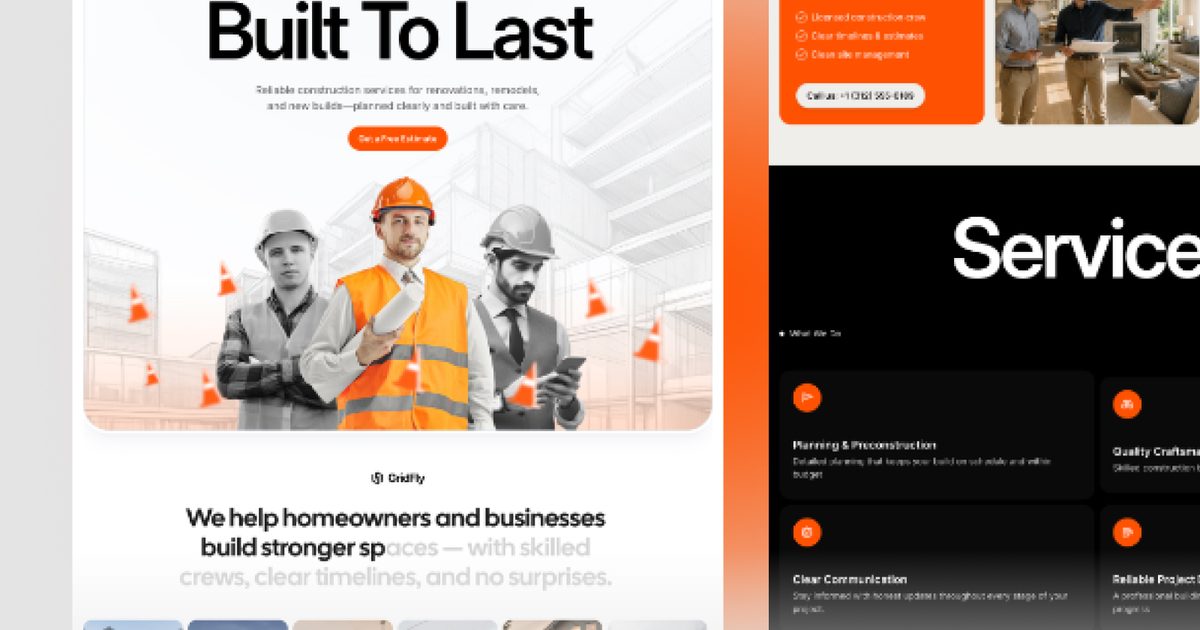
GridFly
FreeLive Preview GridFly is a modern Framer website template for construction companies, general contractors, home builders, remodeling…
Read the fit noteSearching…
Templates by niche
Five free templates for builders and contractors, compared on the project gallery, the services structure, and how a homeowner asks for a quote.
A construction site is judged on the work, then on whether the firm looks organised enough to trust with a house. Projects need context, services need to be specific, and the quote request should not be buried under a menu.
These five are free to remix. Three are lead-generation sites for local contractors, one is built for custom and design-build work, and one is shaped for fencing and outdoor projects.
Our pick for most construction company projects is GridFly. The rest are stronger in specific situations, which the fit notes below explain.
| Template | Best for | Price |
|---|---|---|
| GridFly | Local contractors who need leads, not a brochure | Free |
| Constructal | Custom home builders and design-build firms | Free |
| Modivana | Renovation and remodelling firms | Free |
| Refit | Home improvement and trade businesses on one page | Free |
| Norfolk | Fencing, landscaping, and outdoor construction | Free |
All five are free to remix on Framer at the time of writing. A template that moves to a paid plan drops out of this page; the catalogue never lists paid templates.
Tanber
Live Preview GridFly is a modern Framer website template for construction companies, general contractors, home builders, remodeling…
Read the fit note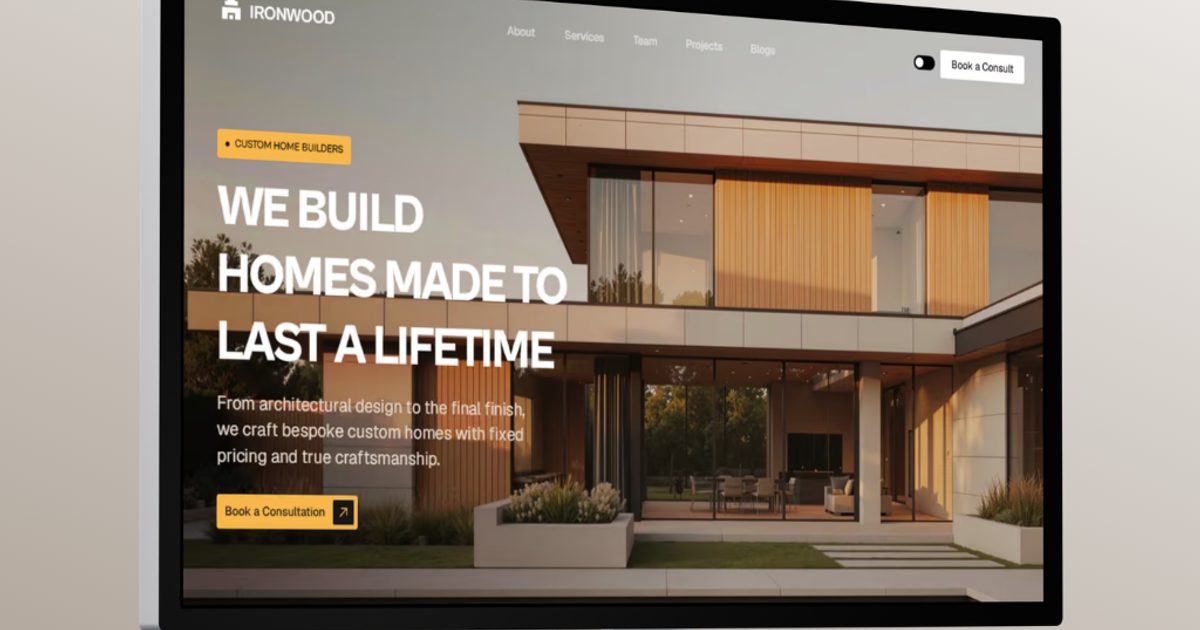
Visuvate Studio
Custom home builder website
Read the fit note
Sodiq Kareem
↗ Live Preview ↗ Get Template for Free ↗ Learn How to Customize Modivana for Your Business Conversion-Based Website Template…
Read the fit note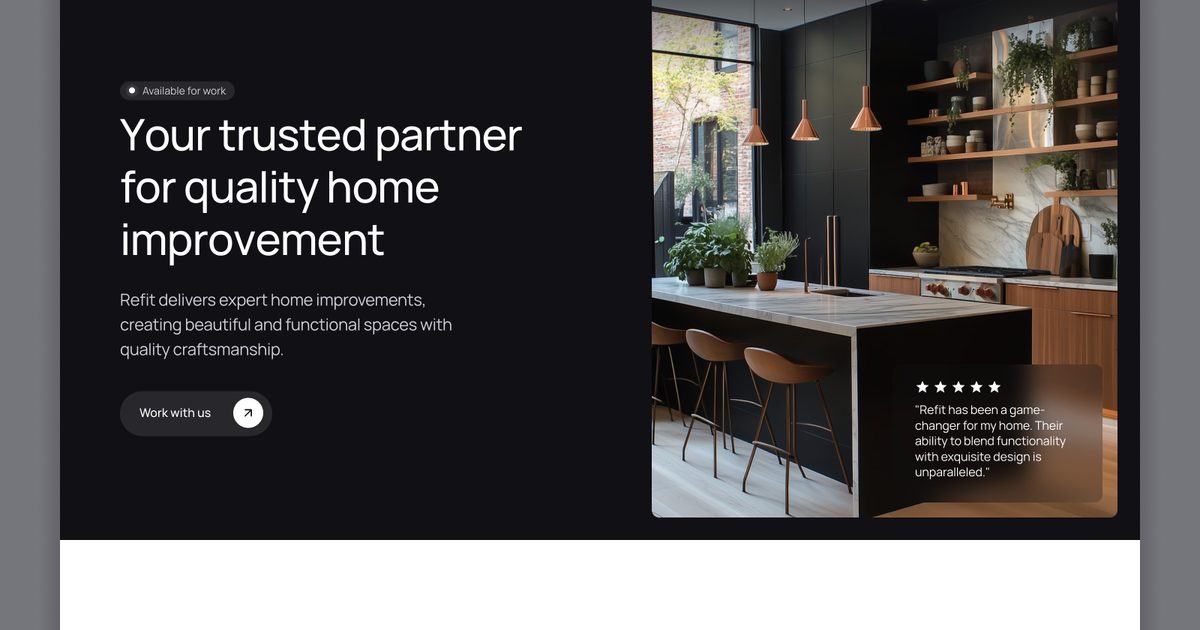
JJ Gerrish
Refit is a modern, high-converting Framer template designed specifically for home improvement companies, contractors, builders, renovators,…
Read the fit note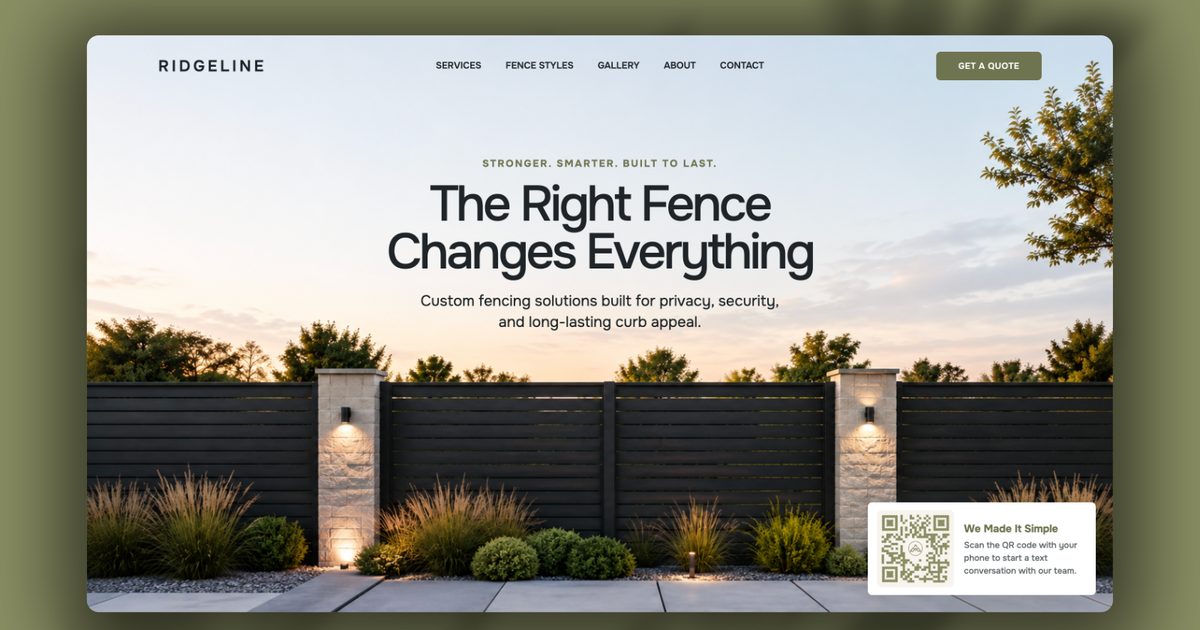
Troy Miller
Norfolk is a premium website template for fence contractors, installers, landscapers, outdoor construction companies, and home service…
Read the fit noteA bold hero, services, project showcase, work process, pricing, testimonials, service areas, FAQ, and a quote form — the full sequence a homeowner walks through before they call. Every section is written to move toward the quote request.
Watch out: No CMS appears in its feature list. Check whether projects and services are editable without touching the layout.
Editorial rather than decorative: restrained typography, real project photography, services with six detail pages, projects with detail pages, team profiles, a blog, and four connected CMS collections.
Watch out: It is aimed at higher-end design-build work. A repair or maintenance contractor may find the structure heavier than the business.
Built around how homeowners compare contractors: services, projects, a process section, and lead capture, with CMS, forms, and sticky elements.
Watch out: The listing funnels to an external “get it free” offer. Check what is actually inside the remix before relying on the extras.
A single high-converting page with services, completed projects, testimonials, and FAQs, positioned for kitchens, bathrooms, loft conversions, and property maintenance.
Watch out: One page means services share space. A firm with several distinct service lines needs the multi-page builds above.
Fence styles grouped by category, a projects gallery, services and gallery CMS collections, process, financing, FAQ, and an estimate form — with a reusable category template for product lines.
Watch out: The niche is outdoor and fencing work. An interior renovation firm would have to reframe the product categories entirely.
Yes. All five are free to remix on the Framer marketplace at the time of writing. Paid templates are excluded from this catalogue.
Yes — a Framer form sends the request to email, a webhook, or a sheet. Estimating, scheduling, and invoicing stay in your trade software.
Basic covers one site on your own domain. Pro is the plan for a project archive with separate service and team collections.
Disclosure: some links on this page are affiliate links. If you subscribe to Framer after following one, we may earn a commission at no extra cost to you. Commissions never change an item's position in a ranking, and no creator can pay to appear in a comparison.