Mahdi Mezelli
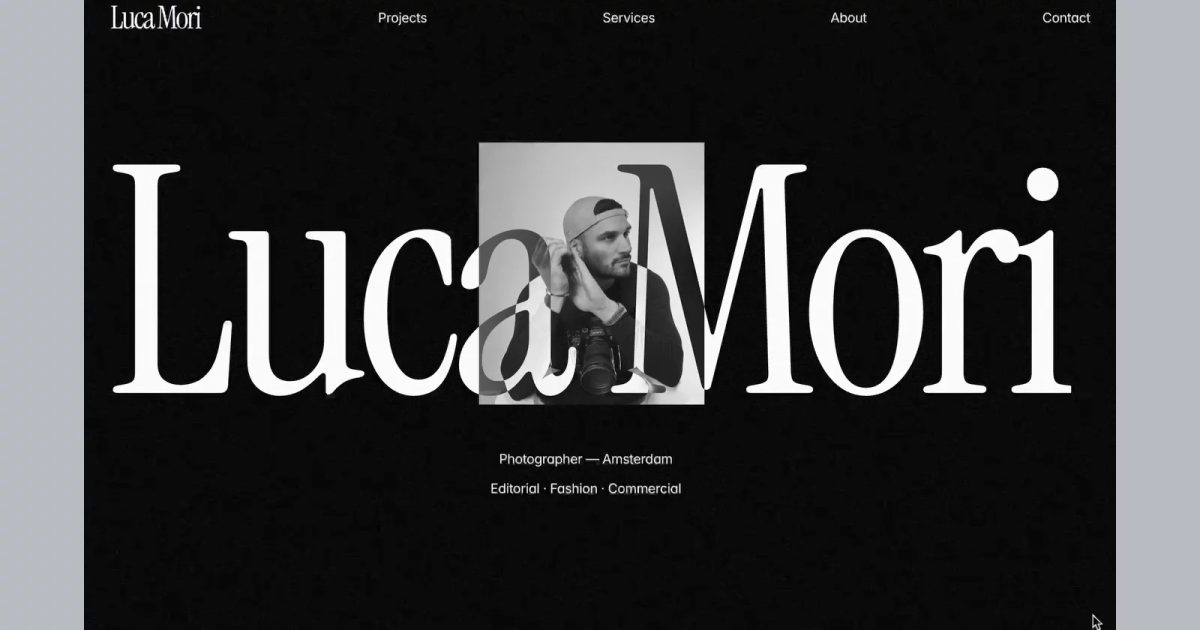
Luca Mori
FreePhotography Portfolio Template
Read the fit noteSearching…
Templates by niche
Five free templates for photographers, compared on gallery behaviour, project structure, and how little the design gets in the way of the work.
Photographers do not need a site that explains itself. They need full-bleed images that load quickly, a project structure that survives a hundred shoots, and an enquiry path that is not buried under three menus.
The five below are free to remix. Two are photography-specific, two are broader creative portfolios that handle photographs well, and one is a very light starting point.
Our pick for most photographer projects is Luca Mori. The rest are stronger in specific situations, which the fit notes below explain.
| Template | Best for | Price |
|---|---|---|
| Luca Mori | Editorial and commercial photographers | Free |
| Porta® | Freelancers and studios showing several media types | Free |
| Rec | Documentary, editorial, and fine-art photographers | Free |
| Hanssen | Minimal personal portfolios with a light and dark mode | Free |
| Studio Gallery | A free, fast first portfolio | Free |
All five are free to remix on Framer at the time of writing. A template that moves to a paid plan drops out of this page; the catalogue never lists paid templates.
Mahdi Mezelli
Photography Portfolio Template
Read the fit note
Ivan Bursky
Porta® is a Framer portfolio template built for freelancers and studios who take their work seriously.
Read the fit note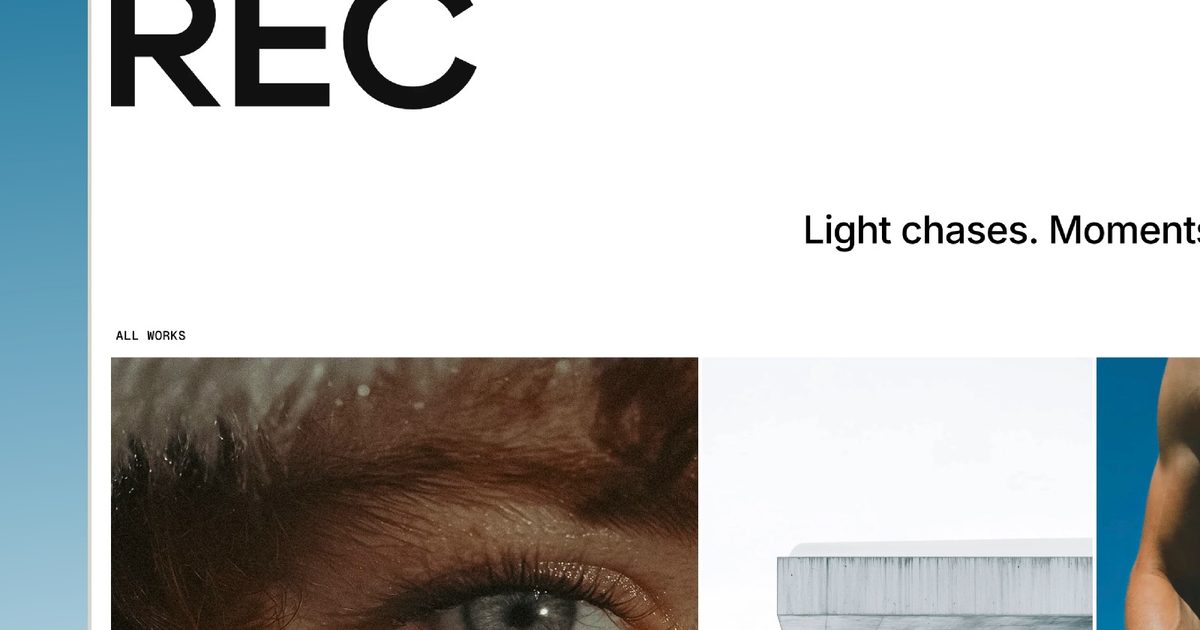
Mickael zimmer
About this Template REC is a light editorial portfolio template — a personal site for creatives who let the work do the talking.
Read the fit note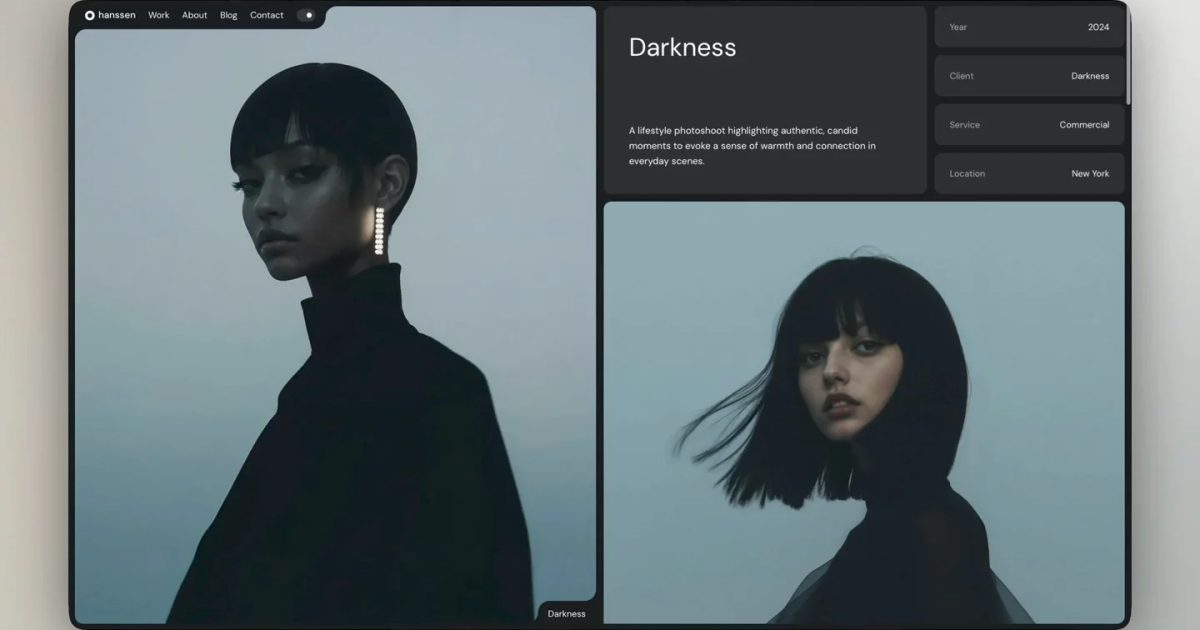
Pawel Gola
Hanssen is a minimal Framer template tailored for personal portfolios, allowing you to display your work in both light and dark modes.
Read the fit note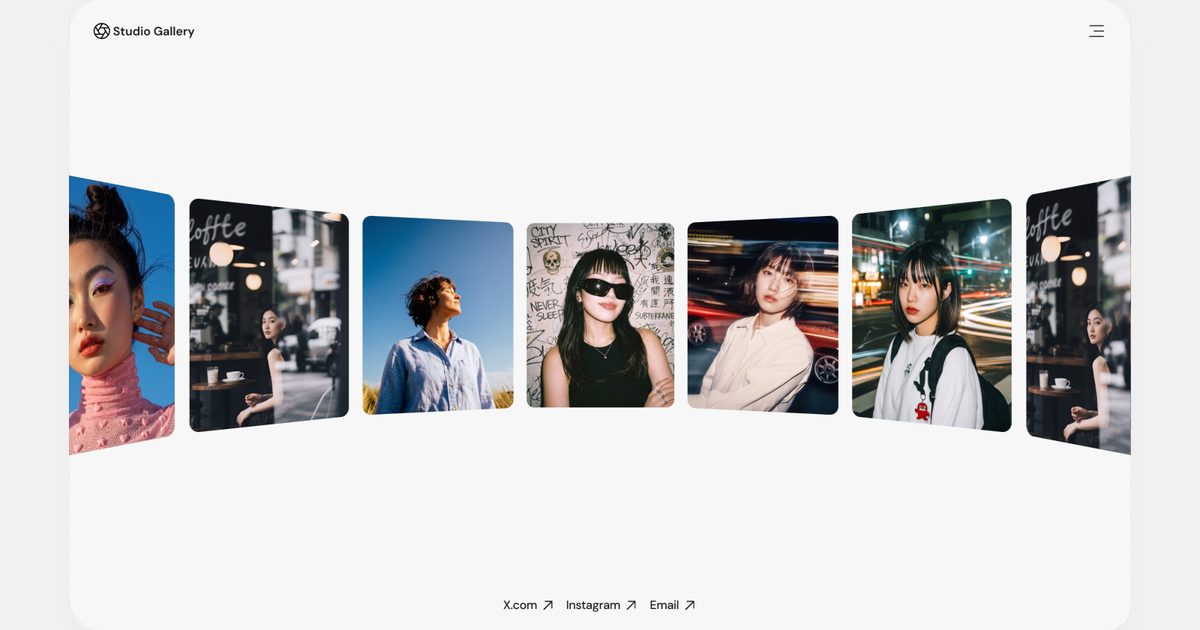
Tushar
Free Framer Photography Portfolio
Read the fit noteA dark, cinematic one-page front end with a full-screen image mosaic, selected work, a client strip, services, and a direct email. Projects live in the CMS with their own case-study pages, shoot details, and multiple image layouts. It ships with real copy, not lorem ipsum.
Watch out: The look is deliberately moody. A bright, airy wedding or family portfolio will fight the palette, and the template will need a real colour pass.
Six pages, CMS projects, category filtering, and native video as well as photography. The minimal frame keeps attention on the work, and the case-study pages give each shoot context.
Watch out: Six pages is the whole site. If you need a journal, client galleries, or a shop, you are adding structure rather than filling it in.
A paper-white editorial portfolio that opens straight into a grid of projects, with full-bleed galleries, quiet metadata, and a press list on the about page. It was shaped with photographers in mind and stays out of the way.
Watch out: The light, print-like aesthetic is the product. It is the wrong starting point if you want dark, high-contrast imagery to carry the site.
A restrained portfolio built to show work in either light or dark mode, which is useful when a photographer shoots both bright and moody sets and does not want one palette imposed on everything.
Watch out: The listing is minimal, so check how projects and galleries are structured before assuming a CMS workflow.
A free photography portfolio with a gallery-first layout and very little to strip out. It is the shortest route from “I need a site” to “the work is online”.
Watch out: The listing gives no feature detail. If you need CMS projects, video, or a journal, start from Porta or Luca Mori instead.
Yes. All five are free to remix on the Framer marketplace at the time of writing. Paid templates are excluded from this catalogue.
Framer is not an ecommerce platform. A portfolio can link to a shop or embed a third-party checkout, but the catalogue and payments live outside Framer.
The CMS does the work: Pro includes 2,500 CMS items and 10 collections, expandable to 40,000 items and 40 collections. A photography portfolio rarely comes close, but a large archive should count items rather than pages.
Disclosure: some links on this page are affiliate links. If you subscribe to Framer after following one, we may earn a commission at no extra cost to you. Commissions never change an item's position in a ranking, and no creator can pay to appear in a comparison.