plugin
AccessBit
By Seattle New Media
Details
- Seattle New MediaAuthor
- pluginType
- 2026-08-27Published
- 2026-09-07Updated
- 2026-06-26Added
- UtilitiesCategories
Summary
AccessBit is a powerful, easy-to-use accessibility widget designed specifically for Framer websites.
Description
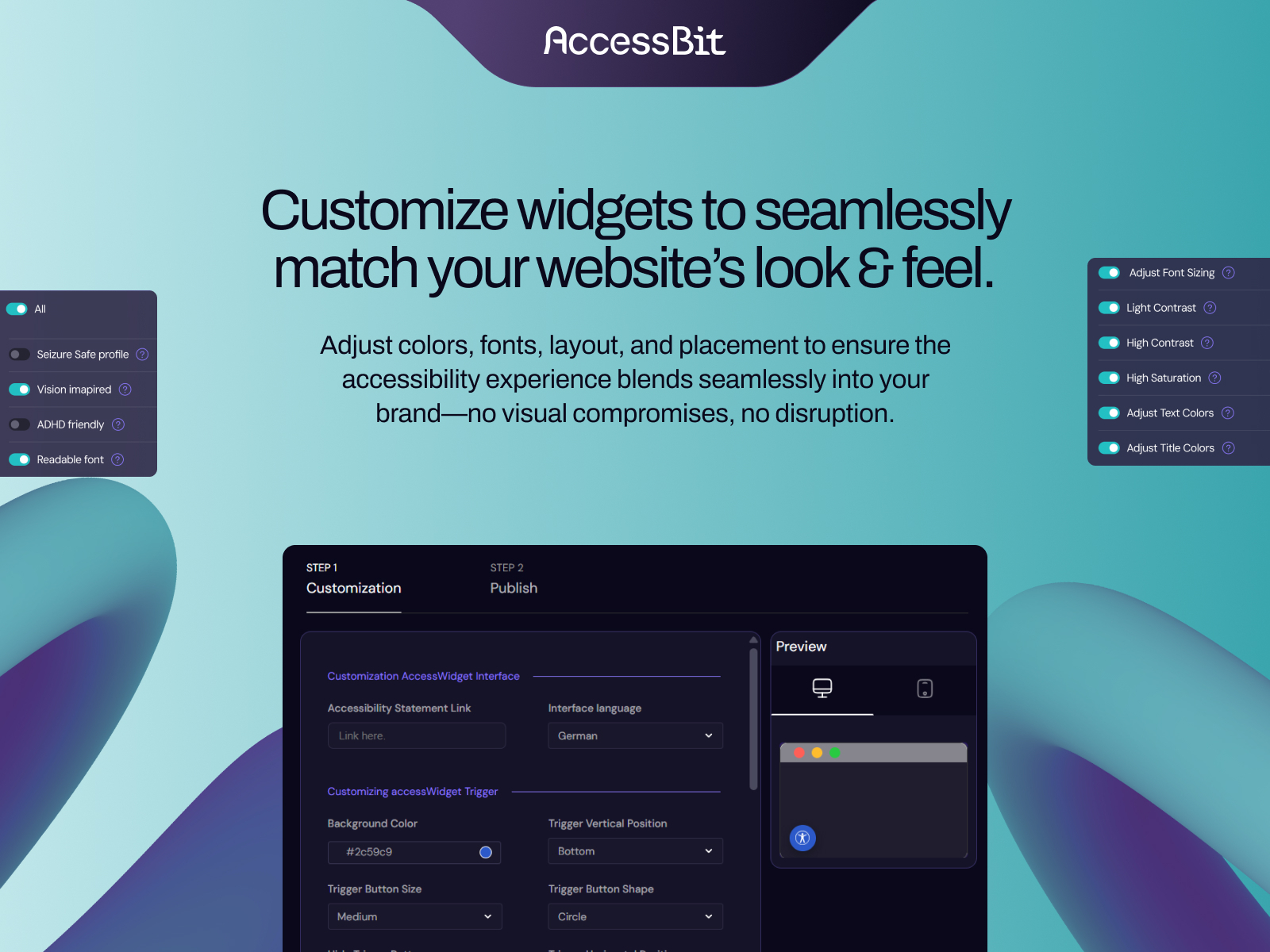
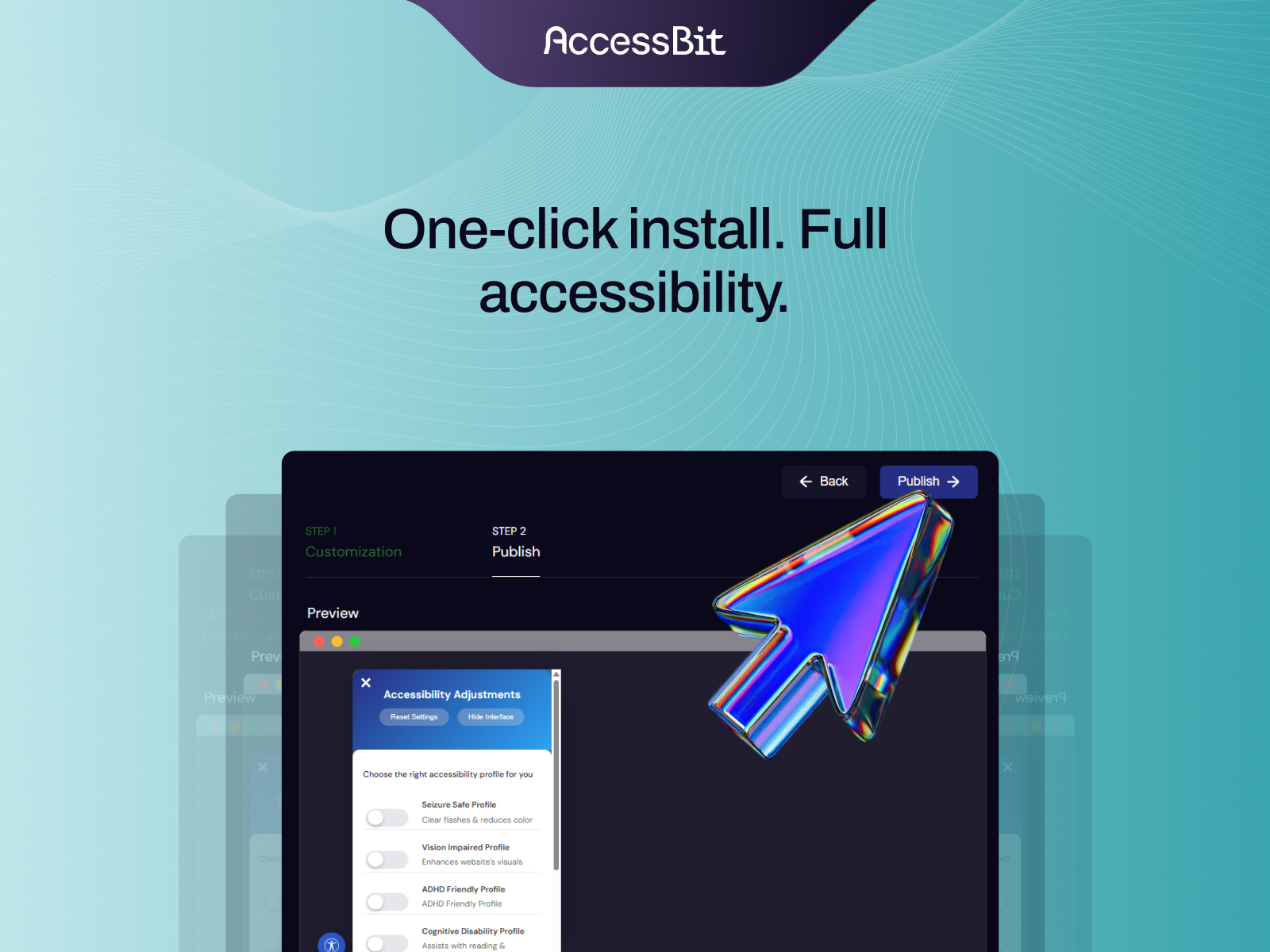
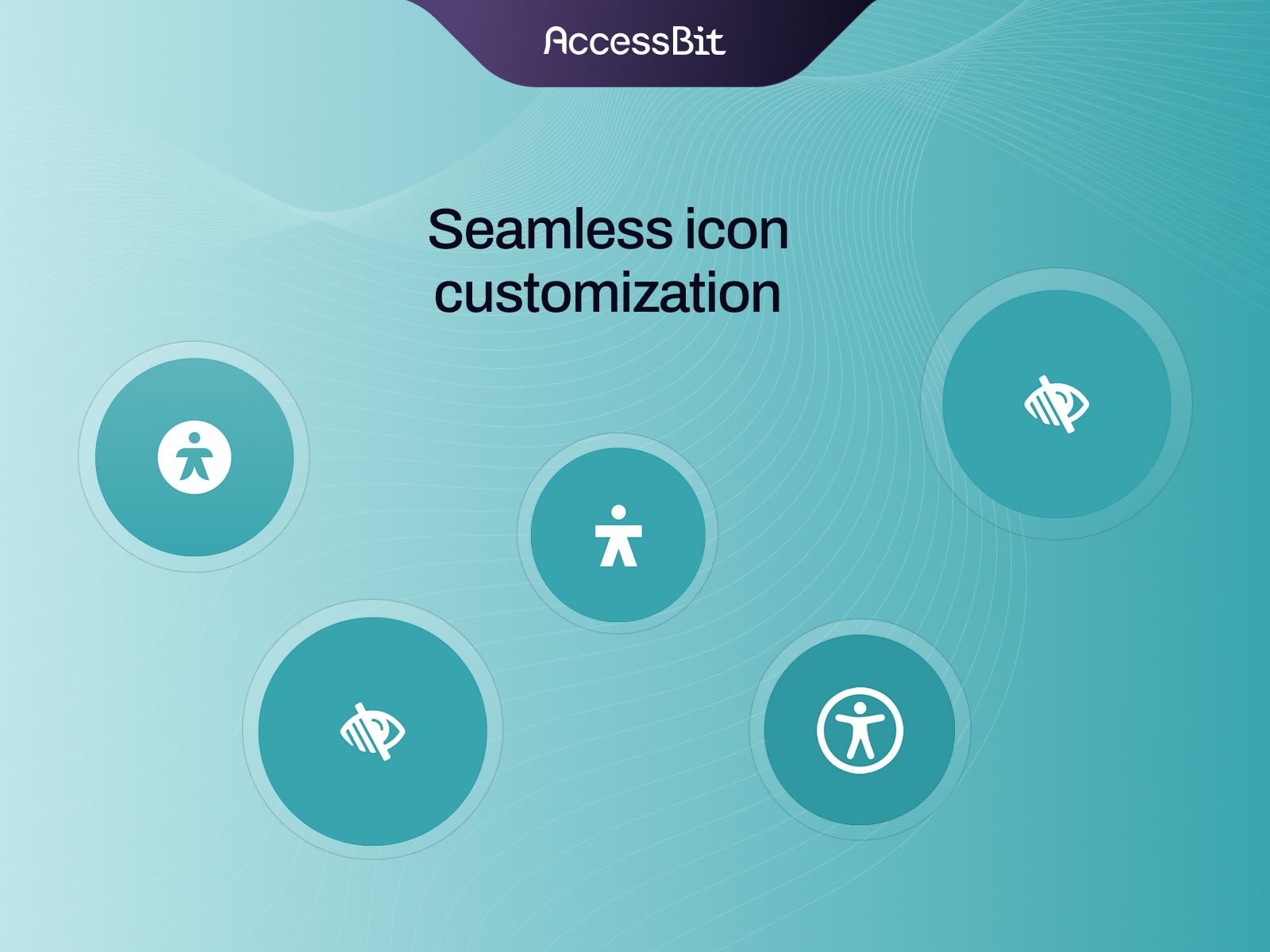
AccessBit adds an accessibility widget to your Framer site to help all visitors navigate, read, and interact with your content easily. With a simple on-page menu, your users can instantly customize their viewing experience with high-contrast modes, scalable text, reading aids, and reduced motion settings. Accessibility Features for Visitors Text & Display: High contrast modes, color adjustments, text scaling, and high-visibility cursor Reading Aids: Focused Reading Mode, Reading Guide line, and Reading Mask Motion & Media: Pause animations, mute audio, and hide decorative images Navigation Support: Enhanced keyboard navigation and high-contrast focus/hover indicators Distraction Reduction: Limit flashing elements and simplify layout density Customization Match your brand: Customize widget color, icon, and position Device control: Set display rules separately for desktop and mobile No-code setup: Install and configure directly in Framer Important Note on Accessibility AccessBit provides user-facing customization tools to make reading and site interaction more accessible for your visitors. AccessBit does not claim or guarantee automated WCAG or ADA compliance. These tools complement, but do not replace, accessible design practices like proper heading structure, color contrast, alt text, and screen reader testing.
Introduction
Contrast, text size & reading
Media
Rank history
Daily rank per list, from the first snapshot — lower is better.
- All · #597