
Axis Supply
Bend Video Carousel
$15Bend Video Carousel is an interactive video carousel for Framer that combines smooth movement with a curved, dimensional layout.
Searching…
Sync Airtable data to Framer CMS
Sync Airtable data to Framer CMS
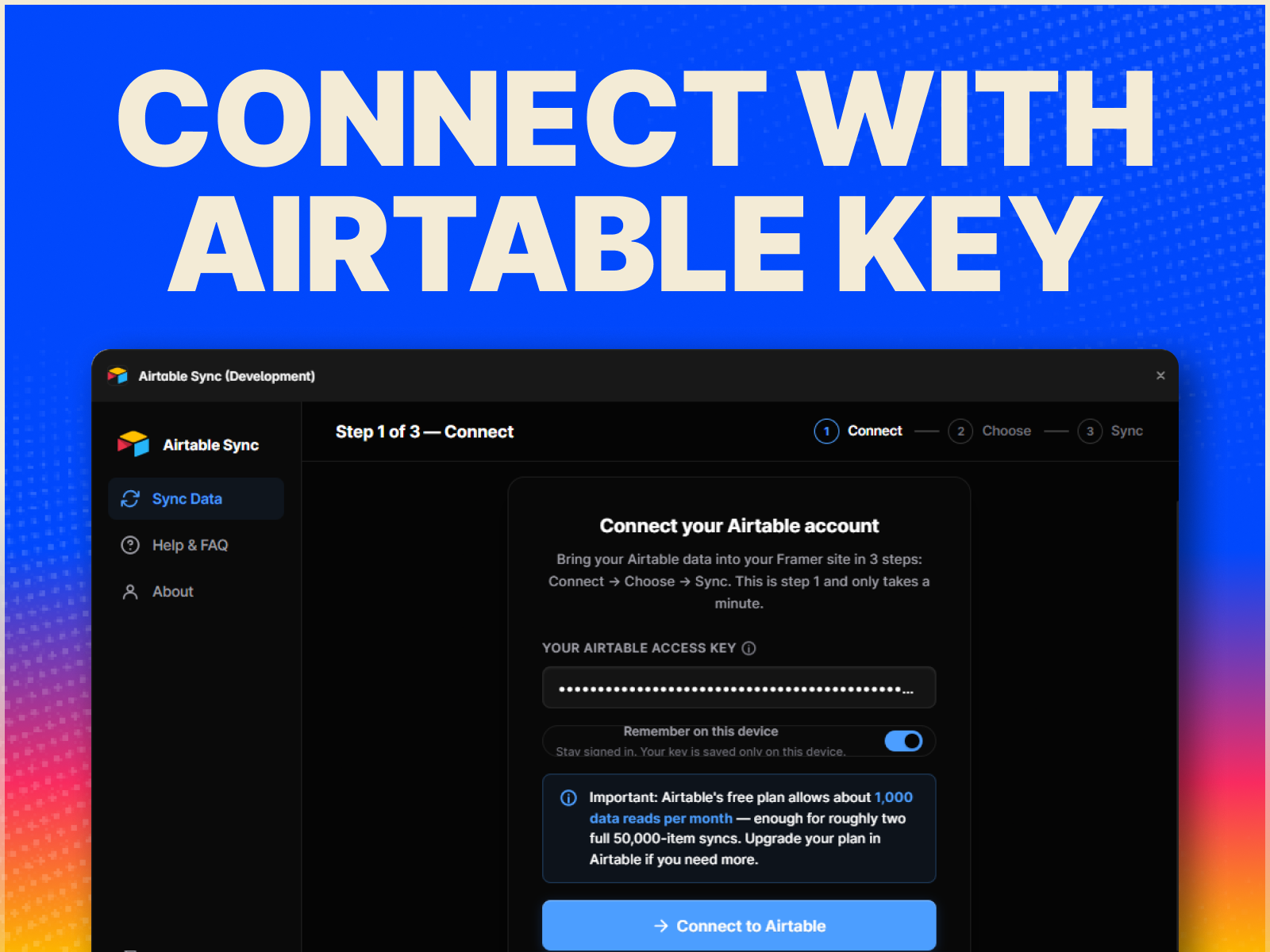
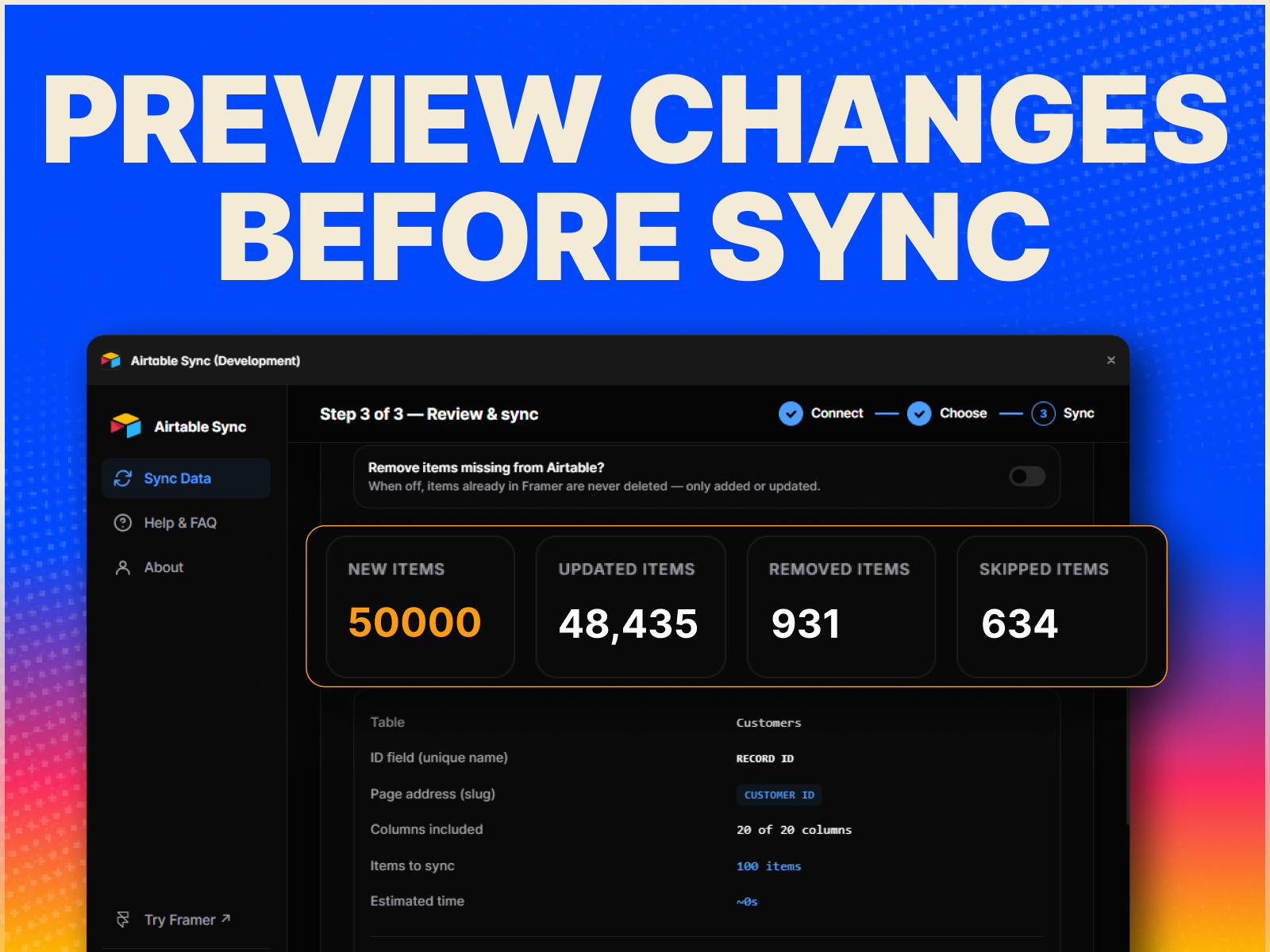
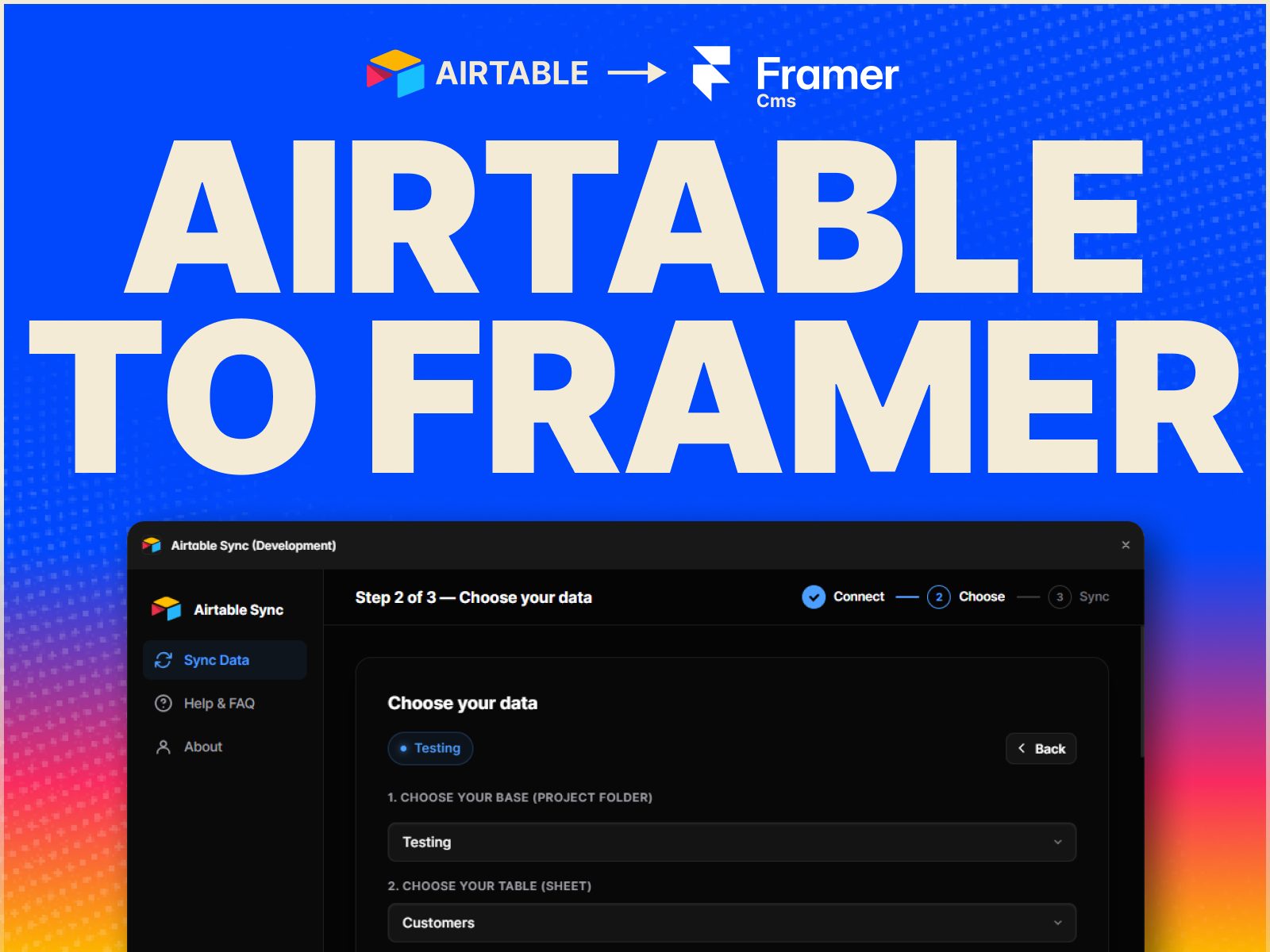
Sync Airtable data directly into Framer CMS. Connect your Airtable base, choose a table, map your fields, and import your records into a CMS collection.
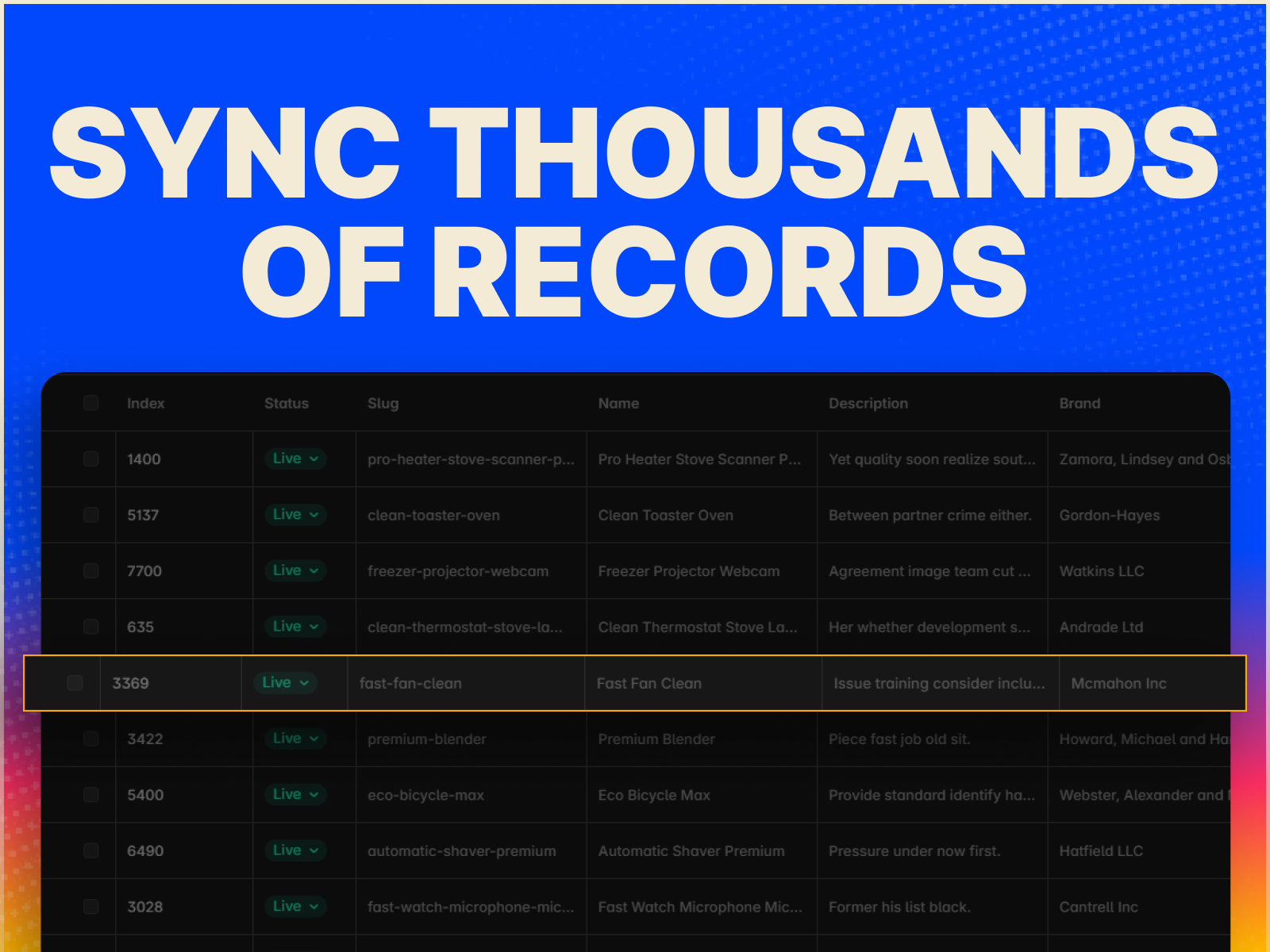
Built for larger datasets without Framer’s native Airtable plugin limitations. Import your data from the plugin and sync it whenever you need.
Features
Import Airtable tables into Framer CMS
No ~100-record import limitation
Select the fields you want to sync
Smart field-type detection and mapping
Support for text, long text, email, phone, URL, number, currency, percent, rating, checkbox, date, single select, images, files, colors, links, and more
Support for Reference and Multi-reference fields
Remember connected bases and tables for faster syncing
Sync directly from the CMS toolbar
What you need
Connect using an Airtable Personal Access Token with data.records:read and schema.bases:read permissions.
Questions & Support:
Reach out anytime at [email protected] — I'm happy to help.
Axis Supply
Bend Video Carousel is an interactive video carousel for Framer that combines smooth movement with a curved, dimensional layout.

Axis Supply
CMS Archway Video is a cinematic video carousel for Framer that combines continuously moving video cards with a distinctive arched shape.

TOC Studio
CMS-connected hover nav menu