Syauqizaidan Khairan Khalaf
Upstream
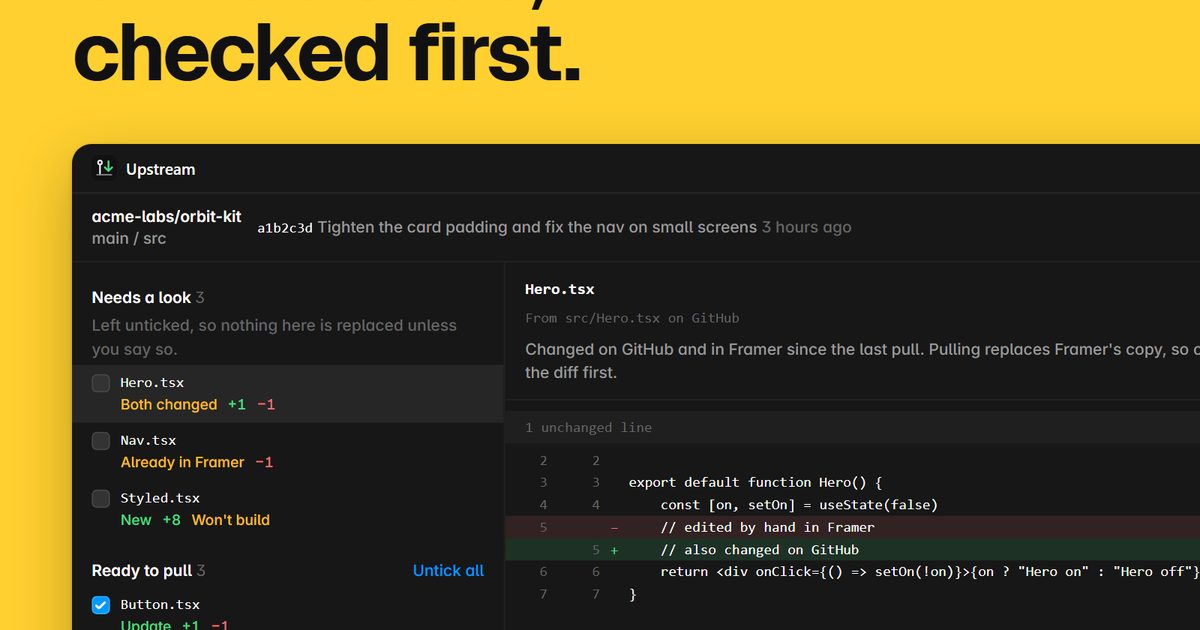
FreePull code files from GitHub
Searching…
Sync code files to Framer fast

Overview Code Sync streamlines your Framer development workflow by letting you upload.tsx files and folders directly from your local codebase.
Code Sync streamlines your Framer development workflow by letting you upload .tsx files and folders directly from your local codebase. Whether you're working with a single component or an entire folder structure, this plugin handles the heavy lifting with smart file detection, automatic transformations, and efficient re-uploads.
How I manage 100+ code files in Framer projectsSmart Re-uploading: Only files that have changed are re-uploaded, saving you time on every sync. The plugin tracks file modifications automatically, so you can iterate quickly without waiting for unnecessary uploads
Flexible Upload Modes: Choose between folder mode (upload entire directories) or files mode (select specific .tsx files). Drag and drop support makes syncing effortless, and the "Unpack to Root" option gives you control over how your file structure appears in Framer.
Environment Management: Define environment-specific variables in an Env.tsx file and switch between development, staging, and production with a single click. Your environment selection is saved per project, ensuring your entire team stays in sync.
Advanced Configuration Use a framer-code-sync.config.json file to customize the upload process:
Import Replacements – Redirect imports to bundles or external URLs
Ignored Files – Exclude specific files or folders from upload
String Replacements – Transform code content with plain text or regex patterns
Export Your Code: Extract and download all your code files from Framer projects as individual files or organized ZIP archives. Perfect for backing up your work, integrating with version control, or sharing components across projects.
This is perfect for adapting third-party libraries, managing API endpoints, or handling complex import structures.
Automatic .tsx Extension Handling – Relative imports are automatically formatted correctly
Reliable Upload Strategy – Files are created with placeholders first, then updated with transformed content to prevent upload failures
Config File Support – Use .json or .jsonc (with comments) for maximum flexibility
Folder Structure Preservation – Choose whether to unpack files or maintain your original directory structure
Real-time Feedback – Clear status messages and error reporting in the browser console
One-Click Code Export: Download individual .tsx files or entire folder structures from Framer in seconds
Developers syncing large component libraries or systems to Framer
Teams managing multiple environments (dev, staging, production)
Projects requiring import transformations or code preprocessing
Workflows that need efficient, incremental updates
Code Sync is fully open source because every developer's workflow is unique. Need a feature? Contribute via GitHub! Accepted pull requests are credited in the plugin changelog when updates are released to the Framer Marketplace.
Syauqizaidan Khairan Khalaf
Pull code files from GitHub

valorsic studio
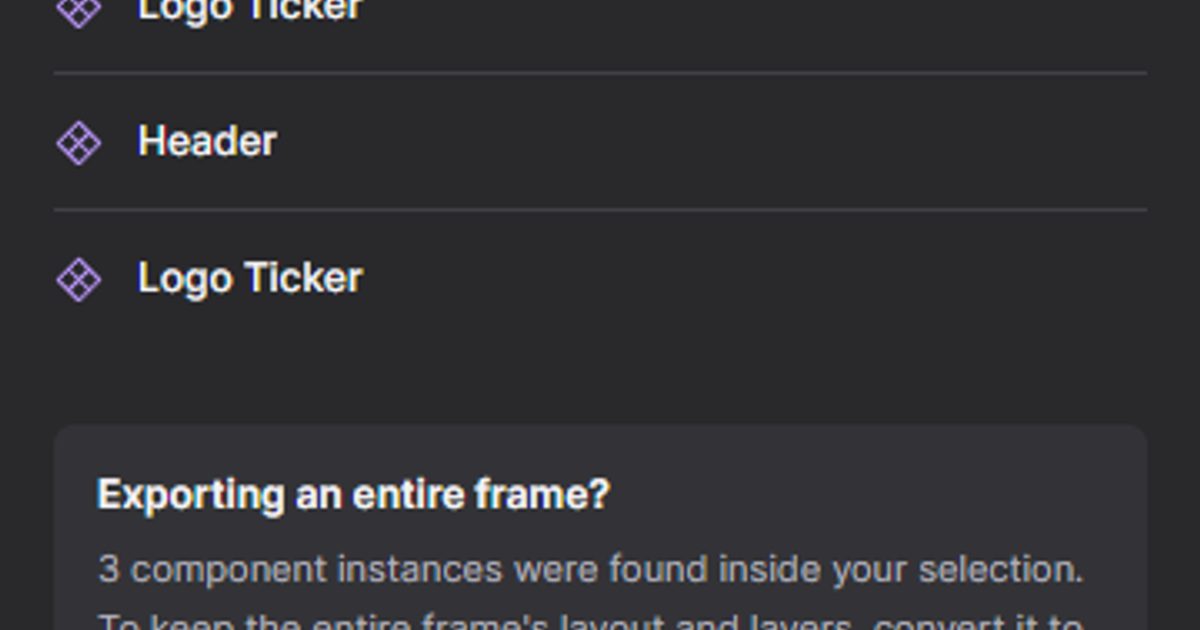
Framer to Code is an officially approved Framer plugin that exports your published Framer site into a structured code project.
David Jones
Next Js
Elias ALVES
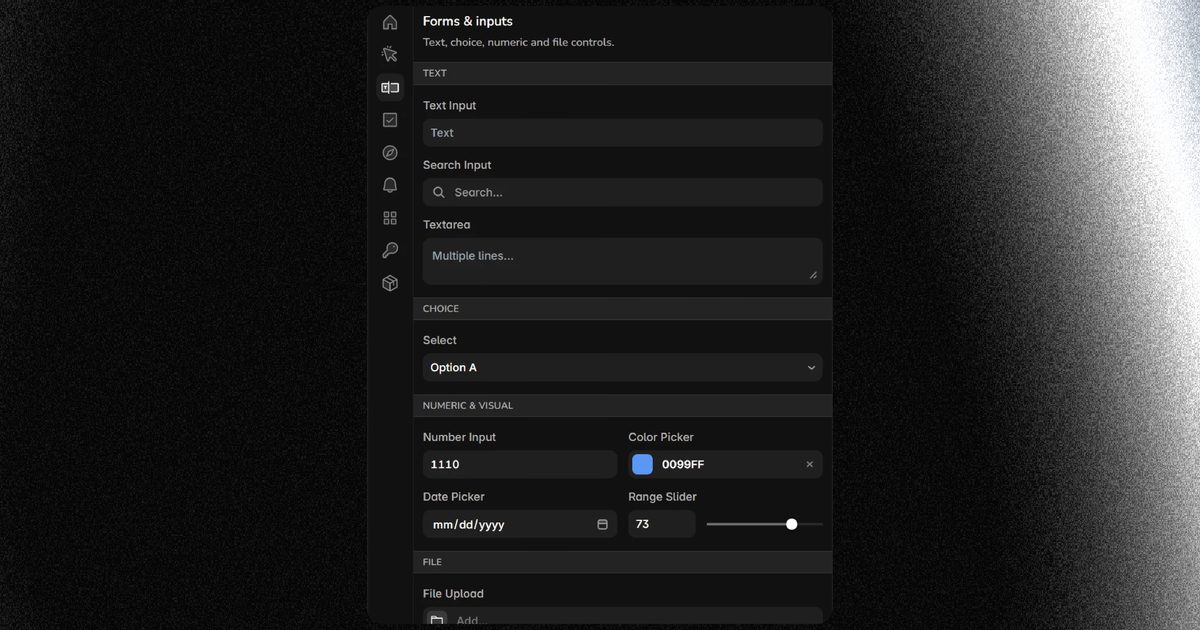
Ship your own Framer plugin faster