plugin
Commerce Connect
By Alexander Moreno

Details
- Alexander MorenoAuthor
- pluginType
- 2026-09-03Published
- 2026-09-03Updated
- 2026-09-03Added
- EcommerceCategories
Summary
Commerce Connect turns any Framer site into a Shopify storefront — without giving up a single pixel of your design.
Description
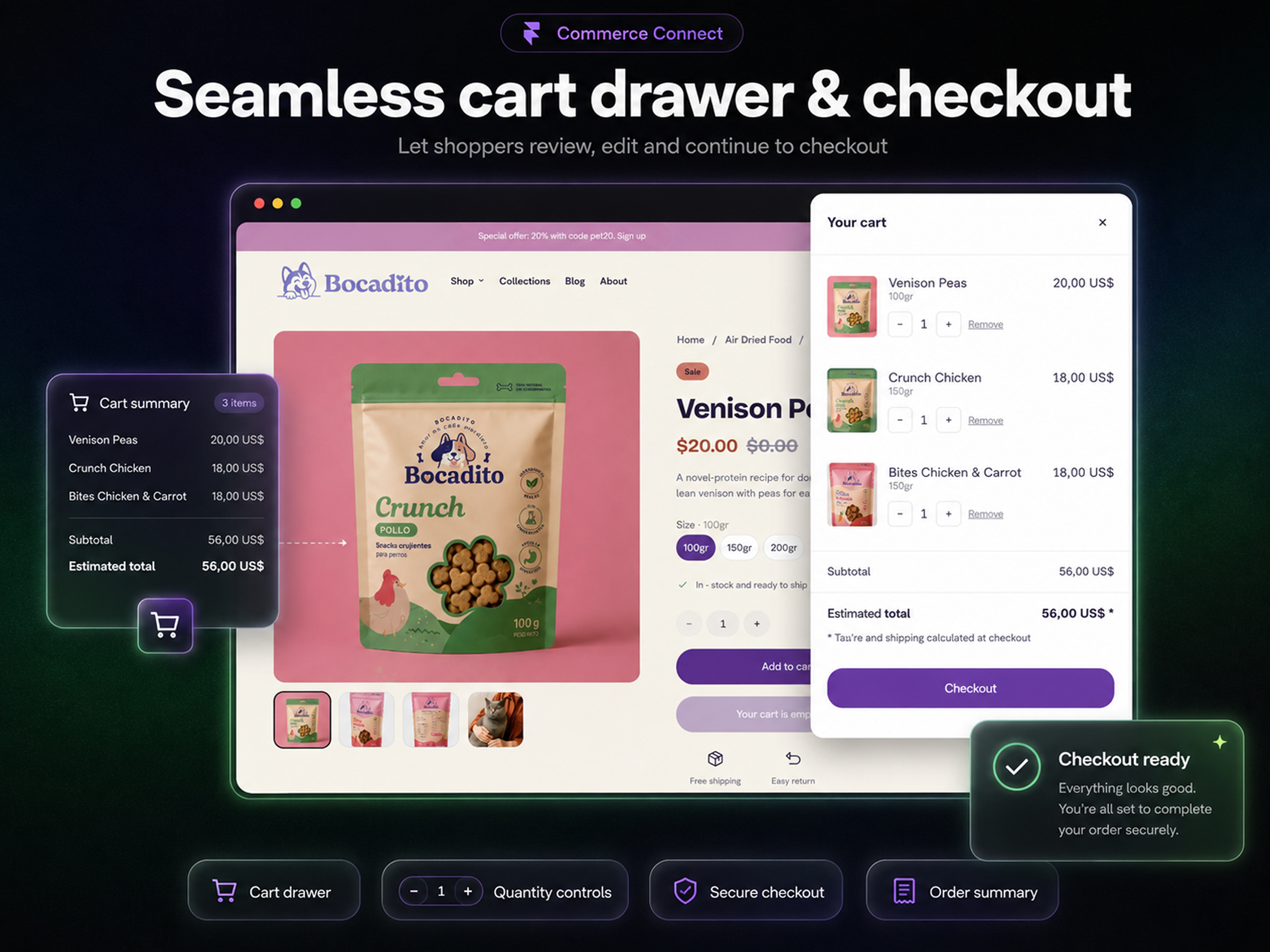
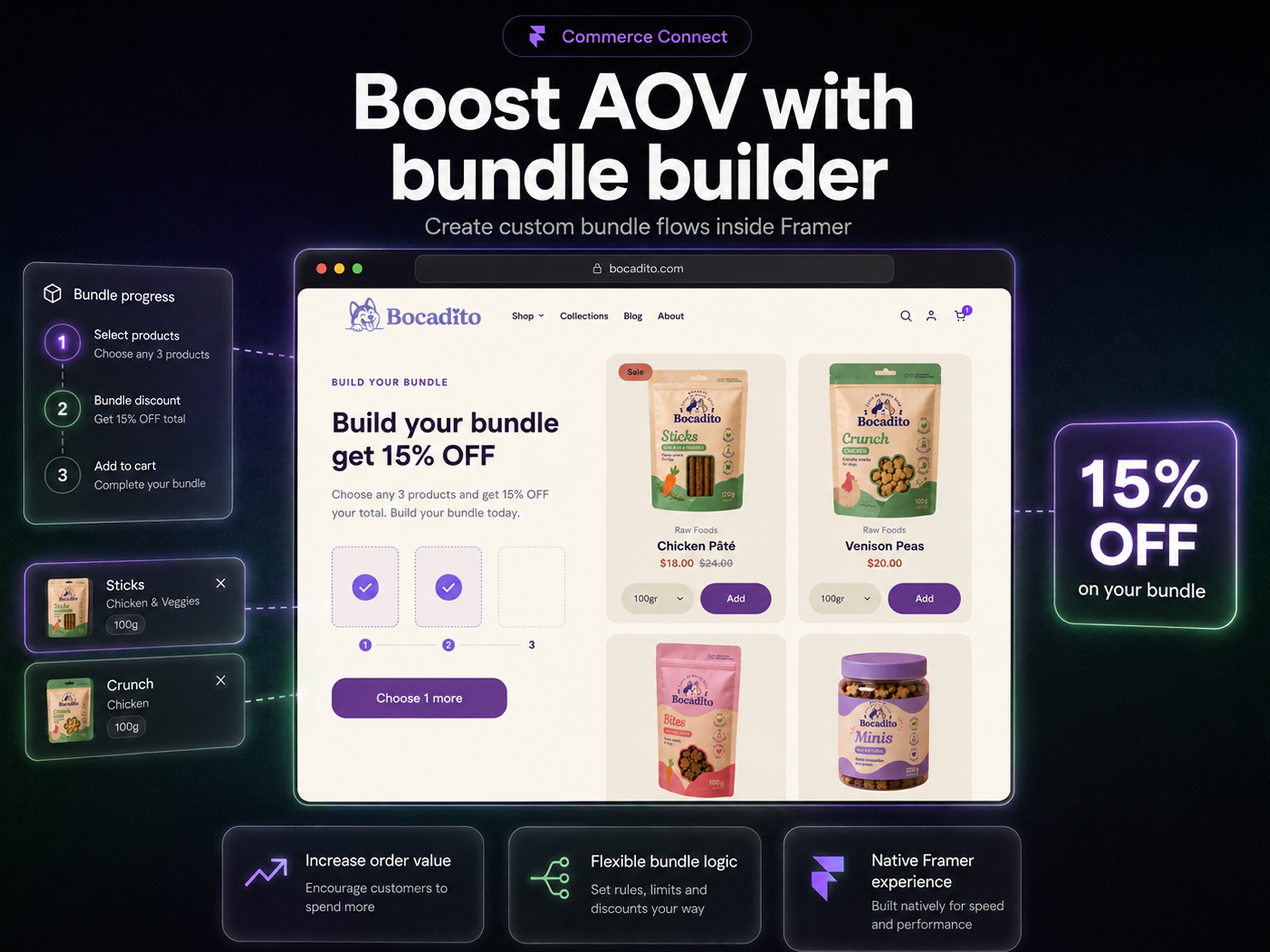
Commerce Connect turns any Framer site into a Shopify storefront — without giving up a single pixel of your design. WHY IT'S DIFFERENT Most Shopify plugins hand you code components: fixed layouts you configure through property controls and nothing else. Commerce Connect ships thirteen real Framer components. Open one, change the typography, the radius, the spacing, the states. Swap the layout entirely. It stays connected to live Shopify data. WHAT YOU GET • Product page — title, price, gallery, description, variant selector • Variant selector with colour and image swatches • Add to cart, quantity selector, checkout button • Cart drawer, cart counter, cart line items • Product cards and grids, bound to Framer's CMS • Country and currency selector, powered by Shopify Markets • Build-your-bundle: pick N products, one discounted add to cart Real inventory. Real prices. Real Shopify checkout. HOW IT WORKS 1. Connect your store with a Storefront API token 2. Insert components from the plugin 3. Design them like anything else in Framer 4. Publish Products sync into a Framer CMS collection, so your product pages get real URLs and real SEO. PRICING Free on Framer domains — build and test as much as you want, no account needed. A licence is required only when you publish to your own domain. Your store keeps selling no matter what. If our servers are down, if a licence expires, if the network drops — nothing stops a checkout. We warn you in the console; we never break a customer's cart. REQUIREMENTS A Shopify store on any paid plan, and a Storefront API access token.
Introduction
Shopify commerce for Framer sites
Media


Rank history
Daily rank per list, from the first snapshot — lower is better.
- All · #546