plugin
Context Picker
By David McBacon

Details
- David McBaconAuthor
- pluginType
- 2026-06-25Published
- 2026-06-25Updated
- 2026-06-25Added
- AICategories
Summary
Context Picker Framer's native AI agent can see what you've selected on the canvas, using its built in select tool.
Description
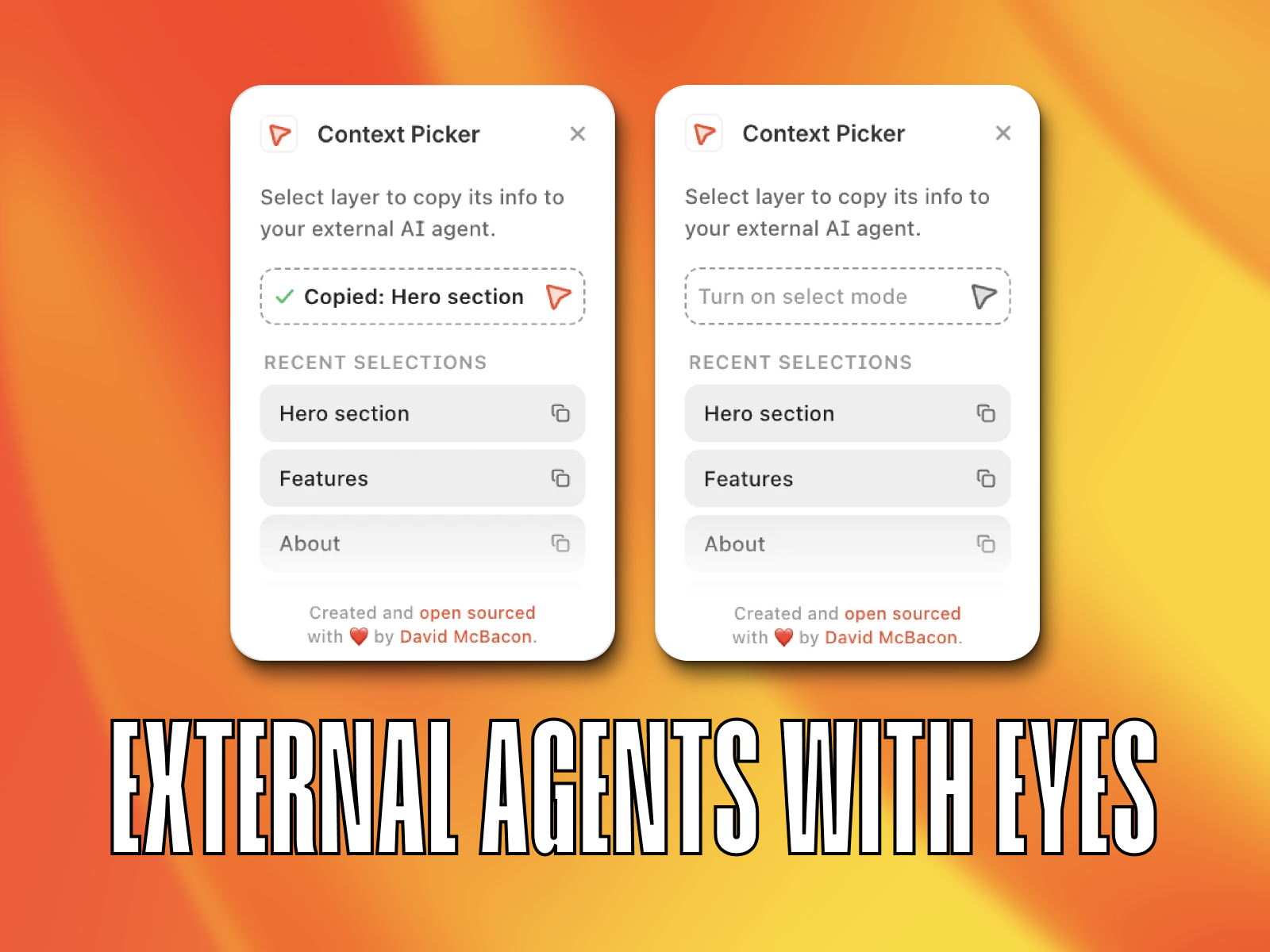
Context Picker Framer's native AI agent can see what you've selected on the canvas, using its built in select tool. External agents like Claude Code, Cursor, and Codex don't get that. They only see plain text, so prompts like "make this headline red" leave them guessing which node "this" actually is. Context Picker closes that gap. Select any layer on the canvas or in the layer sidebar, and it instantly copies a compact JSON payload describing that selection: node ID, name, and the surrounding scope (web page, design page, or component). Paste it straight into your external agent's prompt for precise, unambiguous edits. What gets copied Node ID and name of the selected layer Scope type and ID, whether you're on a web page, design page, or inside a component URL path, when the scope is a real website page Replica metadata (original node ID), when the selection is a variant or inherited component layer How to use it Open Context Picker Select any layer on the canvas or sidebar The JSON is copied automatically, no extra click Paste it into your external agent's prompt Need an earlier selection? Recent picks are saved and one click away Why it matters If you're driving Framer edits from an external coding agent like Claude Code, Cursor, or Codex, the agent is flying blind without canvas context. Context Picker gives it the same precision Framer's native agent has with its select tool, so instead of vague prompts and trial and error edits, you can say exactly which node to touch and watch it land correctly the first time. Free and open source.
Introduction
Layer context for external agents
Media
Rank history
Daily rank per list, from the first snapshot — lower is better.
- All · #3