plugin
Knocket Live Chat
By ivoryxu

Details
- ivoryxuAuthor
- pluginType
- 2026-08-10Published
- 2026-08-10Updated
- 2026-08-07Added
- IntegrationsCategories
Summary
Add live chat to your Website
Description
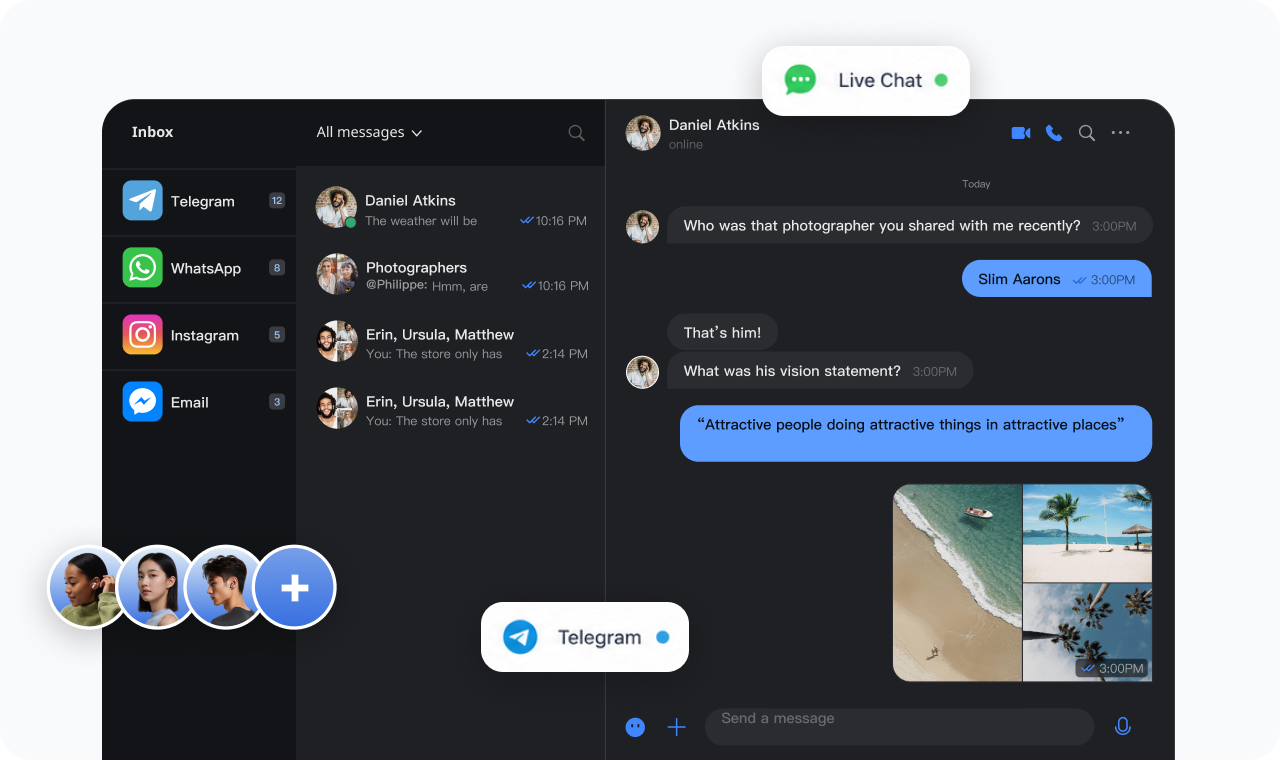
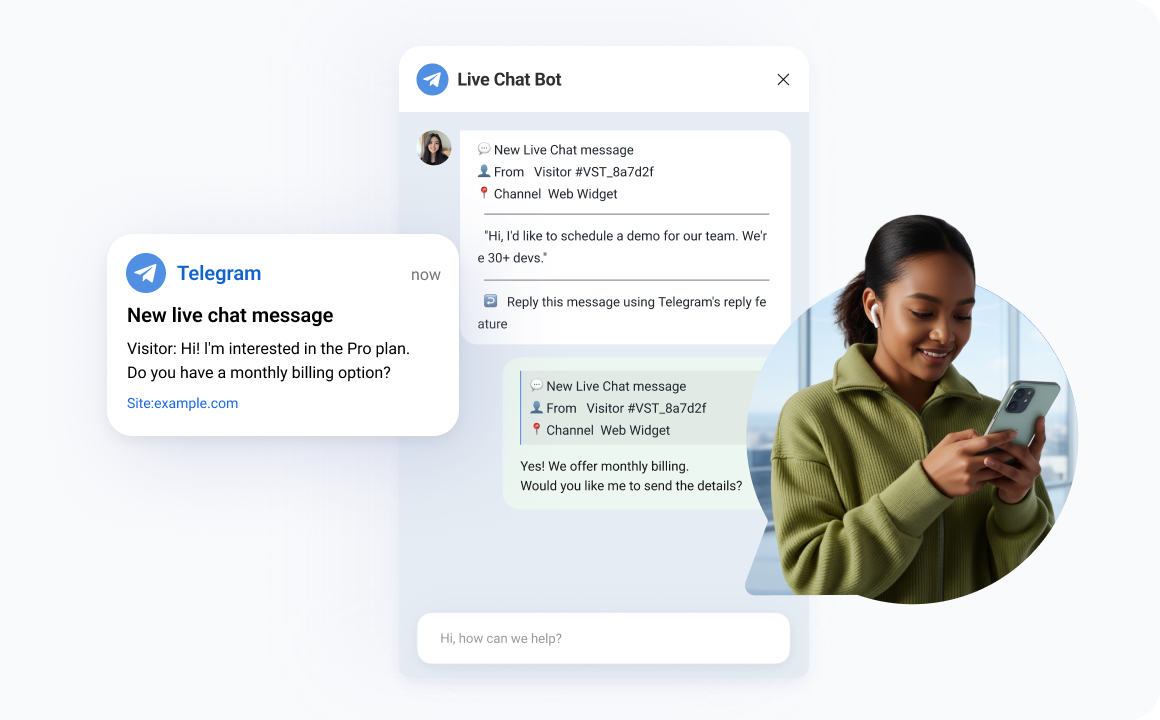
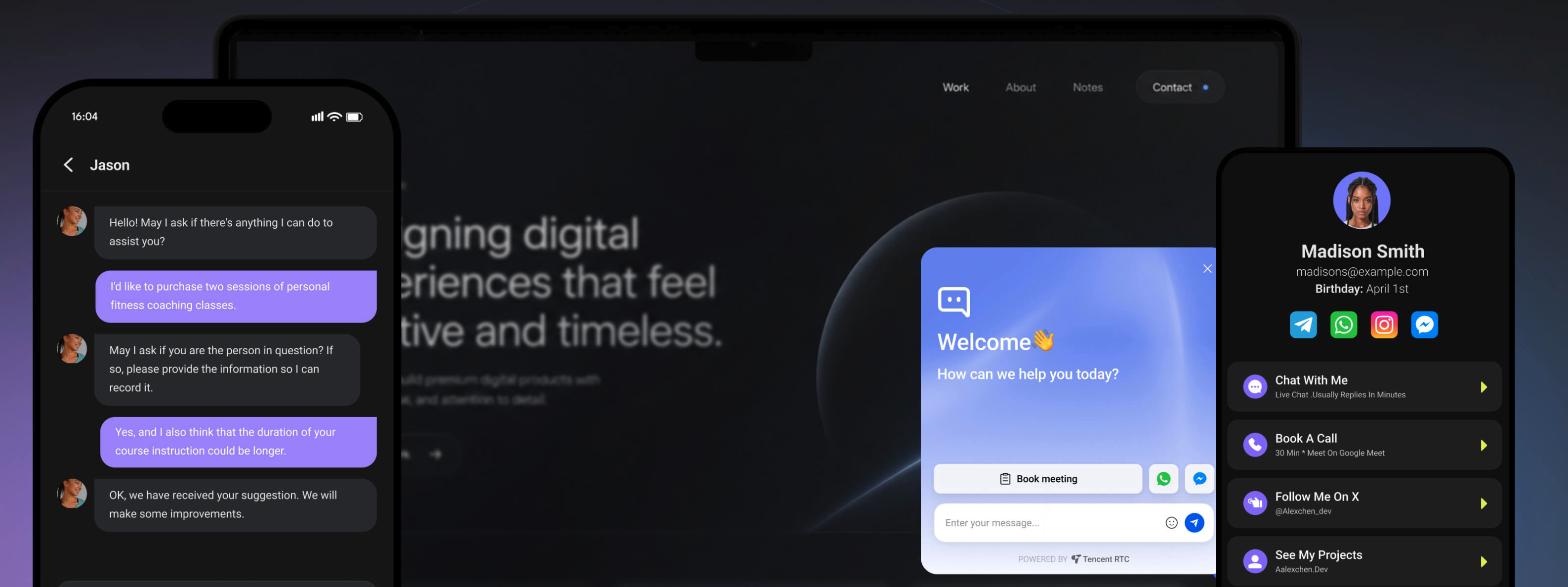
Add a live chat widget to your Framer site without touching any code. How it works 1. Install this plugin 2. Paste your script URL from the Knocket console (Installation → Web Widget) 3. Click "Add to Site" — the widget is injected into every page automatically What you get 1. Floating chat button on every published page 2.Real-time notifications via Telegram or browser push 3.Reply from the inbox or directly by Telegram quote-reply 4. Customizable theme color, welcome message, avatar, and language Coming next month AI auto-reply — build a knowledge base from your FAQ, URLs, or uploaded files. The widget answers visitor questions automatically, and hands off to you when it can't.
Introduction
Add live chat to your Website
Media
Rank history
Daily rank per list, from the first snapshot — lower is better.
- All · #700