plugin
KnotCMS
By Gururaj J
Details
- Gururaj JAuthor
- pluginType
- 2026-09-05Published
- 2026-09-05Updated
- 2026-06-20Added
- CmsCategories
Summary
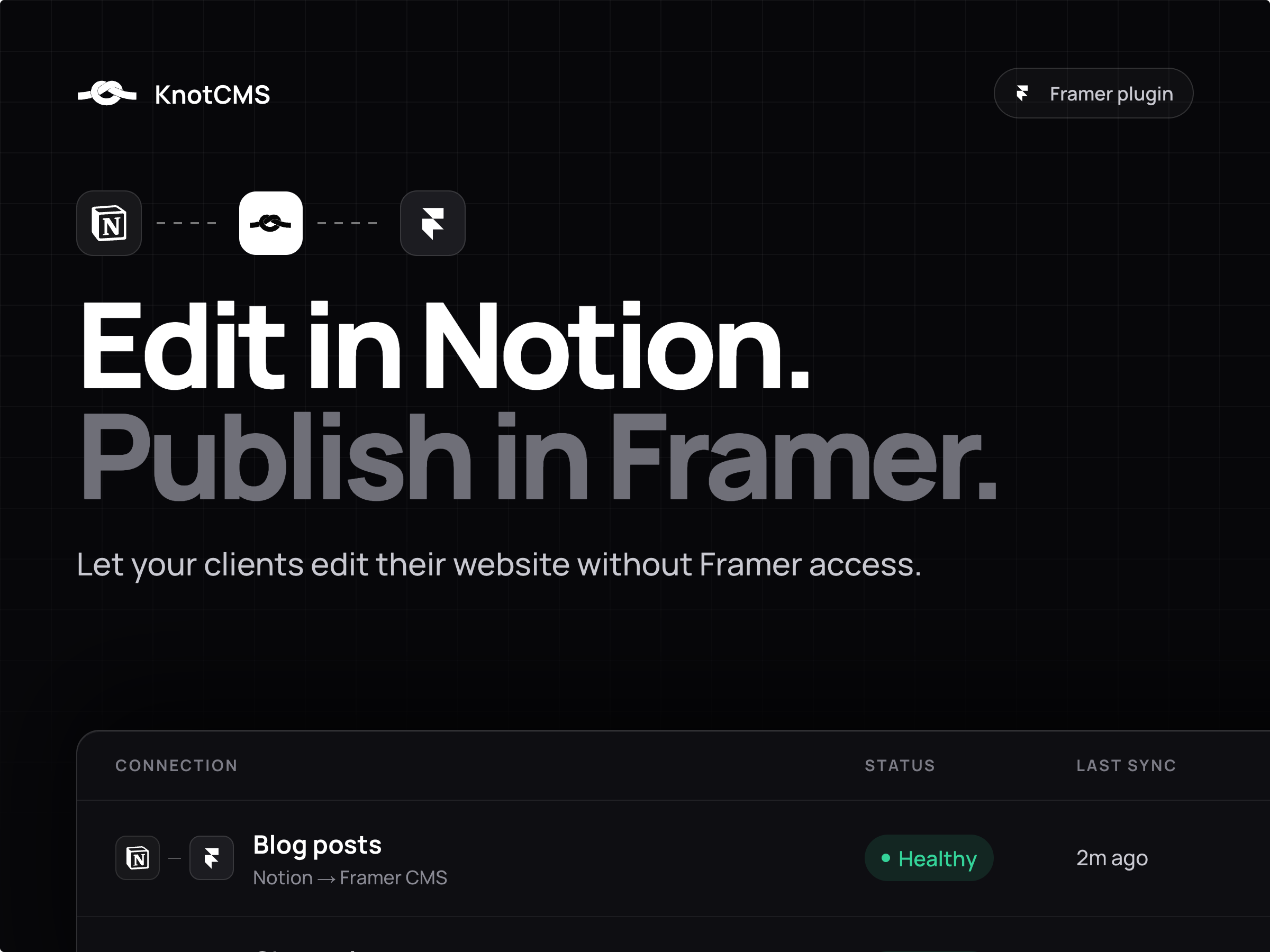
KnotCMS copies content from Notion or Google Sheets into Framer CMS on your site.
Description
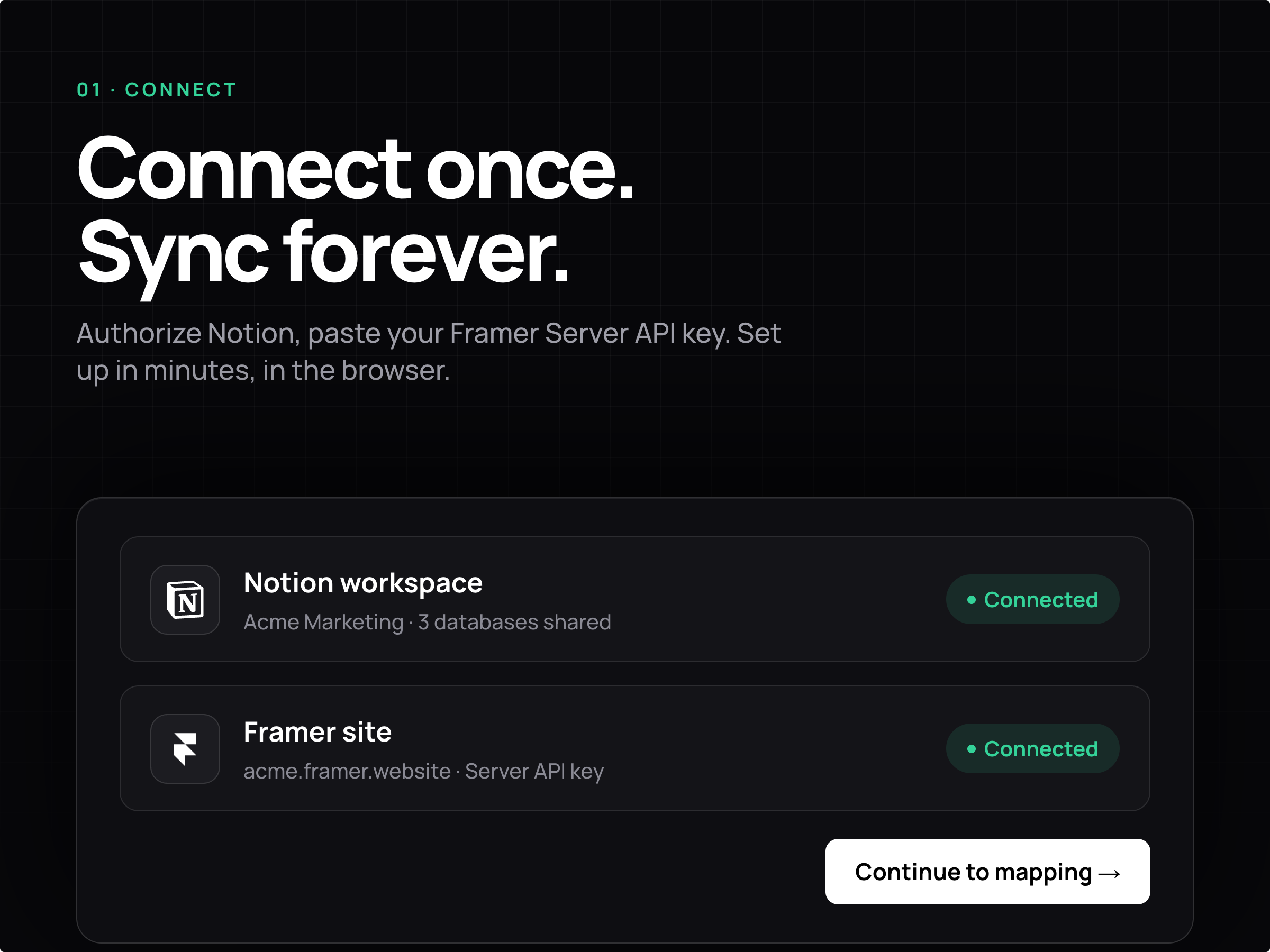
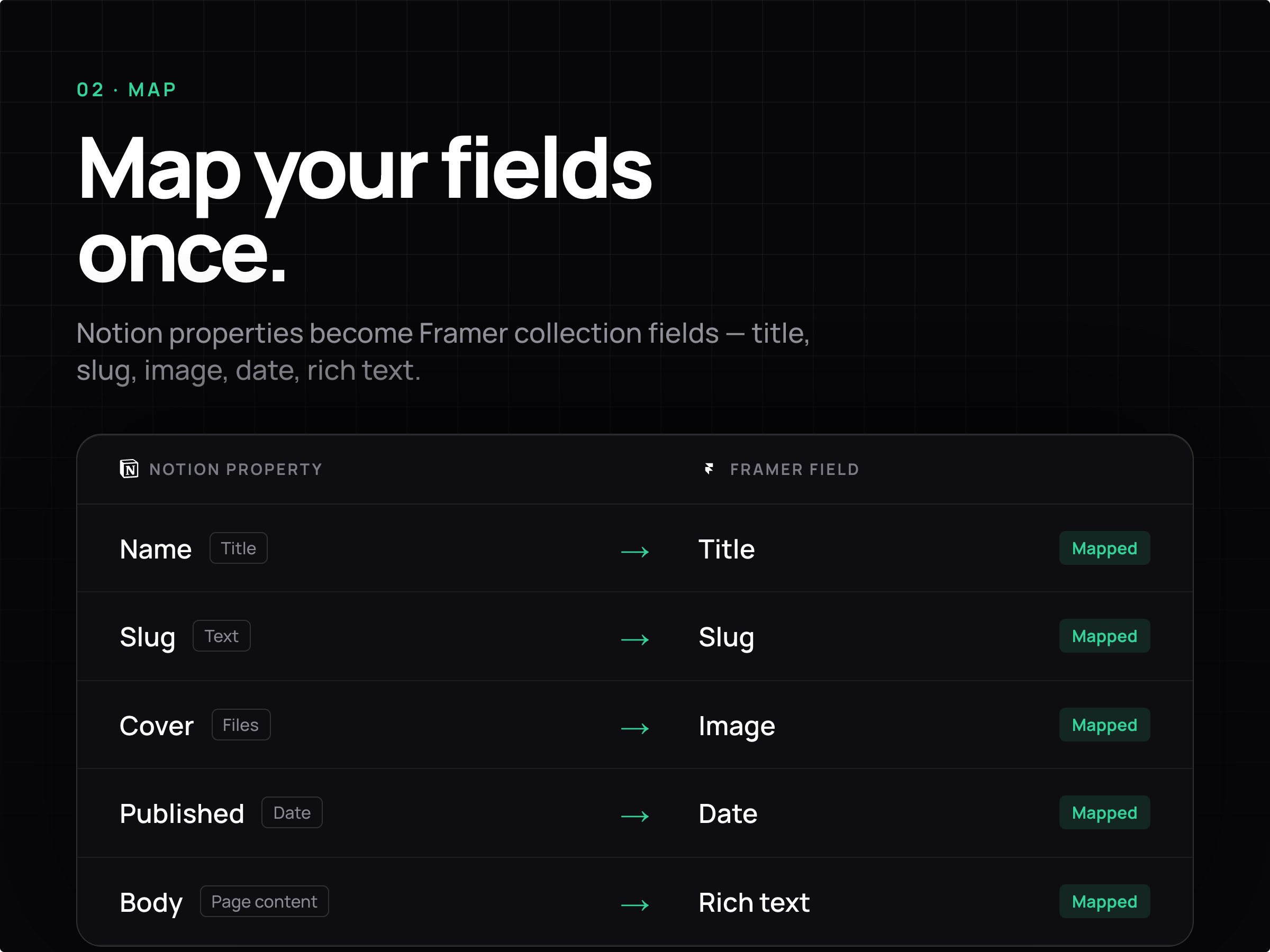
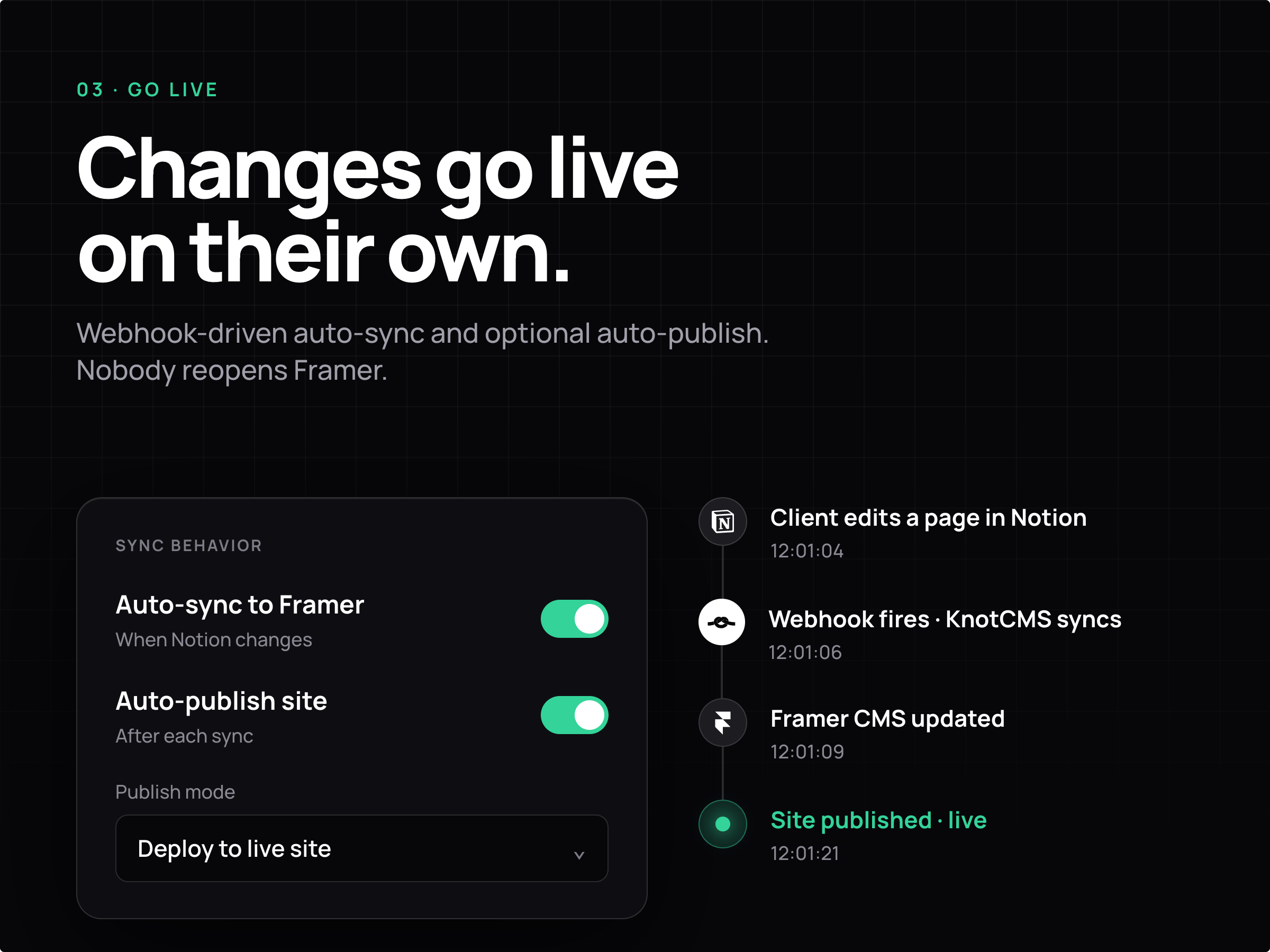
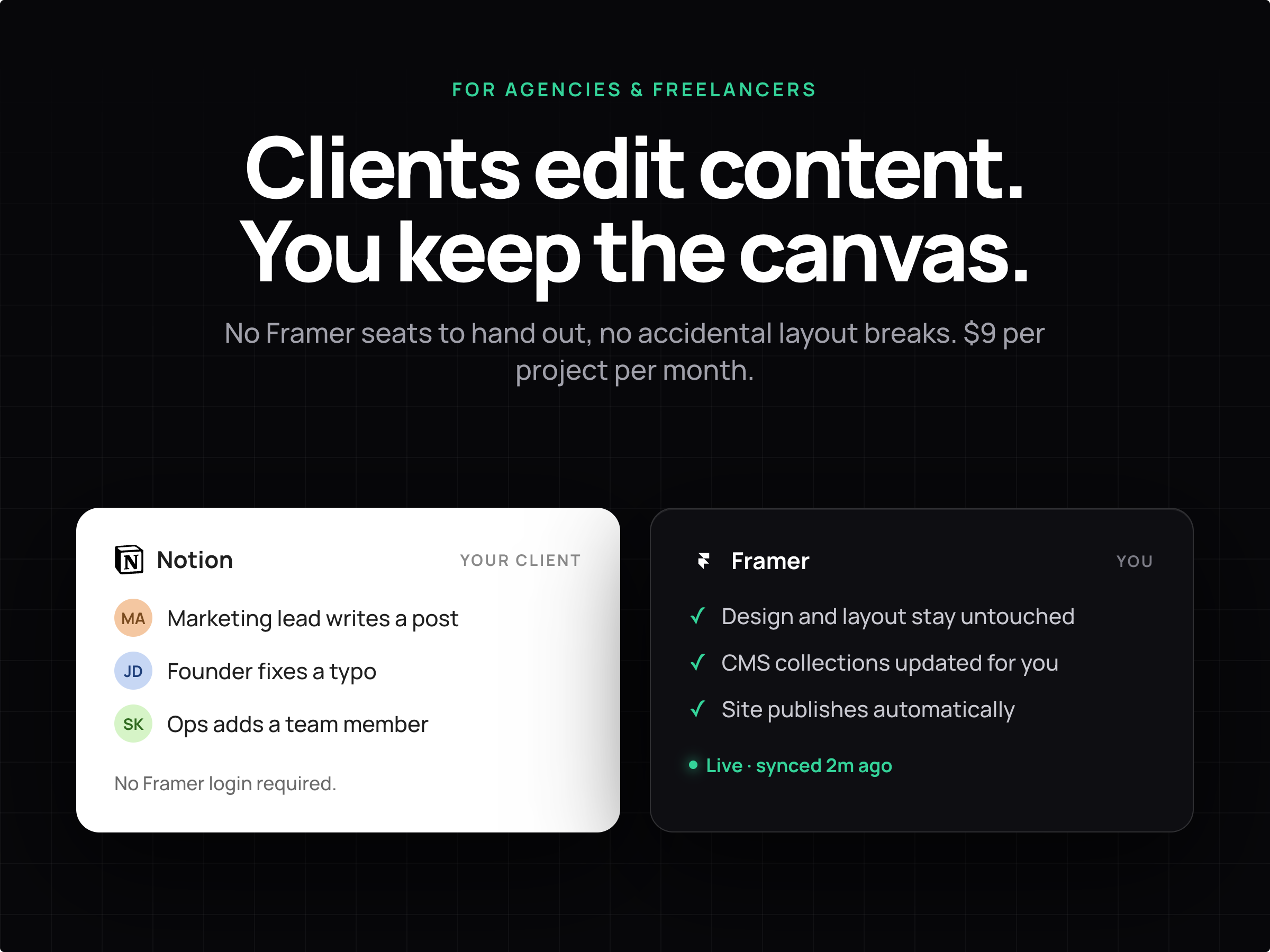
Let clients update your Framer site from Notion, without giving them access to Framer. They edit in Notion. Your Framer CMS updates on its own. No copy-paste, no extra Framer seat. How it works: 1. Sign in with Google, connect Notion, pick your database. 2. Map fields once: title, slug, image, date, body, and more. 3. Share the Notion page with your client. That is all they touch. Edits land as drafts, so nothing goes live by accident. Publish yourself, or turn on auto publish. Different from Framer's Notion plugin Framer's plugin only syncs when someone opens Framer and clicks sync. KnotCMS runs on its own servers, so content updates even when Framer is closed. Your client never needs a Framer account. Setup runs in your browser, not on the canvas. That is why the sync keeps working when you are not in Framer. Pricing Free: 1 project, 3 manual syncs, 50 CMS items. Pro, $9 per project per month: unlimited syncs, auto sync, optional auto publish. Needs Google sign in, Notion access, and a Framer Server API key.
Introduction
Let your clients edit their site.
Media
Rank history
Daily rank per list, from the first snapshot — lower is better.
- All · #605