plugin
Notion Sync
By Sillyweb
Details
- SillywebAuthor
- pluginType
- 2026-08-11Published
- 2026-08-11Updated
- 2026-08-11Added
- CmsCategories
Summary
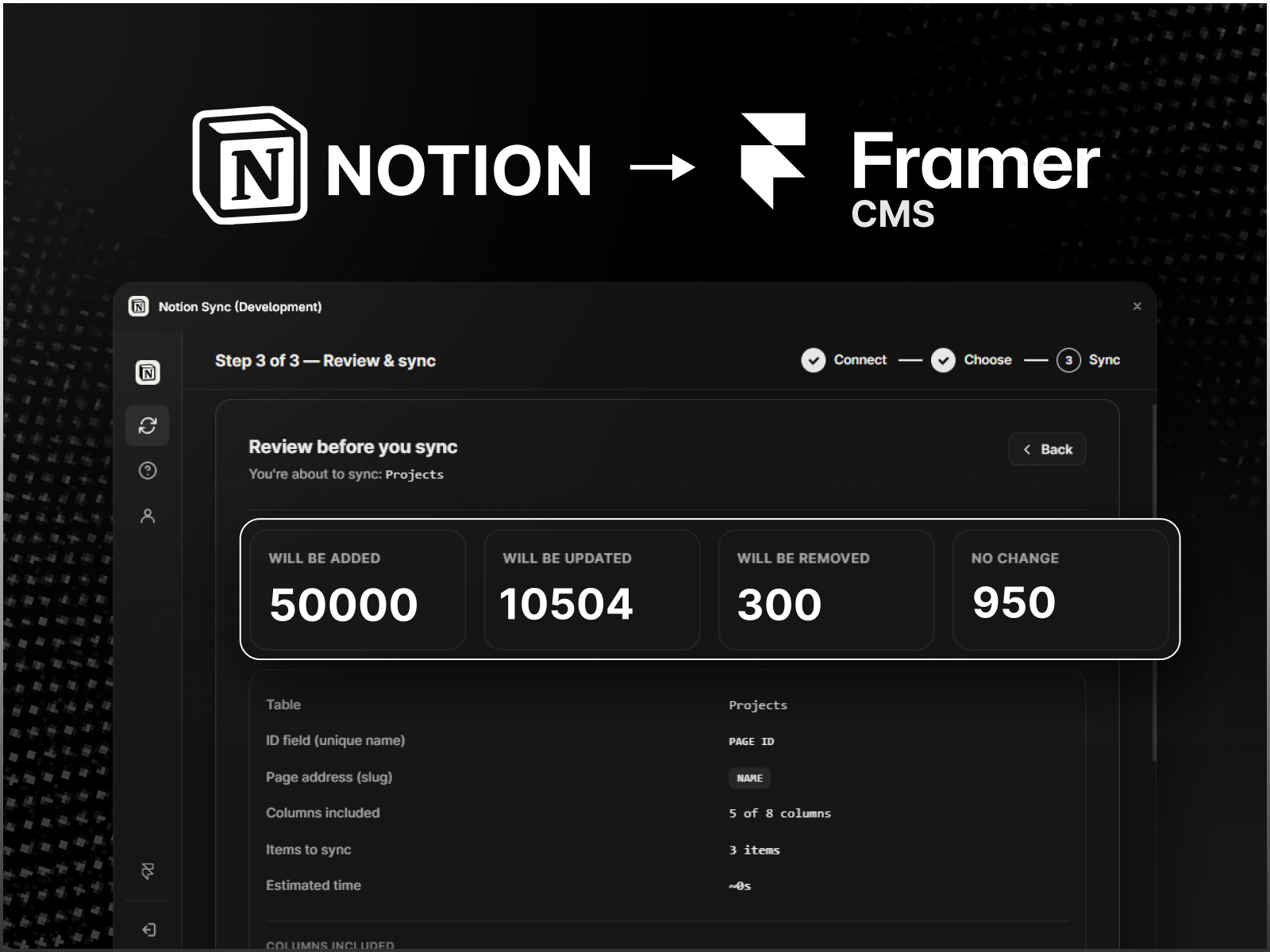
Sync Notion data to Framer CMS
Description
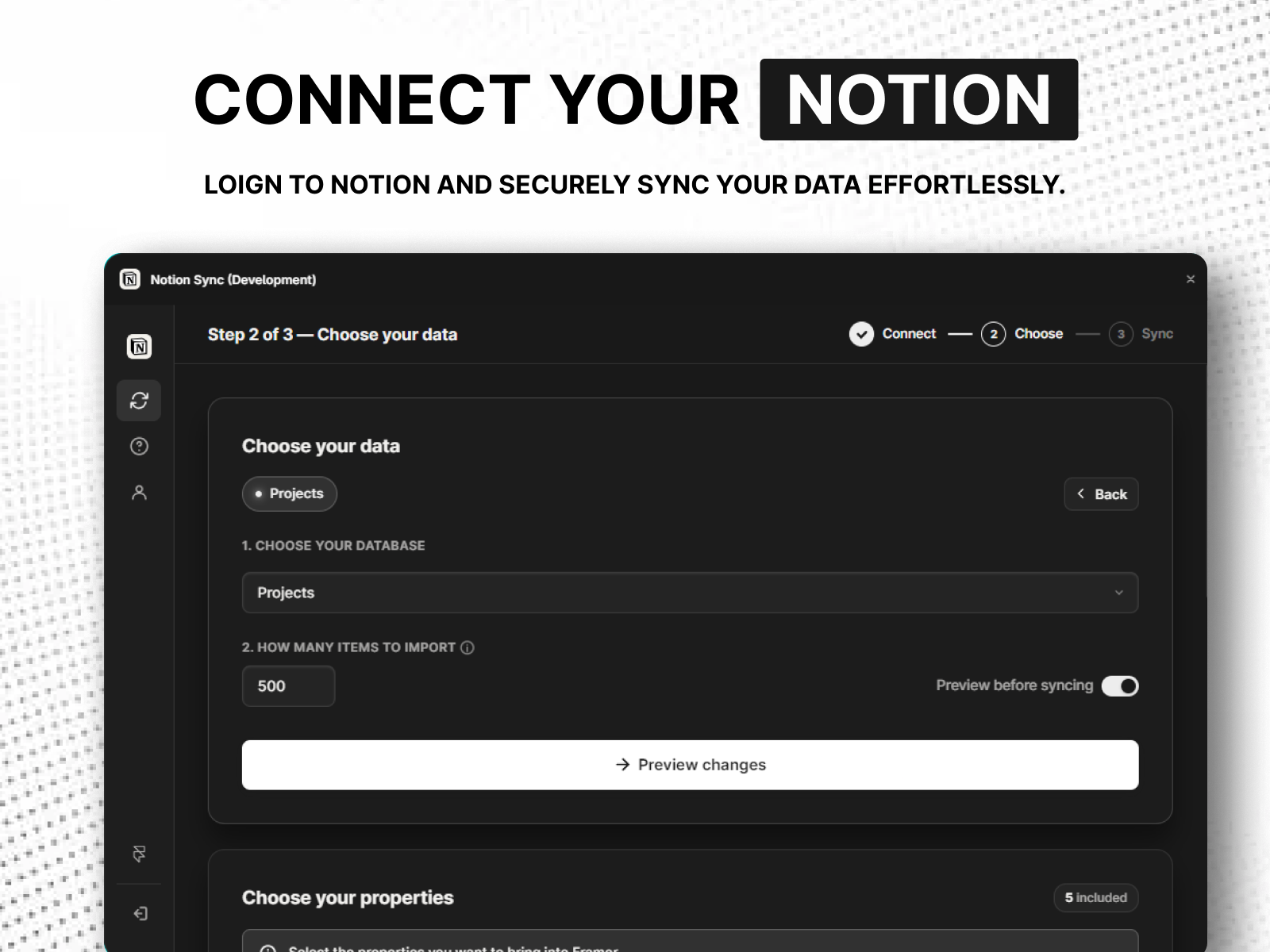
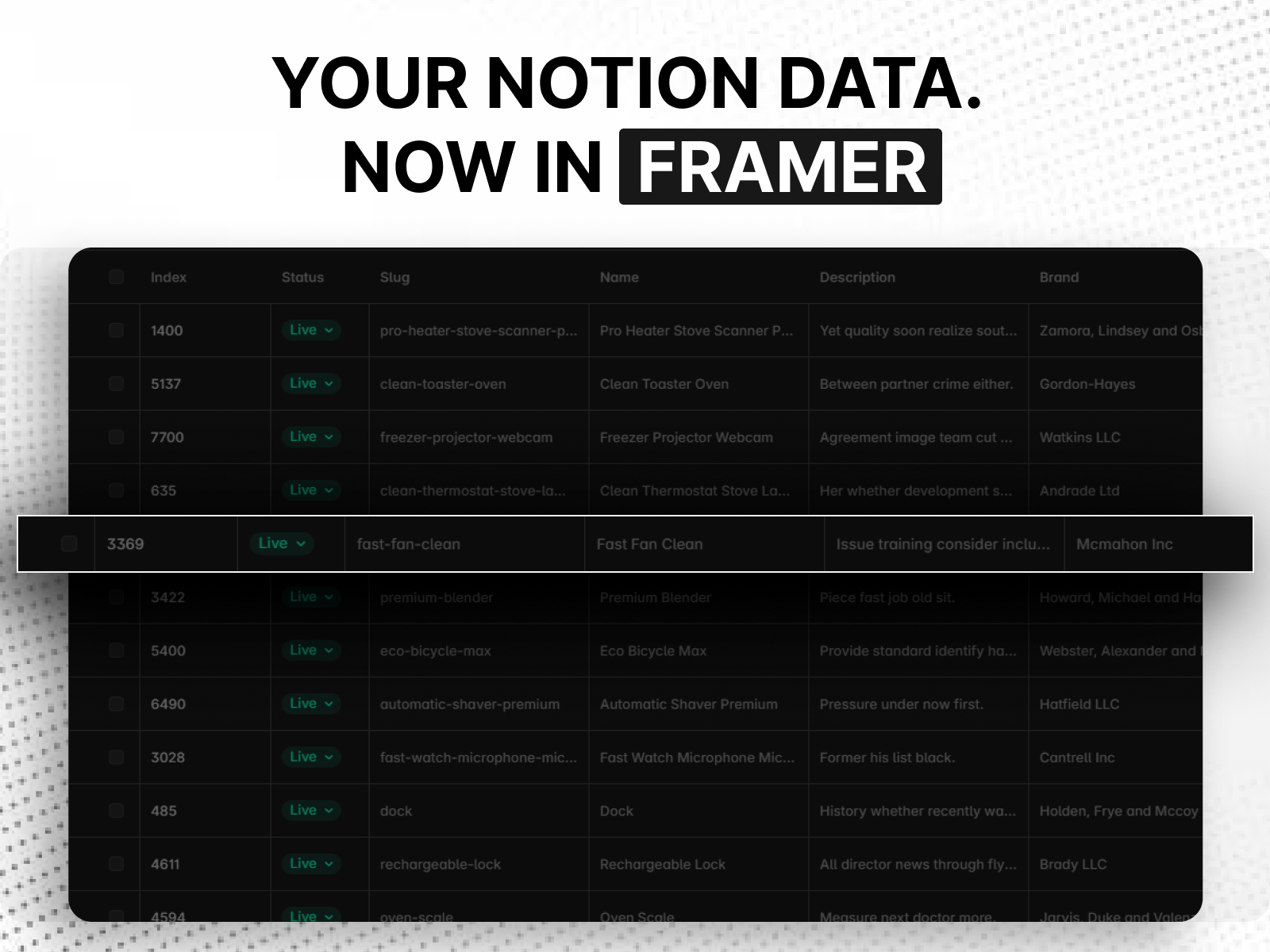
Sync Notion databases directly into Framer CMS. Connect your Notion workspace, select a database, map your properties to Framer CMS fields, and import your content with just a few clicks. Turn your Notion database into structured Framer CMS content without manually copying and pasting records. Choose the properties you want to import, use smart field mapping, and keep your Framer CMS collection connected to your Notion content. How It Works Connect your Notion workspace → select a database → choose the properties you want to sync → map fields to Framer CMS → import your content. Once connected, your database and field configuration are remembered, making future syncs quick and easy. Features Sync Notion databases to Framer CMS One-click syncing from the CMS toolbar Easy Notion workspace and database selection Smart field detection and mapping Choose which Notion properties to import Field mapping with customizable Framer CMS types Support for text and rich text content Support for numbers, dates, checkboxes, URLs, emails, and links Support for select and multi-select properties Support for images and files Support for Reference and Multi-reference fields Remember connected databases for faster syncing Built for Framer CMS Use Notion as your content source while Framer CMS handles the content on your website. Perfect for blogs, directories, portfolios, team pages, case studies, resources, products, and other CMS-driven websites. Connect Notion once, map your fields, and bring your database content into Framer without rebuilding it manually. Questions & Support: Reach out anytime at hello@sillyweb.in — I'm happy to help.
Introduction
Sync Notion data to Framer CMS
Media
Rank history
Daily rank per list, from the first snapshot — lower is better.
- All · #180