plugin
Orshot
By Rishi Mohan
Details
- Rishi MohanAuthor
- pluginType
- 2026-08-05Published
- 2026-08-05Updated
- 2026-08-05Added
- MediaCategories
Summary
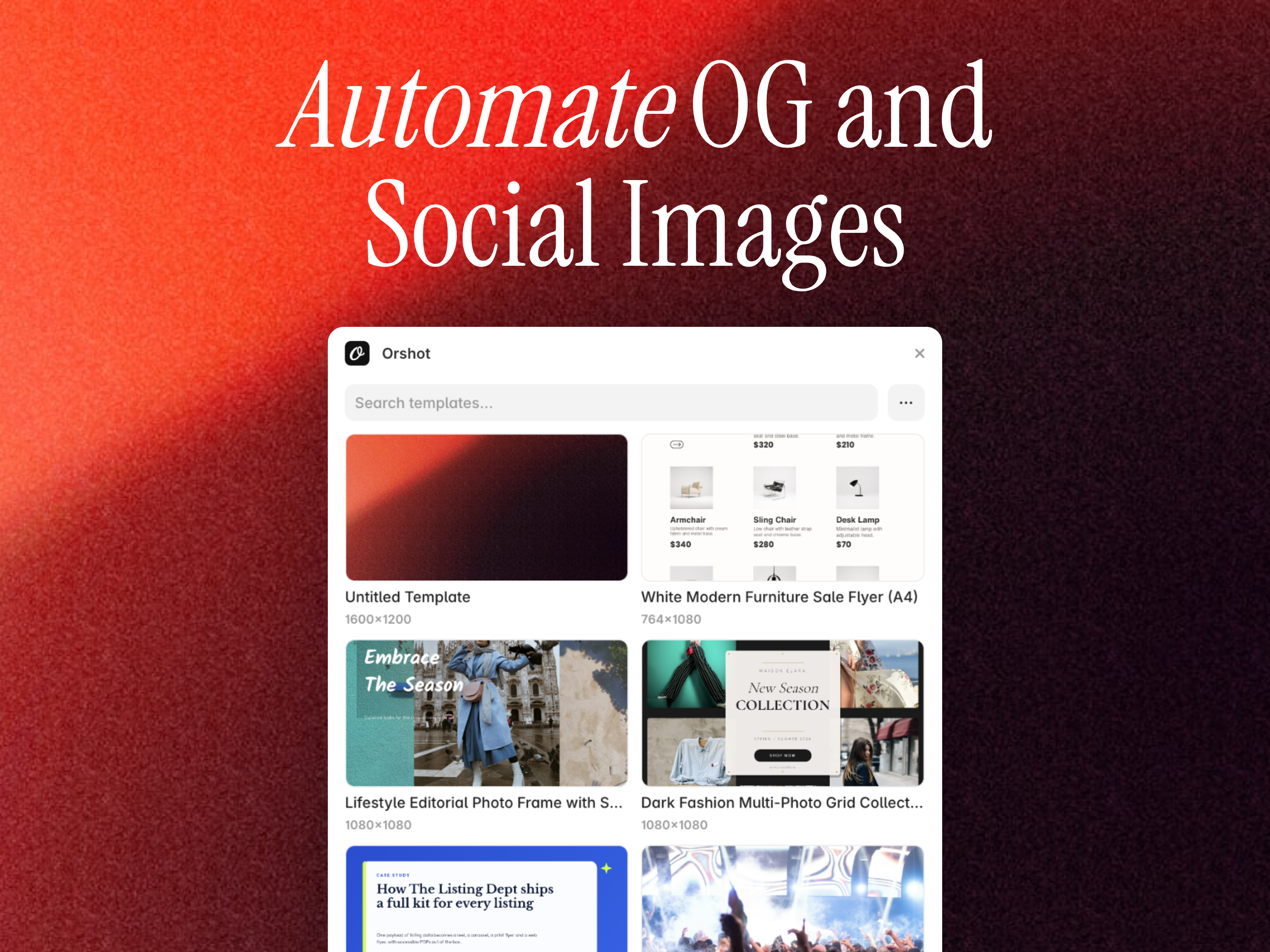
About Orshot turns your designs into an image generation engine.
Description
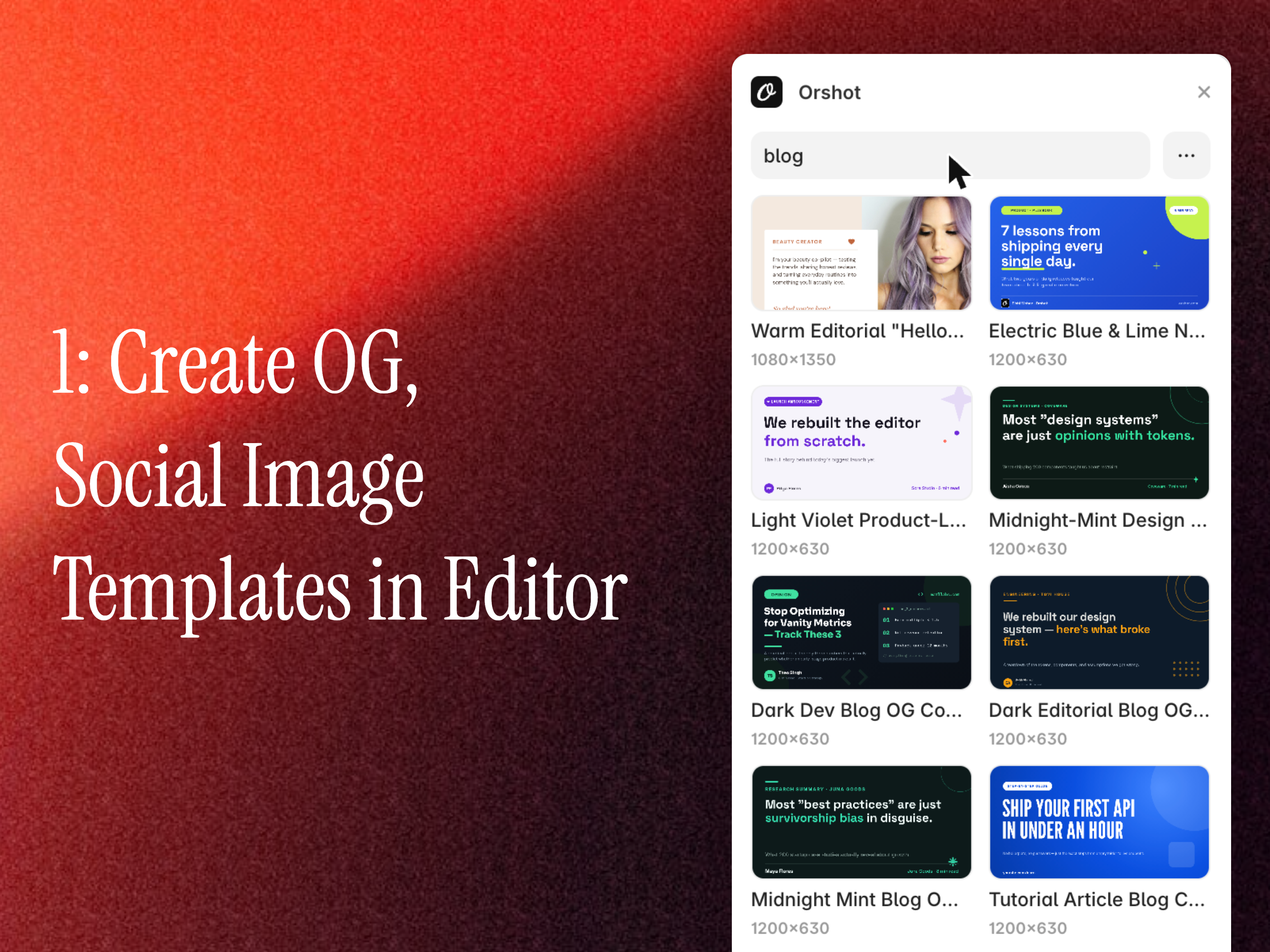
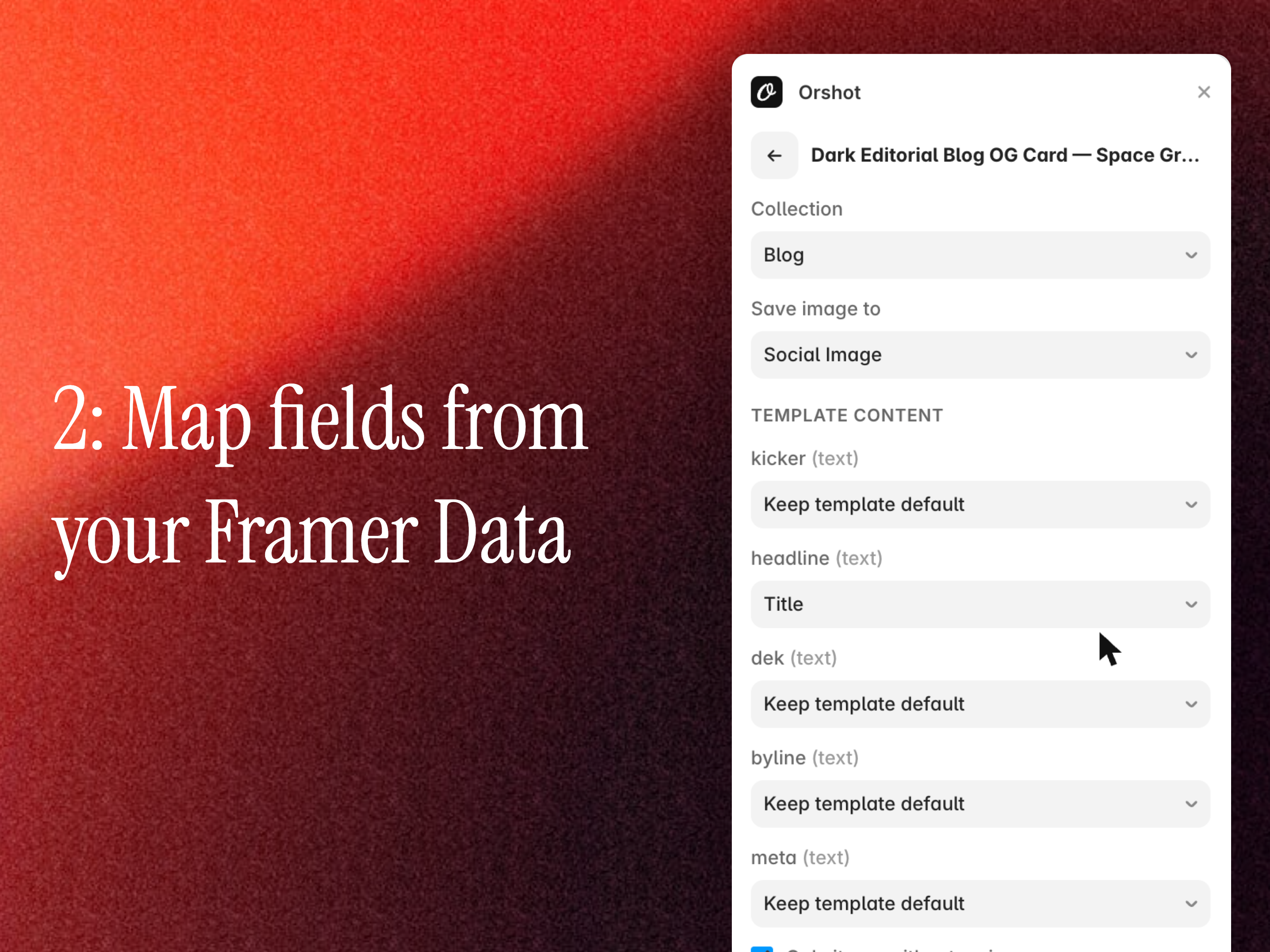
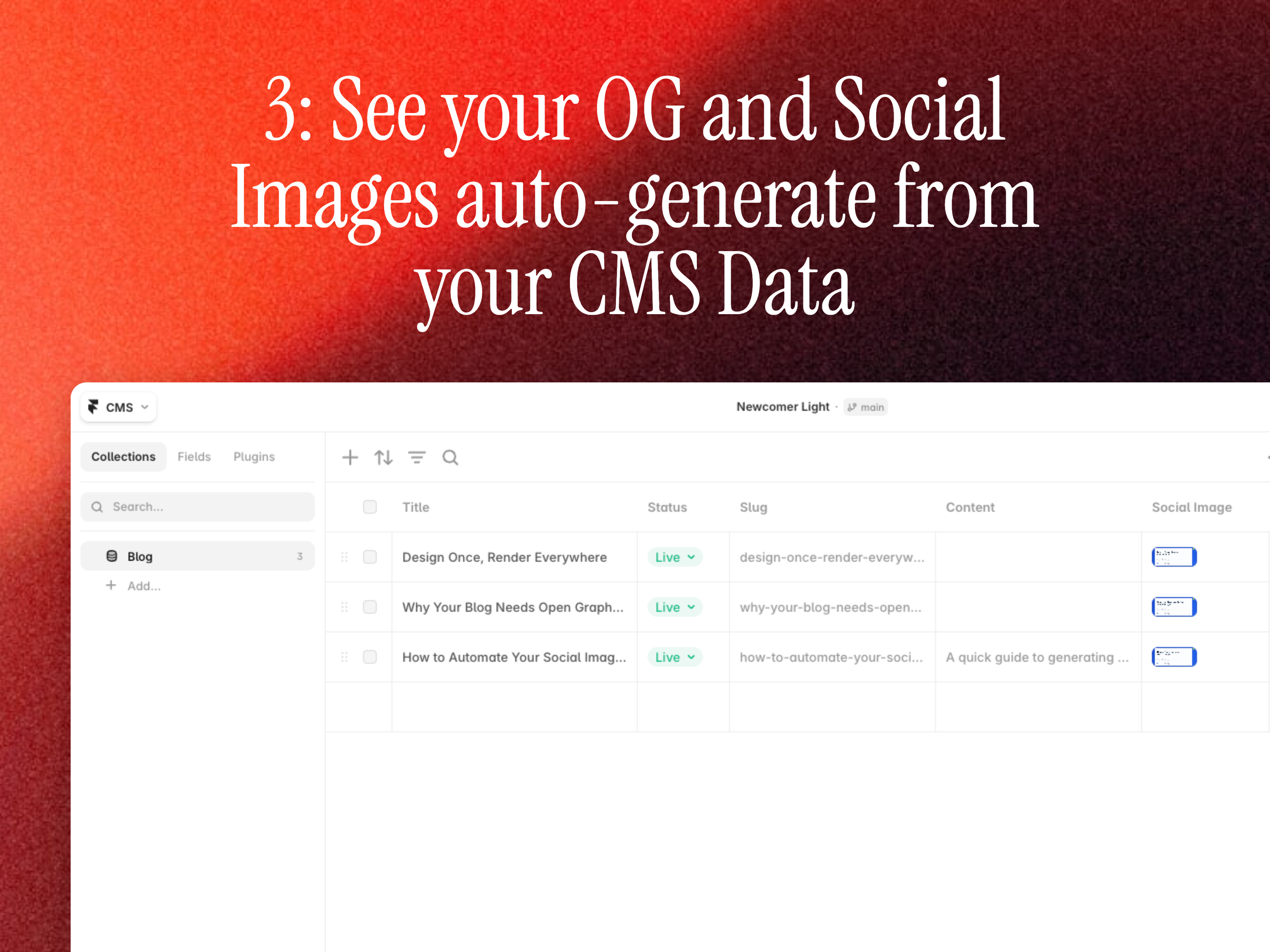
About Orshot turns your designs into an image generation engine. This plugin connects your Orshot workspace to Framer and generates on-brand Open Graph and social images for your CMS content. Every item in a collection gets its own image, saved straight into an image field and ready to use as your page's social preview. How to use 1. Design a template in the Orshot template editor , or bring your designs over from Canva or Figma . A 1200x630 canvas is ideal for Open Graph images, while you can also design templates for posting on LinkedIn, Instagram etc. 2. Create an API key in your Orshot workspace under Workspace > API Keys, then paste it in the plugin to connect 3. Pick a template, choose your CMS collection and the image field to save into, and map template parameters to your CMS fields 4. Preview a render, then generate images for every item in one click. Turn on "Only items without an image" so re-runs only fill in new posts 5. In Page Settings, bind the image field to your page's social preview Useful links - Orshot homepage - API documentation Help & support - Help center - Email: hi@orshot.com
Introduction
Dynamic OG & Social Images
Media
Rank history
Daily rank per list, from the first snapshot — lower is better.
- All · #703