
Can Girgin
Chatloom
FreeChatloom is a full AI chatbot platform, not just a widget.
Searching…
plugin
By FeCommerce
PaystackKit turns your Paystack products into checkout buttons on the Framer canvas.
PaystackKit turns your Paystack products into checkout buttons on the Framer canvas. Connect your Paystack account, pick a product and drag it onto your page. You get a Buy Now button that already links to a working Paystack checkout, with no URLs to copy and no payment links to set up by hand.
HOW IT WORKS
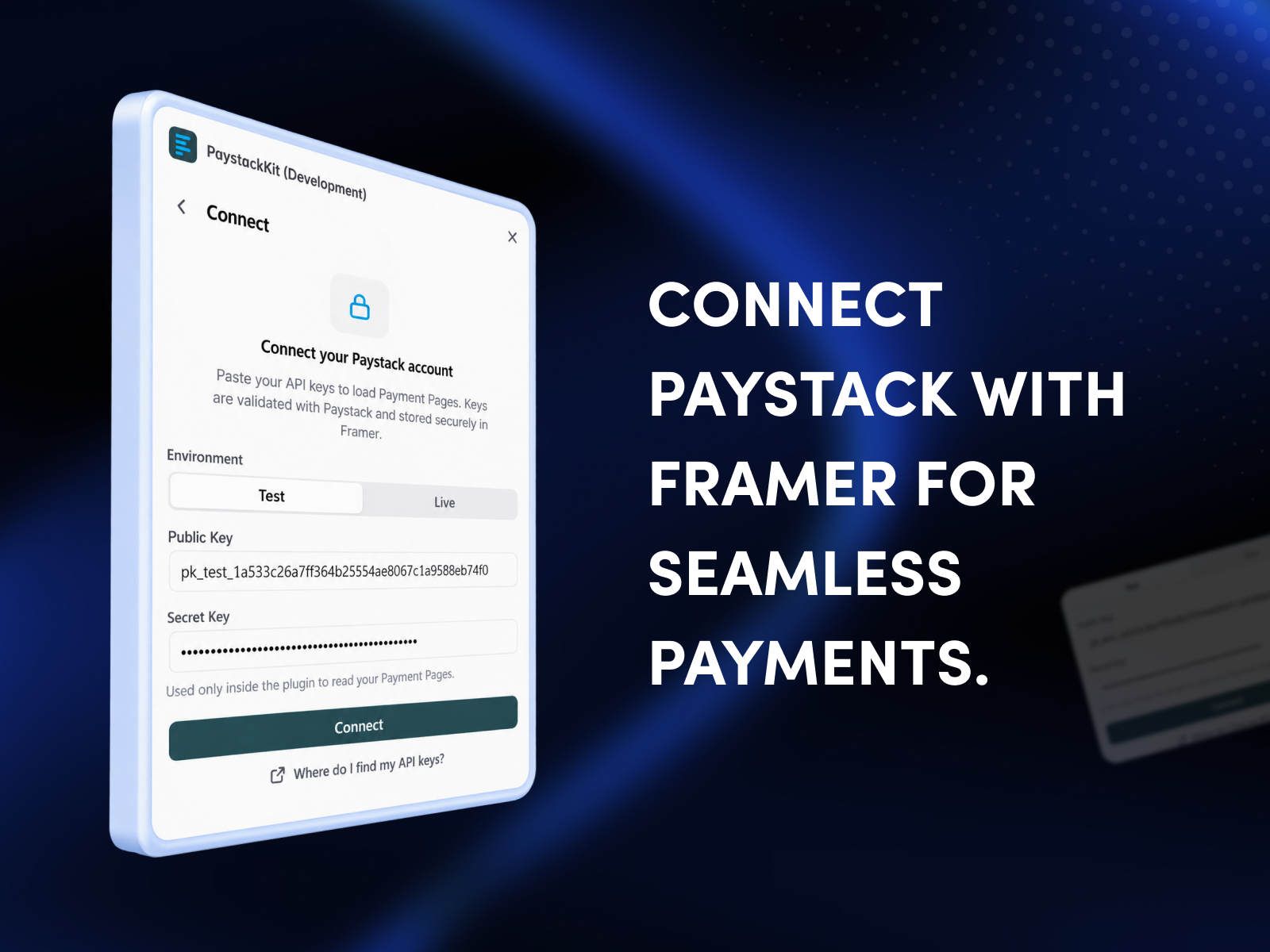
1. Connect with your Paystack API keys (Test or Live). Keys are checked with Paystack before they are saved.
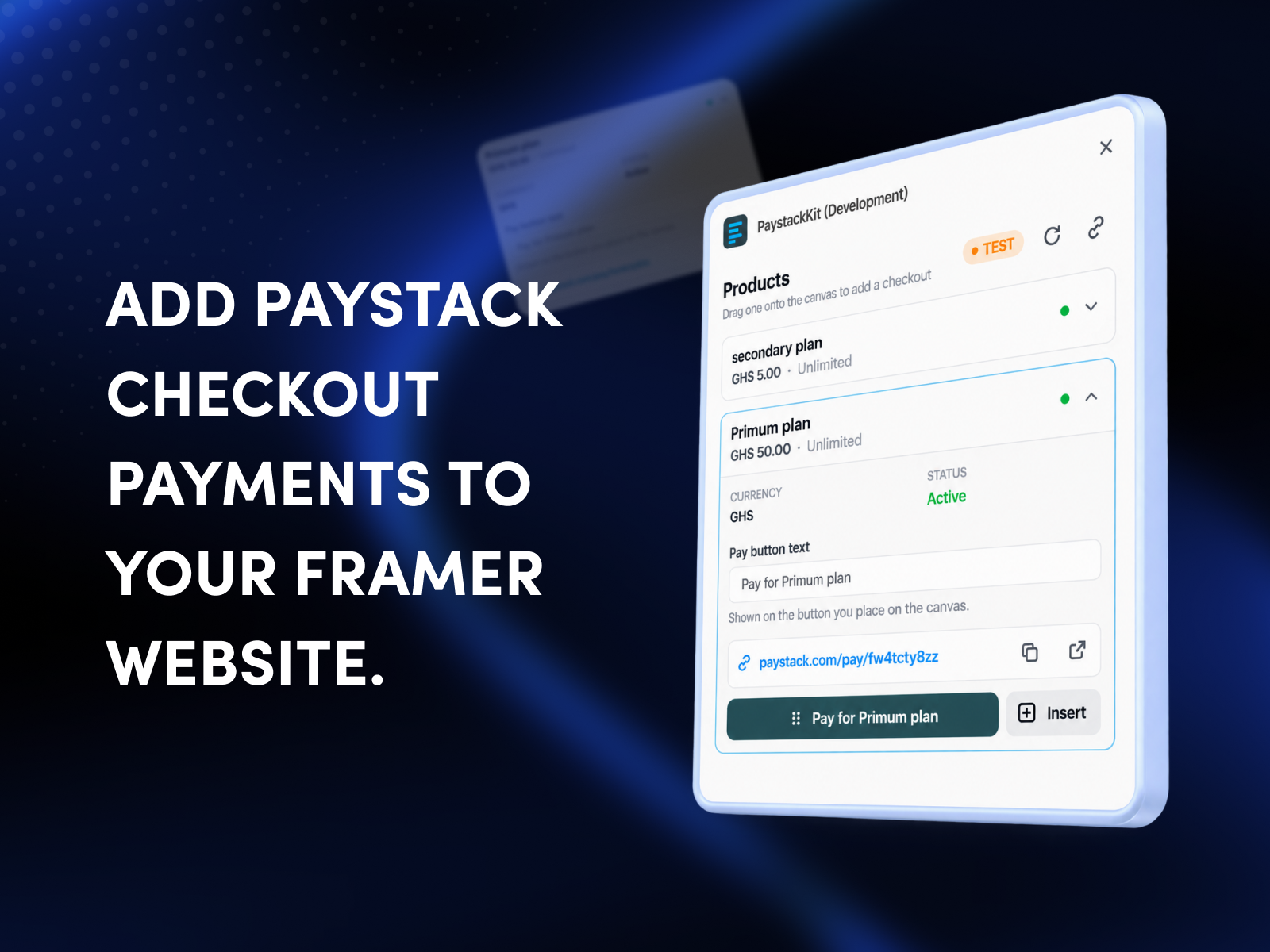
2. Browse your products with price, currency and stock status.
3. Drag a product onto the canvas, or click Insert.
4. The first time you place a product, PaystackKit creates the Paystack Payment Page behind it. Place the same product again and that page is reused.
FEATURES
• Drag and drop, or one-click insert
• Edit the button label before placing it
• Copy or open any product's payment link
• Style the button with native Framer controls: text, colors, font, radius, padding, shadow, hover effect and icon
• Open checkout in a new tab or the same tab
CHECKOUT
Buyers pay on Paystack's secure hosted checkout page. PaystackKit never processes payments and never sees card details.
YOUR KEYS
Your API keys are stored only in your browser, for that Framer project, and are sent only to Paystack over HTTPS. They are never saved to the Framer project or your published site. Paystack secret keys have full account access, so we recommend trying a Test key first. Disconnect at any time from the plugin menu.
REQUIREMENTS
• A Paystack account with its public and secret API keys
• At least one product in your Paystack catalogue
• Edit access to the Framer project
Sell with Paystack in one drag
Can Girgin
Chatloom is a full AI chatbot platform, not just a widget.

Orix Studio
Arvo Commerce connects your Odoo catalog to Framer, giving you a modern, fully customizable storefront while keeping your commerce backend…
Danny Sapio
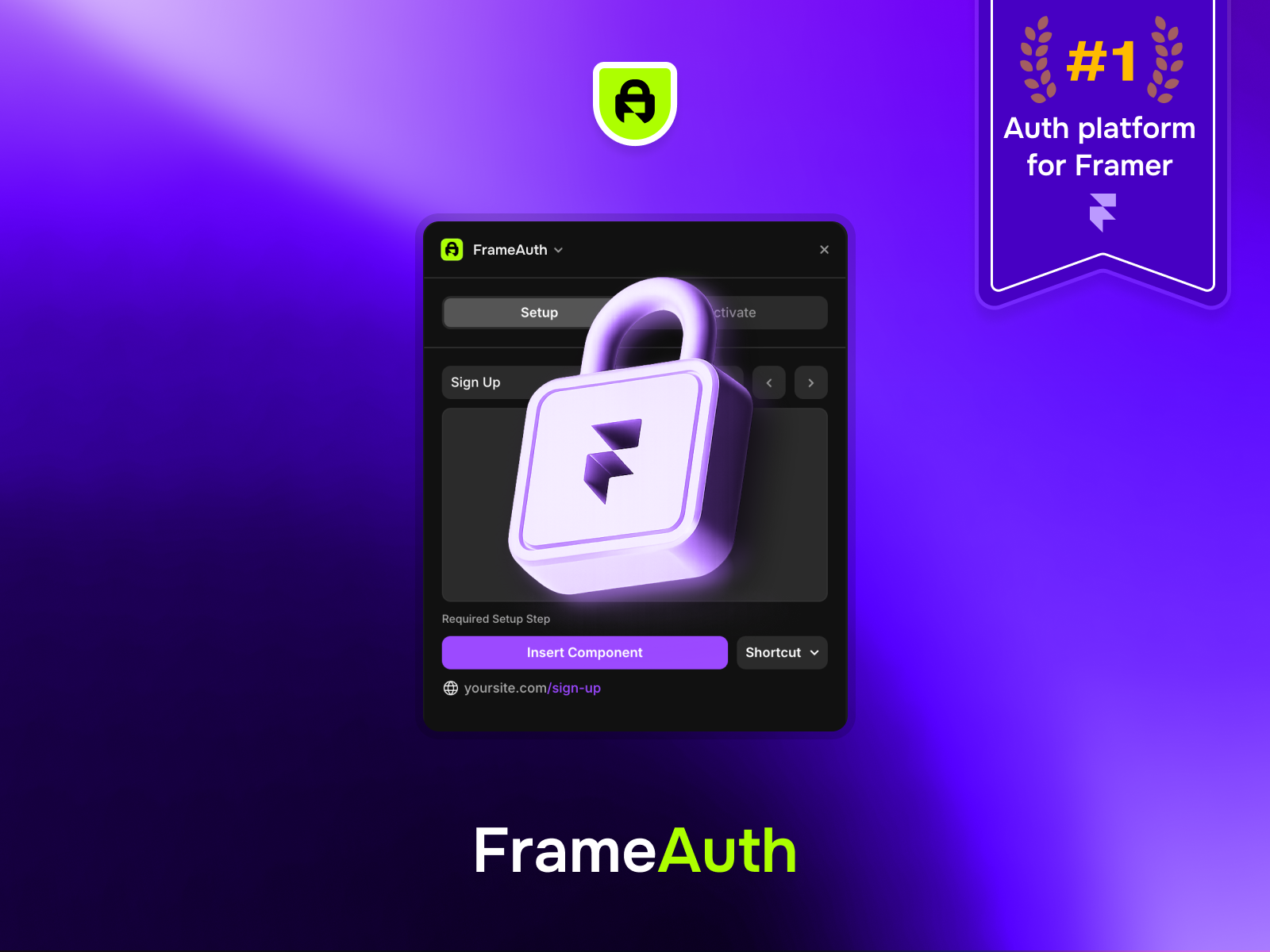
No-code auth & member-only content
Mert Aker
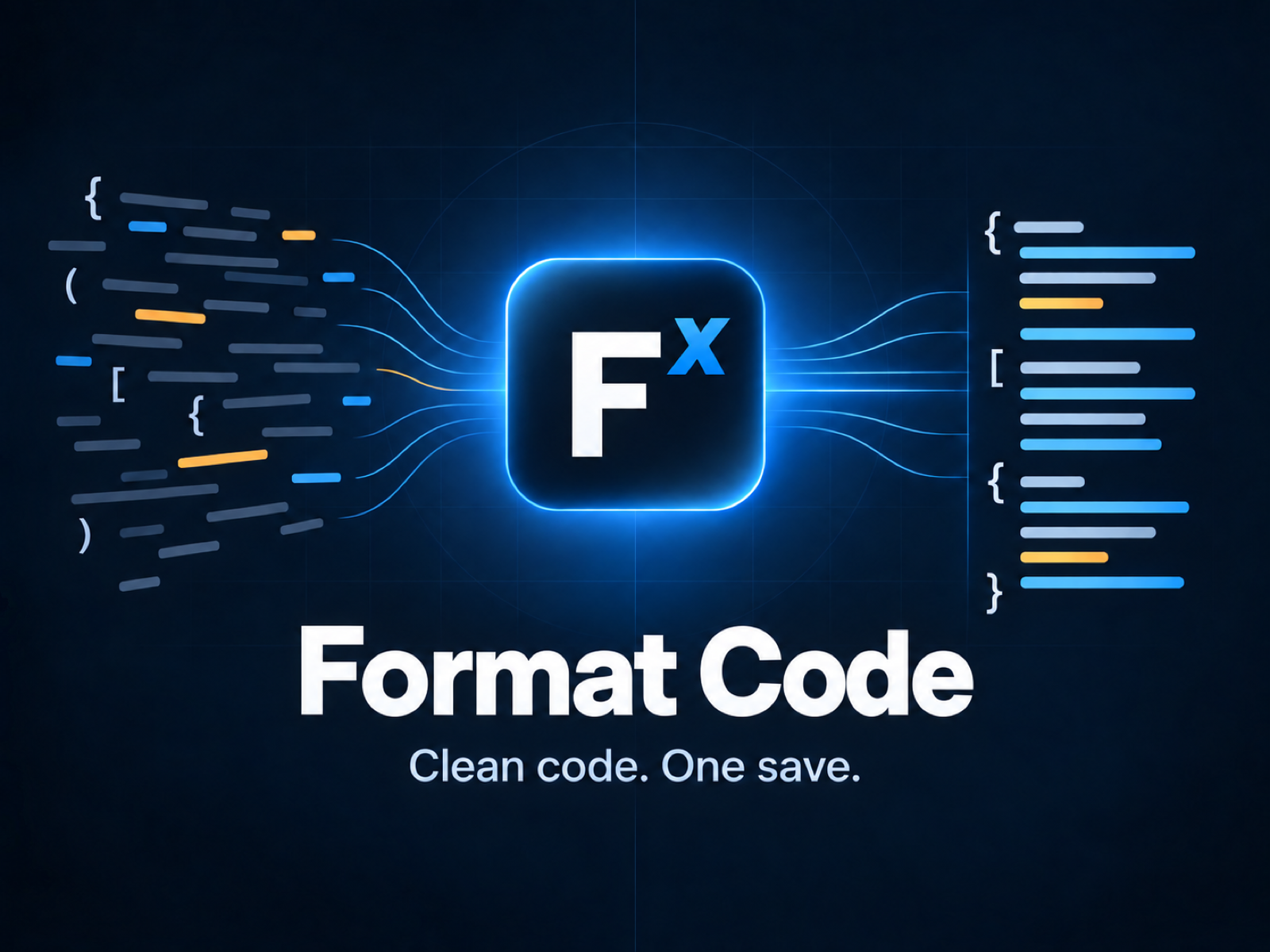
Format Code brings reliable TypeScript and TSX formatting to Framer’s Code Editor.