plugin
PixPress
By Ünsal Onur Özen
Details
- Ünsal Onur ÖzenAuthor
- pluginType
- 2026-08-04Published
- 2026-08-04Updated
- 2026-08-04Added
- MediaCategories
Summary
Pix Press
Description
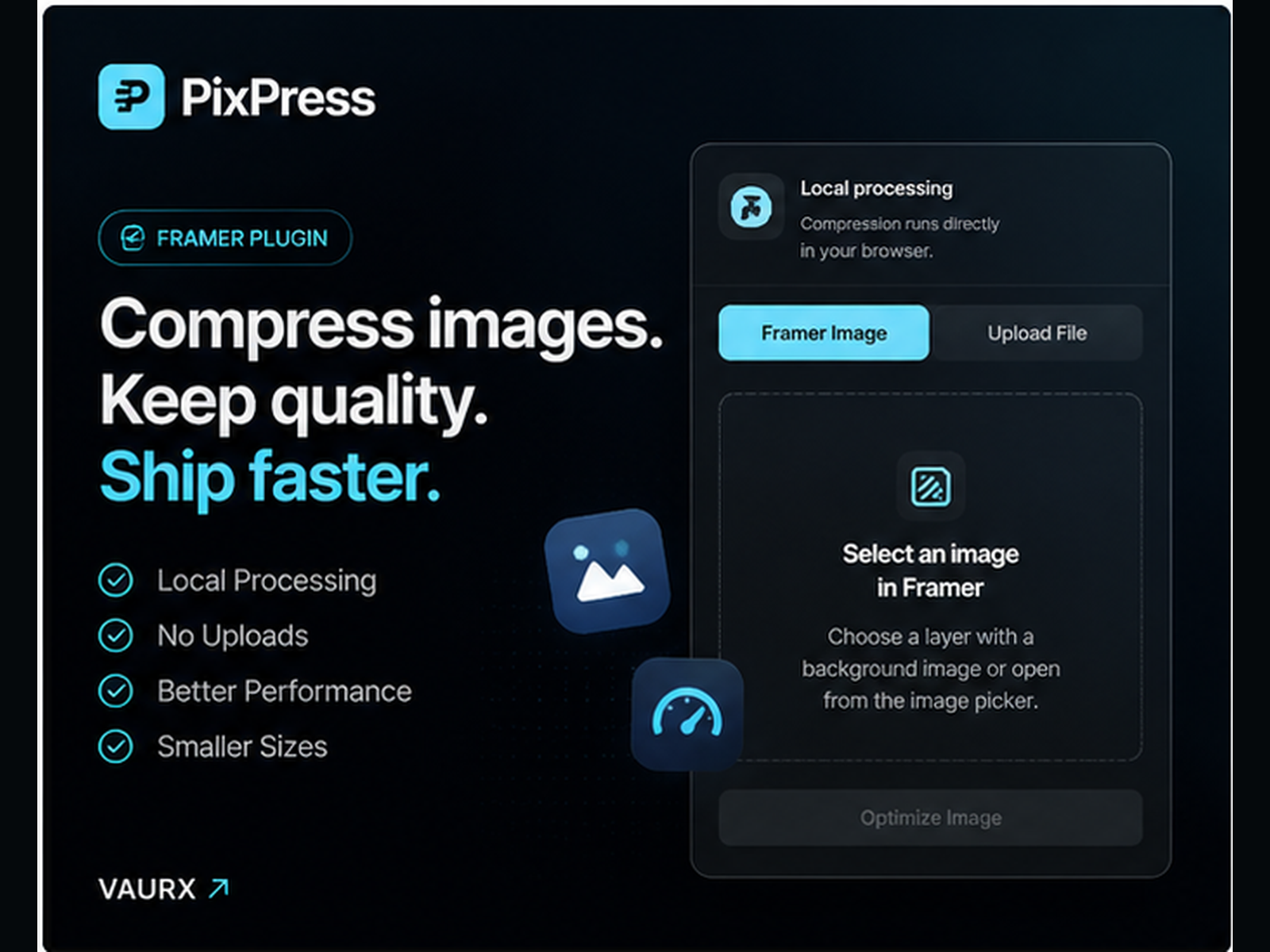
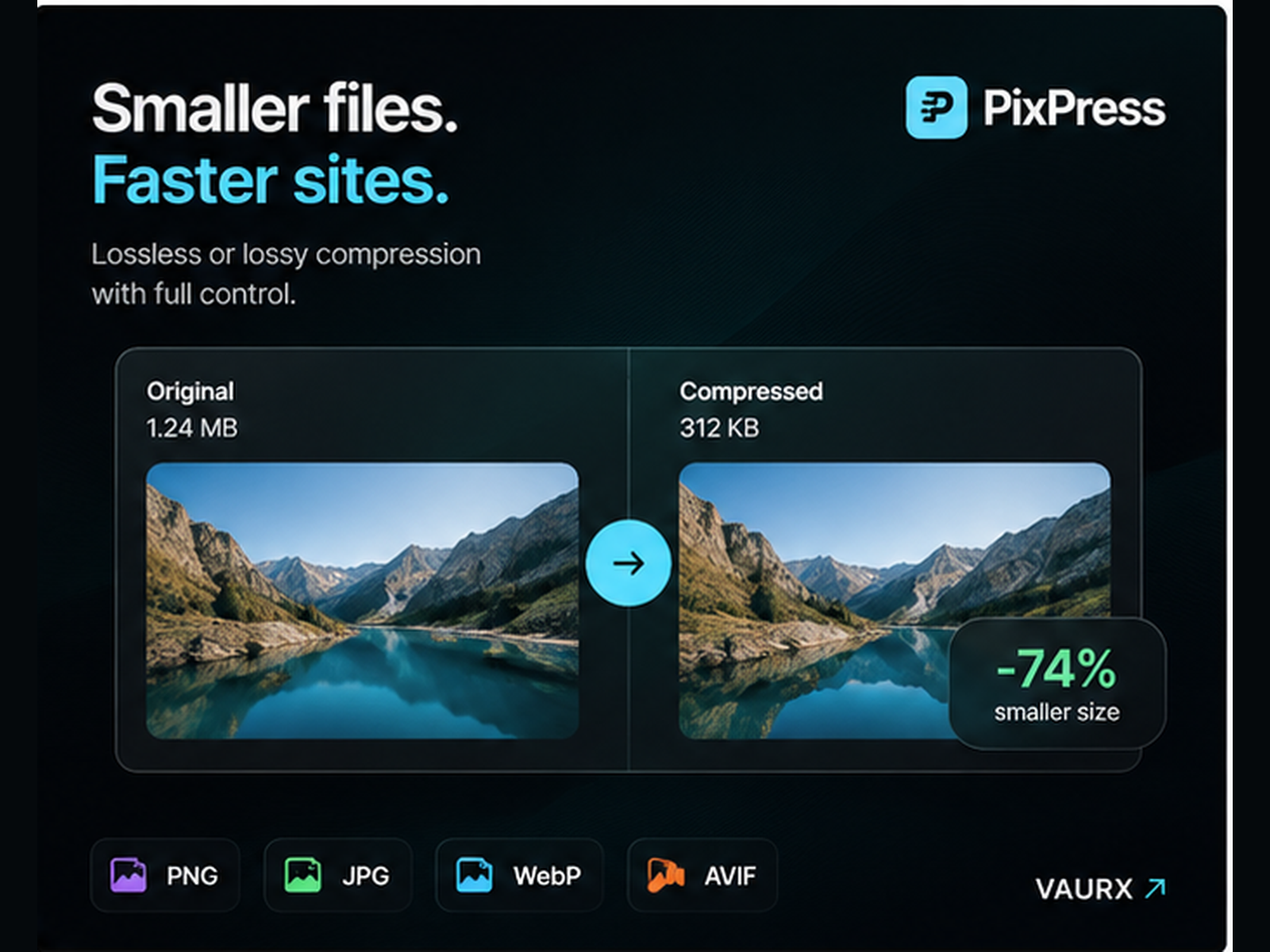
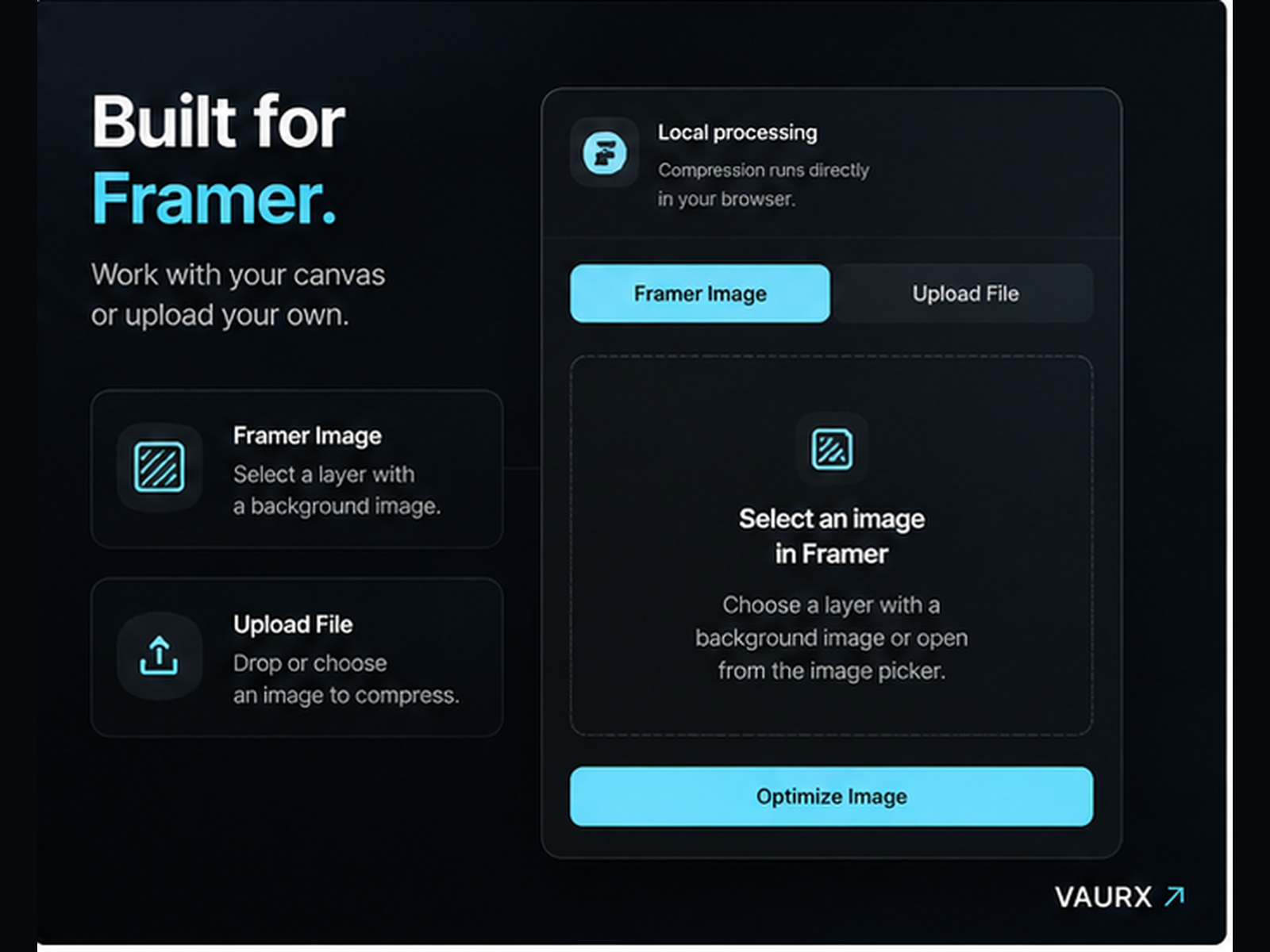
Compress and resize images directly inside Framer. Select an existing Framer image or upload a JPG, PNG, WebP, or AVIF file. Choose the output format, quality level, and maximum dimensions, then review the exact size reduction before applying any changes. • WebP, JPEG, and PNG output • Adjustable quality and dimensions • Before and after file sizes • Replace the selected image • Add as a new image layer • Download the optimized file • Existing alt text is preserved All compression happens locally in your browser. Your images are never uploaded to VAURX or any third-party processing service. Built by VAURX for faster Framer websites.
Introduction
Pix Press
Media

Rank history
Daily rank per list, from the first snapshot — lower is better.
- All · #448