Litchi Solutions
Model Prep
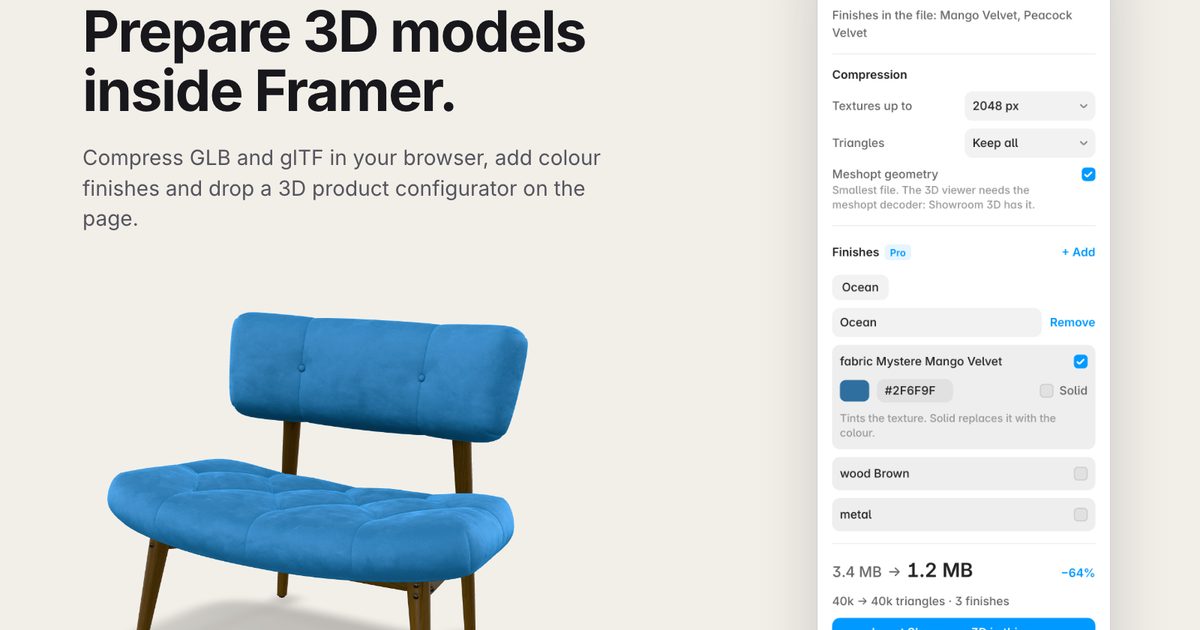
FreeCompress 3D models, add finishes
Searching…
One-click background removal
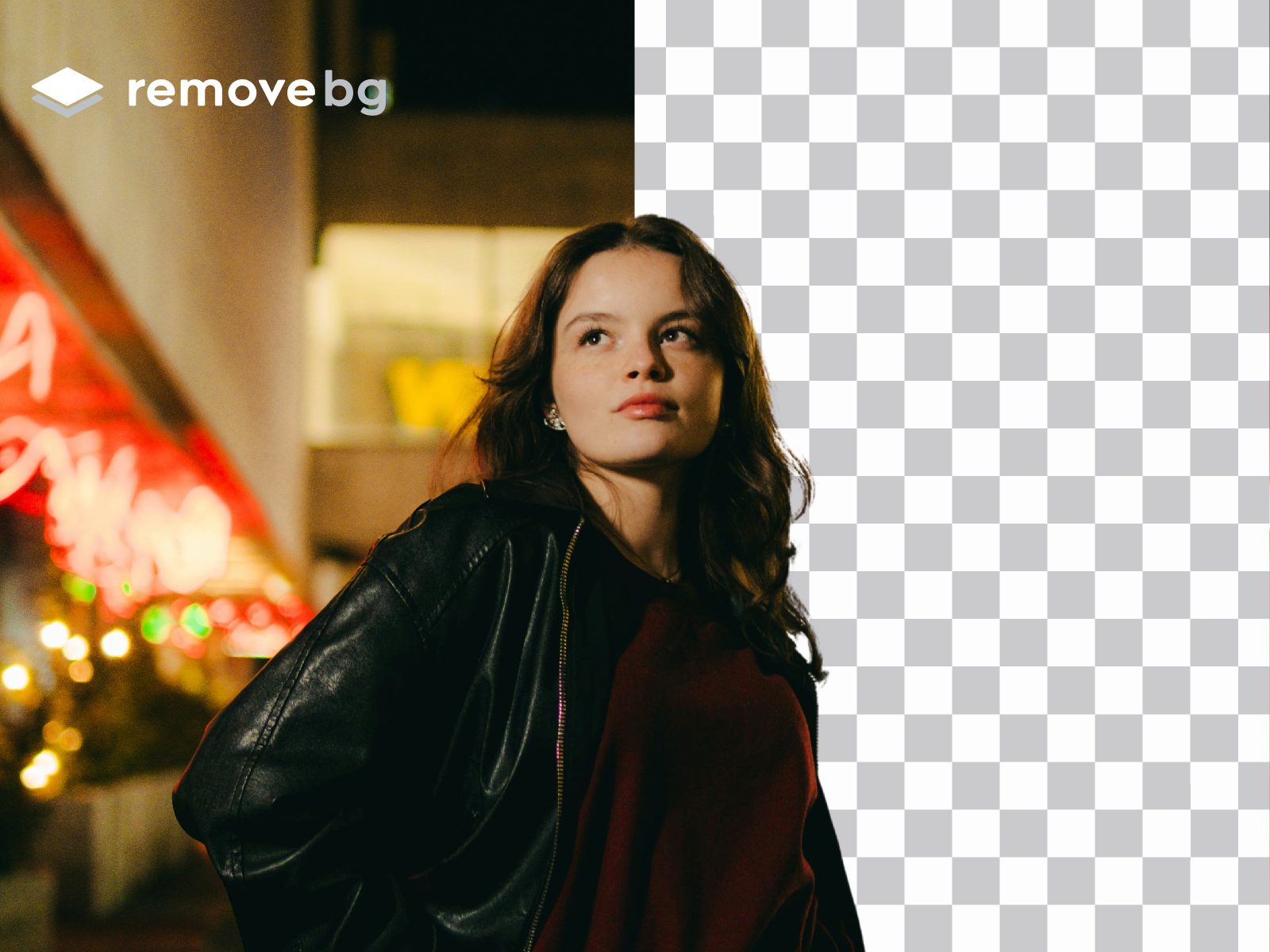
remove.bg's robust API to ensure reliable and professional results every time.
Process images instantly with just one click
Handle complex images with high accuracy, including hair and transparent elements
Save time by eliminating the need to switch between different tools
Maintain high image quality throughout the process
Work with various image formats
Product photography
Portrait editing
E-commerce listings
Social media content
Design mockups
Marketing materials
The plugin uses remove.bg's robust API to ensure reliable and professional results every time. You'll get the same high-quality background removal that millions of users trust, now conveniently integrated into your Framer workflow.
Open the plugin
Enter your remove.bg API key
Select any image in your Framer project
Click to remove the background
Note: This plugin requires a remove.bg API key. You can get one by signing up at remove.bg