
Axis Supply
Bend Video Carousel
$15Bend Video Carousel is an interactive video carousel for Framer that combines smooth movement with a curved, dimensional layout.
Searching…
Sync Any RSS Feed with your CMS
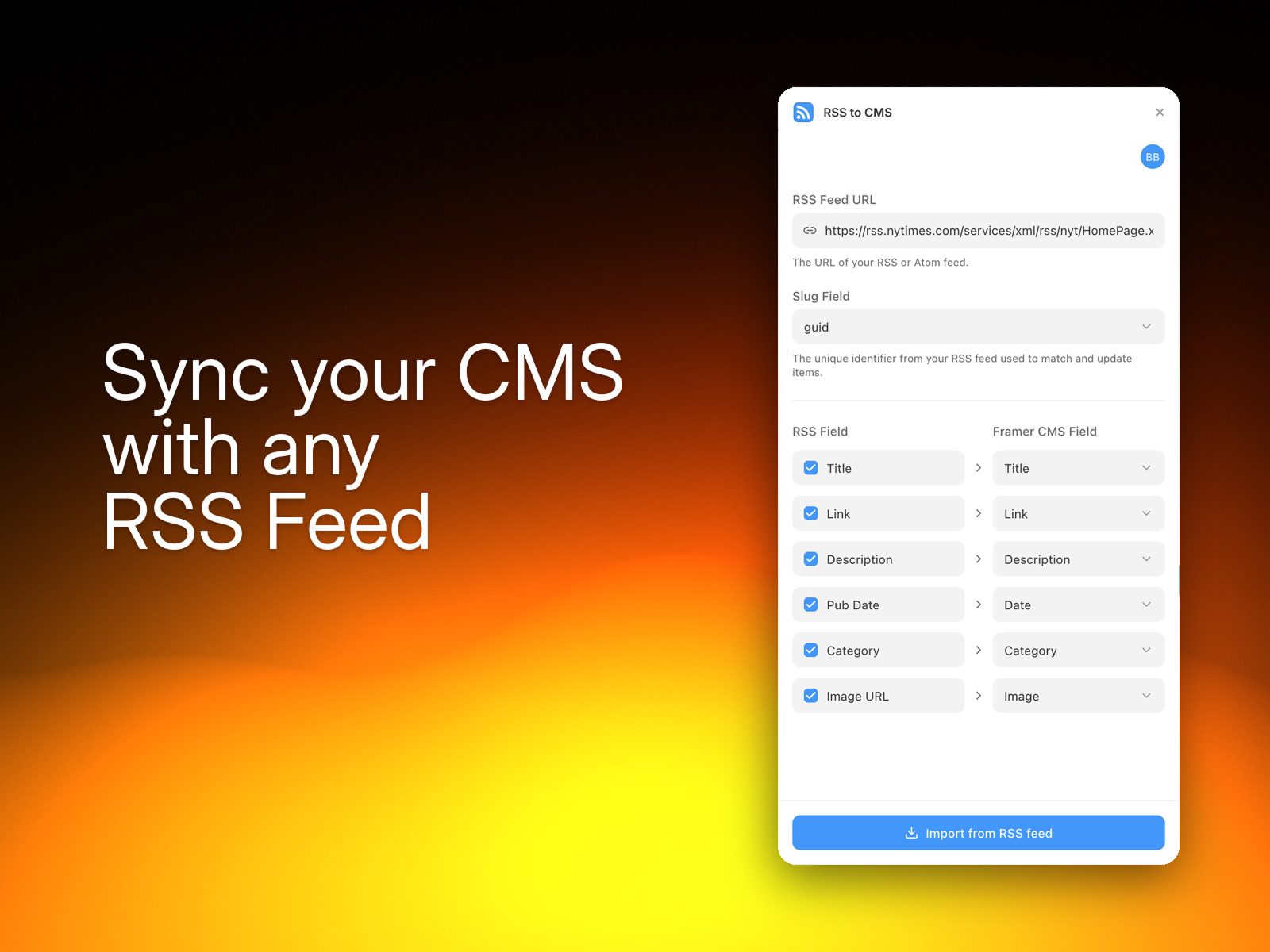
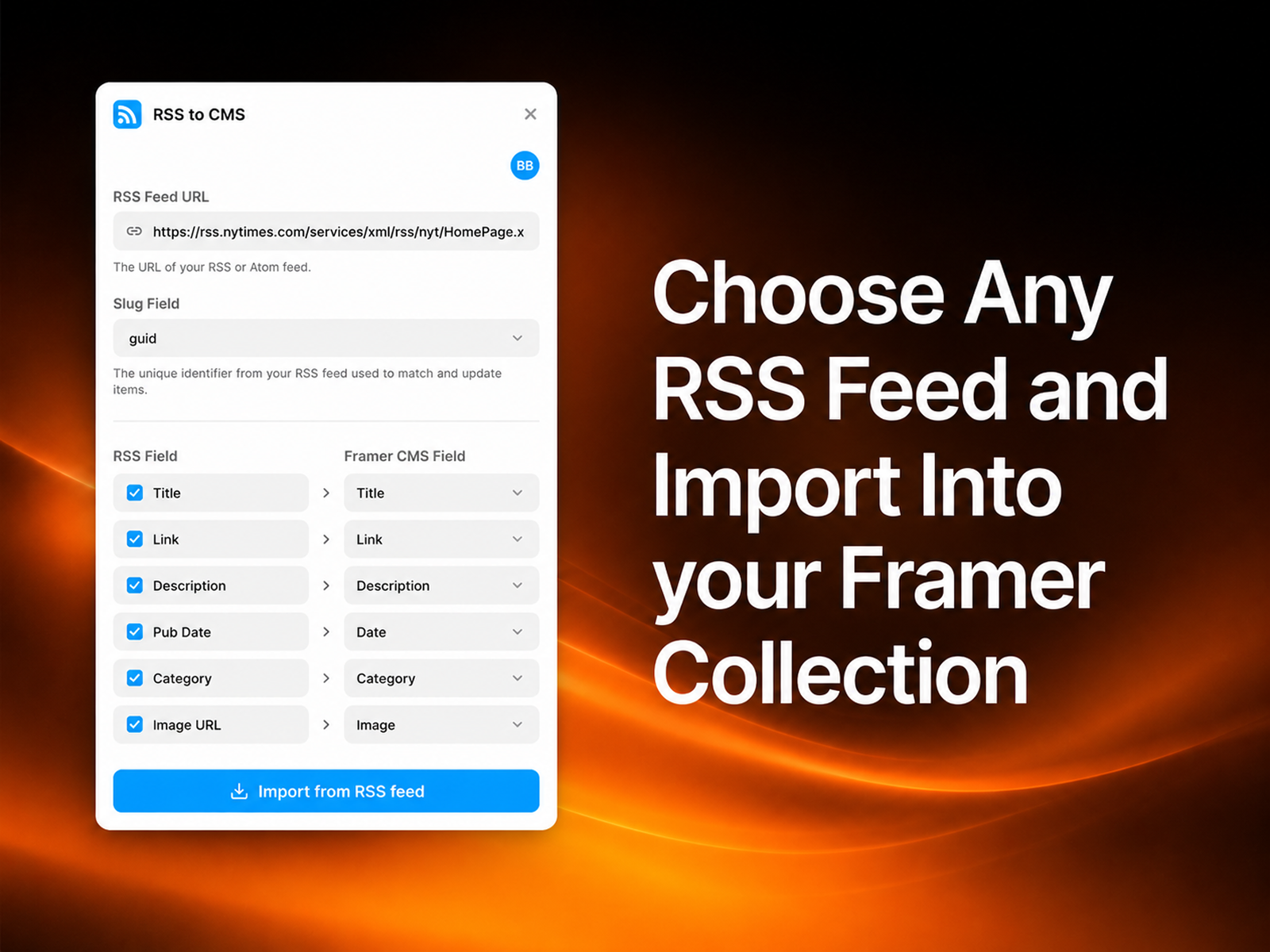
RSS to CMS turns any RSS feed into a live Framer CMS collection.
RSS to CMS turns any RSS feed into a live Framer CMS collection. Paste a feed URL and the plugin pulls every post: titles, content, images, dates, and links, straight into your CMS, ready to design with. No code, no API keys, no copy‑pasting.
Turn any RSS feed into a Framer CMS collection in seconds. Paste a URL, hit import, and design with real content that's automatically kept in sync.
Any feed, instantly: works with any RSS feed (blogs, news, podcasts, YouTube, Substack, and more).
Smart field mapping: automatically maps feed fields to CMS fields: title, content, link, date, category, and featured image.
Real content, not placeholders: imports rich text and images so your designs use the actual posts.
Stays in sync: re-importing updates existing posts and removes ones that are gone, with no duplicates.
Zero setup: no code, no developer account, no API keys.
Paste your RSS feed URL.
Click Import and your posts appear in your collection, ready to use.
That's it. Bind the collection to your designs, and re-run the plugin anytime to pull the latest posts.
Axis Supply
Bend Video Carousel is an interactive video carousel for Framer that combines smooth movement with a curved, dimensional layout.

Axis Supply
CMS Archway Video is a cinematic video carousel for Framer that combines continuously moving video cards with a distinctive arched shape.

TOC Studio
CMS-connected hover nav menu