plugin
Social Feed to CMS
By Pitaly 8
Details
- Pitaly 8Author
- pluginType
- 2026-08-09Published
- 2026-08-20Updated
- 2026-08-09Added
- CmsCategories
Summary
Instagram to Framer CMS Auto Sync
Description
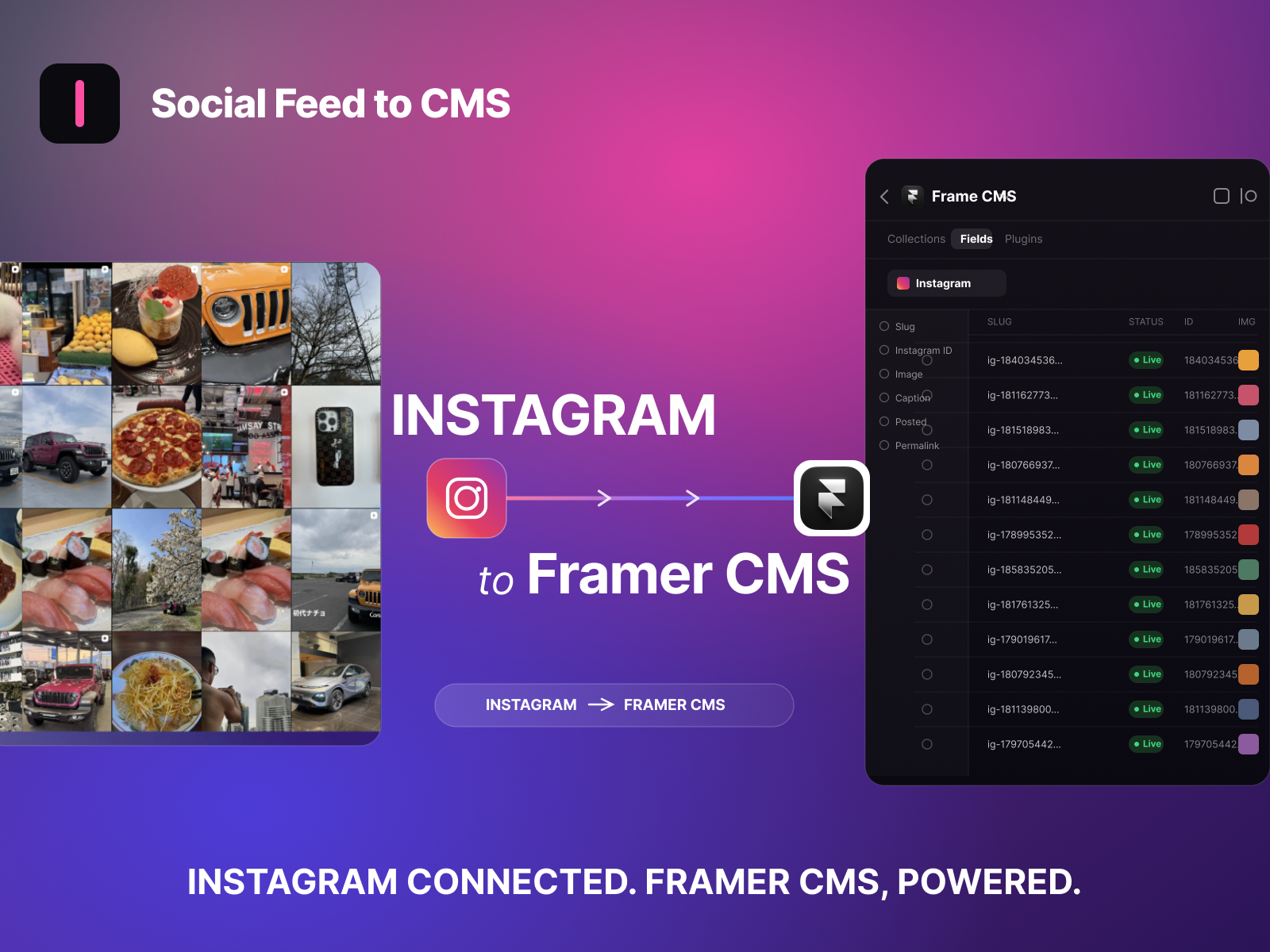
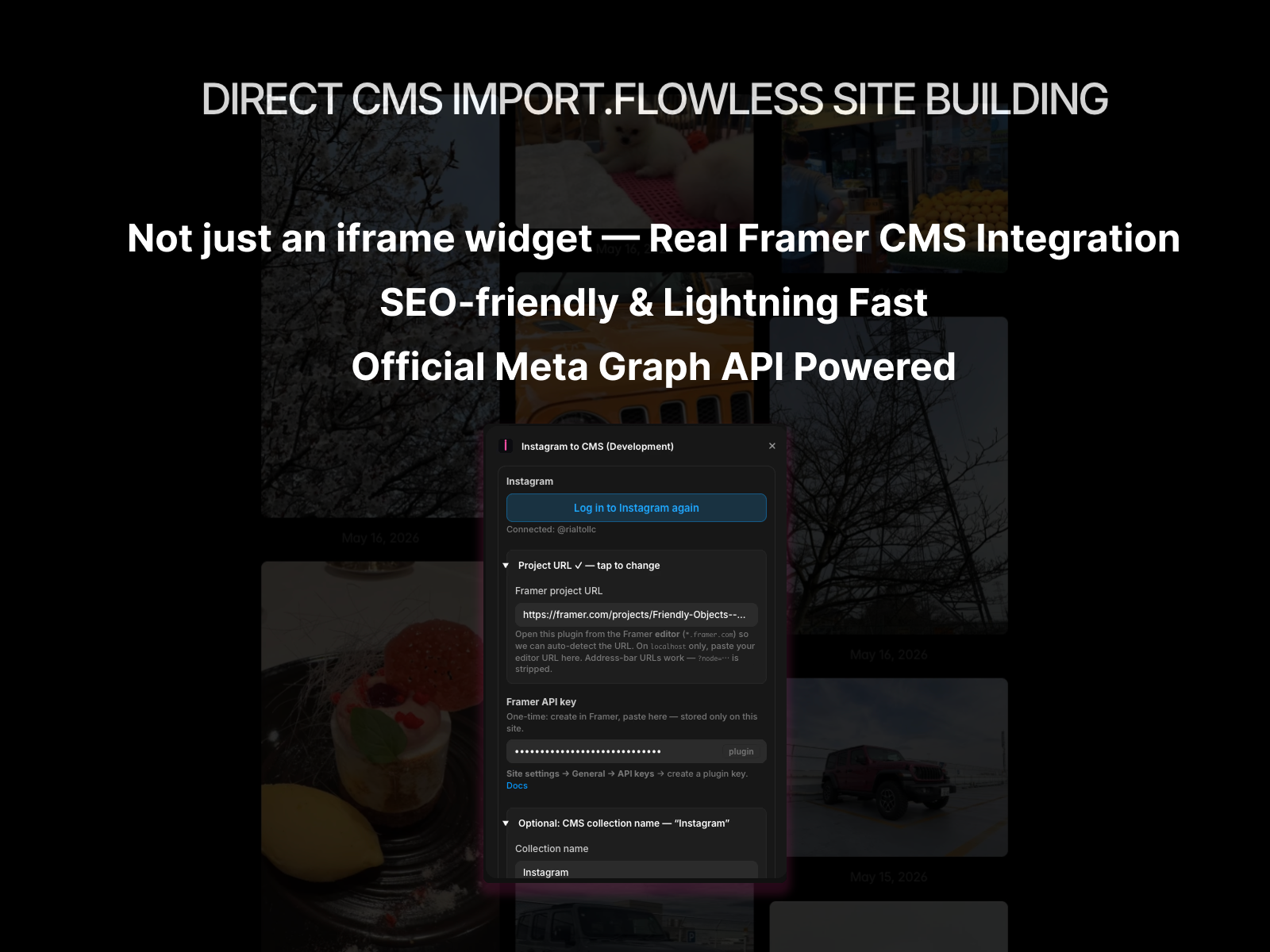
Sync Instagram posts into Framer CMS effortlessly. Display your Instagram content in Framer without manual copy-paste. * Log in with Instagram (Meta OAuth) ― Connect seamlessly with Instagram Business or Creator accounts. * Framer API Integration ― Add your Framer Server API key once (stored securely in browser's local storage). * 1-Click Sync to CMS ― Instantly sync your latest Instagram posts into a Framer CMS collection (includes Instagram Post ID, Image, Caption, Date, and Permalink). * Automatic Collection Setup ― Automatically creates an Instagram CMS collection and all required fields on your first sync. * No Background Auto-Sync : In strict compliance with Framer Marketplace Security & Privacy Policies, we do not store your Instagram access tokens or Framer API keys on external servers. Background automatic syncing is intentionally disabled to keep your credentials 100% secure in your browser's local storage. You trigger syncs directly via 1-click inside the Framer editor. * Agencies & Marketers looking to quickly sync client Framer sites with fresh Instagram feeds and social content. * Creators & Designers building CMS-driven Instagram grids, photo galleries, detail pages, or custom layouts in Framer. 1. Open the plugin in your Framer project. 2. Add your Framer Server API key (Settings → API Keys → Server API). 3. Log in with your Instagram account. 4. Click Sync now ― Leave the Collection name empty to auto-generate your Instagram CMS collection.
Introduction
Instagram to Framer CMS Auto Sync
Media
Rank history
Daily rank per list, from the first snapshot — lower is better.
- All · #283