Cyedi Creative Studio
Sealcraft
FreeBadges, stamps and spinning seals
Searching…
One-click Workflow Tool
One-click Workflow Tool
Create some color & text styles in your project
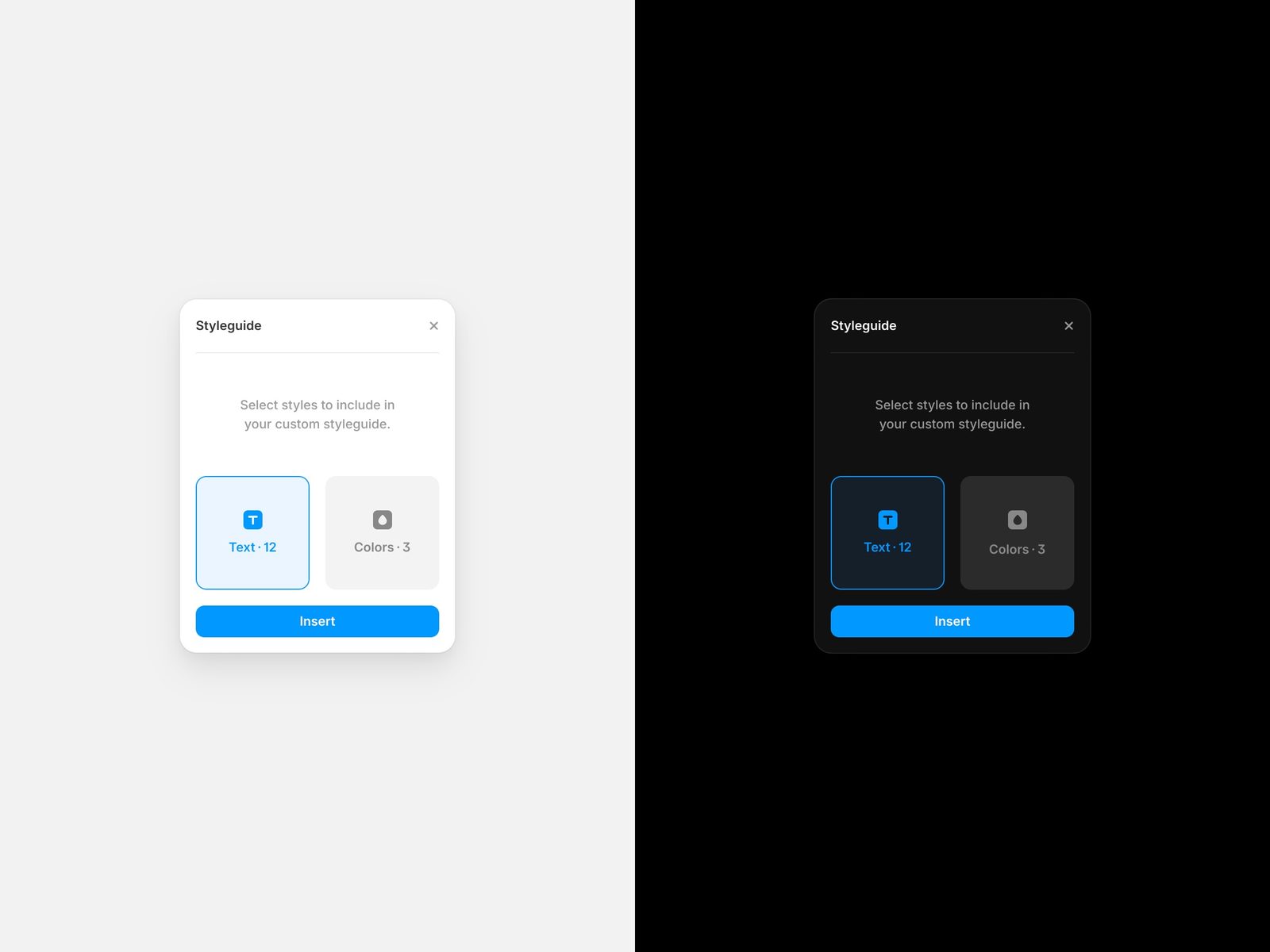
Open the plugin and choose styles
Insert your styleguide components
Update any existing styleguide component by selecting it and clicking on „Update Styles“ in the plugin.
You can customize your styleguide components to match your brands fonts and colors. This plugin supports color and text styles.