plugin
Variable (Design token for Framer)
By Iklil Najma Muqtafa
Details
- Iklil Najma MuqtafaAuthor
- pluginType
- 2026-09-07Published
- 2026-09-07Updated
- 2026-09-04Added
- StylesCategories
Summary
Design Tokens & Variables
Description
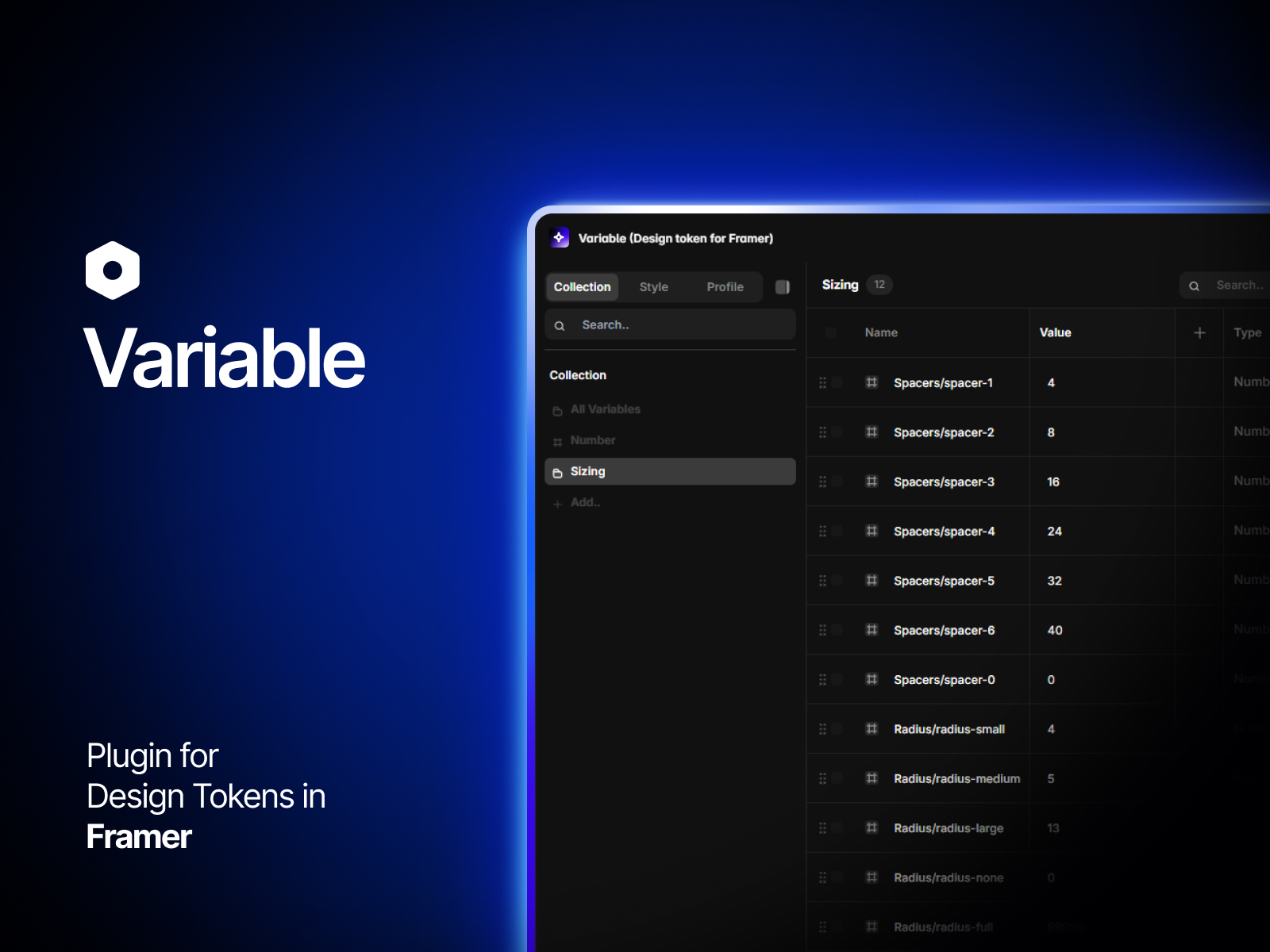
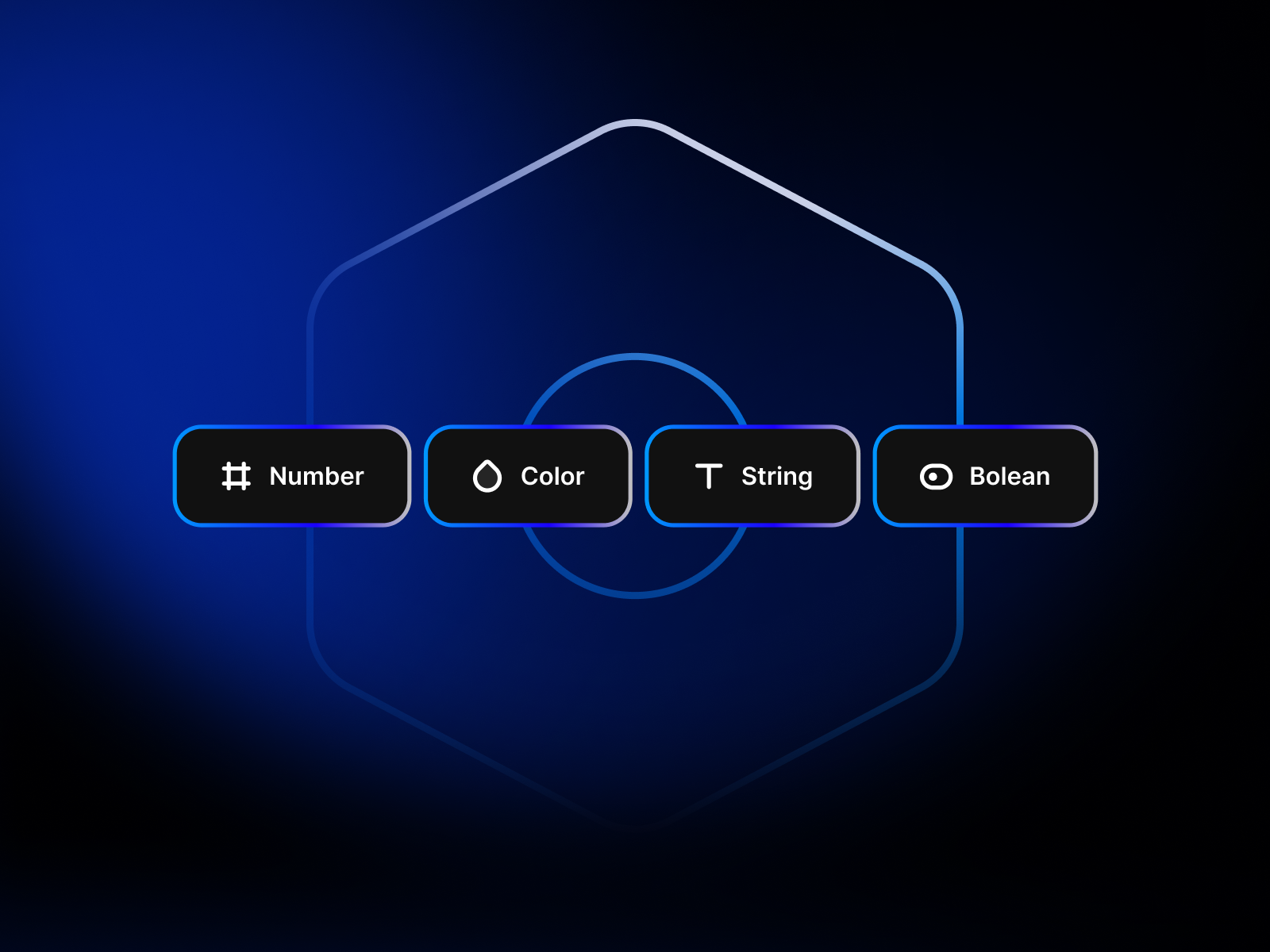
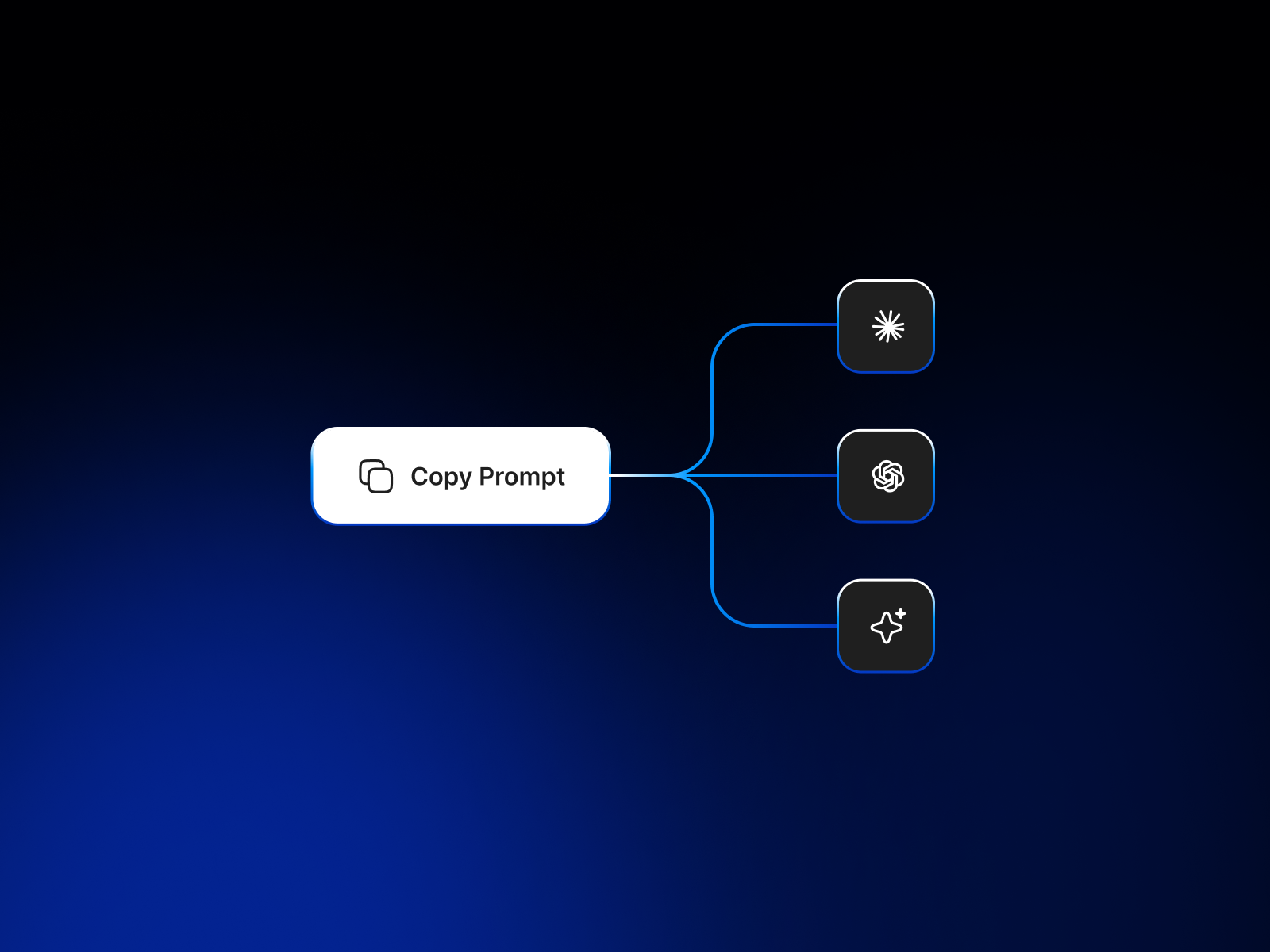
Variable — Design Token for Framer A Framer plugin to manage design tokens directly from the canvas. Create, organize, and bind tokens to elements with real-time updates. Key Features 1. Variables & Data Types 11 Types: Color, Number, String, Boolean, Dropdown, Typography, Spacing, Sizing, Radius, BorderWidth, Opacity. Aliases & Math: Reference tokens ({path/to/token}) or perform calculations ({spacing/md} * 2). Scopes: Restrict variables to specific properties. 2. Collections & Multi-Mode Modes: Support Light/Dark, Desktop/Mobile, etc., with per-mode values. Breakpoint Auto-Switch: Switches modes automatically based on frame width. 3. Canvas Binding Bind variables directly to Framer element properties: Layout & Spacing: Padding, Gap, Grid, Width/Height, Min/Max size, Overflow. Visual Style: Fill, Border (Width, Color, Radius per-side), Opacity, Z-Index, Visibility, Stack Direction, Wrap. Typography: Font Family, Size, Weight, Line Height, Letter/Paragraph Spacing, Text Color, Alignment, Truncation, Transform. 4. Import / Export Import: W3C DTCG (.json), Figma Tokens (.tokens.json), Custom JSON. Export: JSON, W3C DTCG (.w3c.json), and AI Design System Prompts. 5. Productivity Multi-Selection & Component Support: Bind multiple elements simultaneously; changes propagate to master components and across all pages. Workflow Tools: Autocomplete (/), resizable table, and responsive UI. How to Use Open Variable Plugin in your Framer project. Create a Collection: Click + in the Collection sidebar. Add Variables: Select a type, name it, and set a value. Bind to Canvas: Select Frames/Text, then click + next to any property in the side panel to bind it. Update: Modify variable values to update all bound elements instantly.
Introduction
Design Tokens & Variables
Media

Rank history
Daily rank per list, from the first snapshot — lower is better.
- All · #176