component
Advanced MultiStep
By Sabbir Hasan
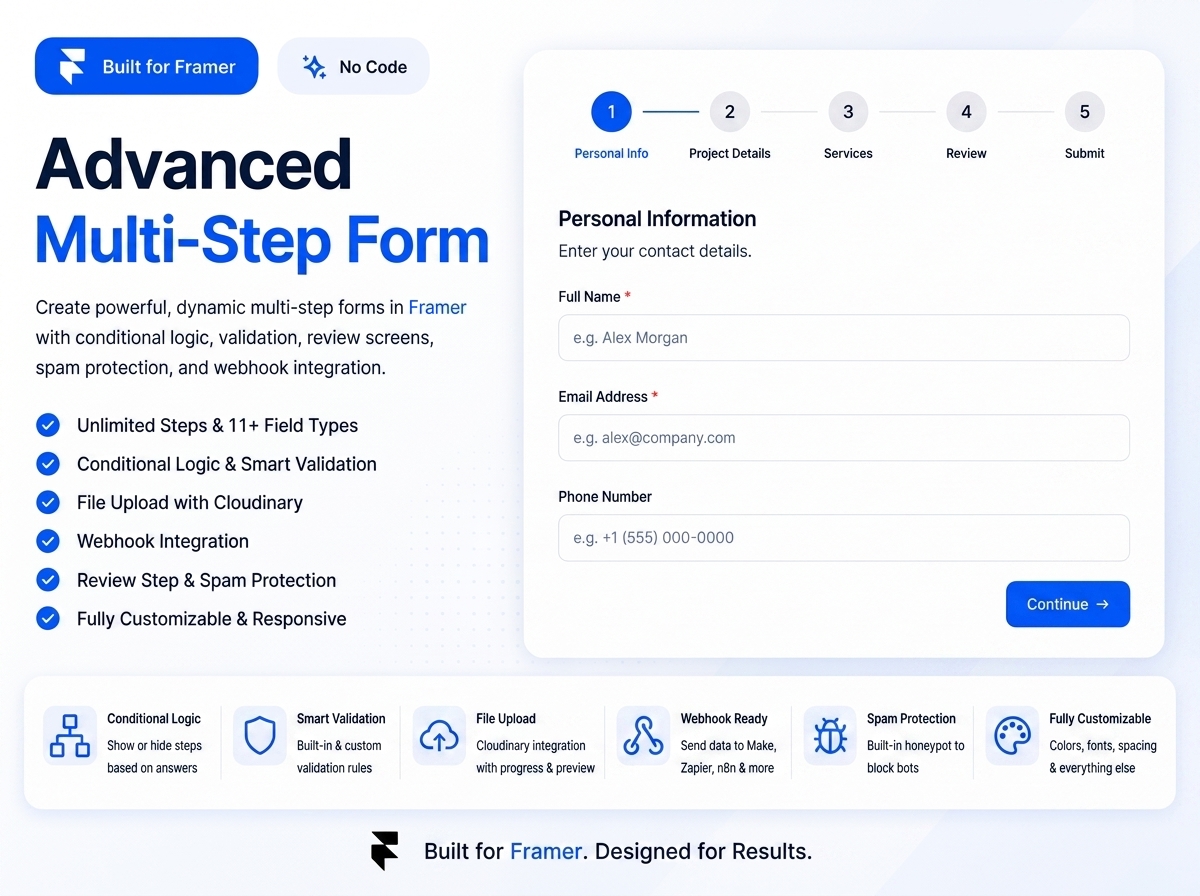
Details
- Sabbir HasanAuthor
- componentType
- $20.00Price
- 2026-08-15Published
- 2026-08-15Updated
- 2026-08-15Added
- FormsCategories
Summary
Advanced Multi-Step Form For Frame
Description
Advanced Multi-Step Form Features Fully Dynamic Steps & Fields 11 Field Types Conditional Steps Built-in Validation Cloudinary File Uploads Review Step Spam Protection Webhook Integration Fully Customizable Polished Interactions Keyboard-Friendly Setup Add the component to your Framer project from the purchase page or component link. Open your Framer project. Find the component in the Assets panel under Code. Drag it onto your desired page. Select the component to access all settings from the Properties panel. Notes This component uses your own webhook and Cloudinary accounts. No account credentials or external services are hardcoded into the component. For file uploads, Cloudinary setup is required. To receive and organize submissions, connect your webhook to an automation workflow, email service, spreadsheet, CRM, or another destination. License This component is provided under Framer's Single-Use Commercial License. You May Use this component in one personal, commercial, or client project. Customize the styling and configuration to fit your project's needs. Modify the component as needed for that project. You May Not Use the same purchase in multiple separate projects or websites. Resell, redistribute, or share the component with others. Repackage the original or modified component as a template, component, or marketplace product. Claim authorship of the original component. Support For setup help or questions about Advanced Multi-Step Form, Please contact: sabbirhasannahid6175@gmail.com Facebook link: https://www.facebook.com/sabbirhasan075 When contacting support, please include a brief description of the issue and any relevant screenshots or error messages.
Introduction
Advanced Multi-Step Form For Frame
Rank history
Daily rank per list, from the first snapshot — lower is better.
- All · #472