component
File Upload
By Iklil Najma Muqtafa
Details
- Iklil Najma MuqtafaAuthor
- componentType
- $25.00Price
- 2026-02-26Published
- 2026-08-02Updated
- 2026-02-19Added
- FormsCategories
Summary
This File Upload Component delivers a smooth drag-and-drop experience with flexible customization — perfect for both personal and professional Framer projects.
Description
Struggling with file collection in forms? This File Upload Component delivers a smooth drag-and-drop experience with flexible customization — perfect for both personal and professional Framer projects. Open Live Preview → (Try uploading multiple files, reordering them, and seeing how the cloud storage integration works in real-time.) Complete component setup with full guide tutorial. Key Features Supports multiple file types with customizable allowed extensions Adjustable maximum file size limit Single or multiple file upload options Customizable drop area with optional custom image Fully styled upload button with hover effects File preview section with removable items and drag-to-reorder support Upload progress bar with real-time percentage Responsive design that adapts to any layout Optional divider between drop area and upload button Direct file link generation for easy access and retrieval Required field validation with custom error message The component supports 4 cloud storage providers — no backend or server required: Google Drive Cloudinary Supabase Cloudflare R2 The component includes full customization for every visual element: Colors Fonts Borders Shadows Spacing Seamlessly integrate this component into any Framer project for a professional-grade file upload experience.
Introduction
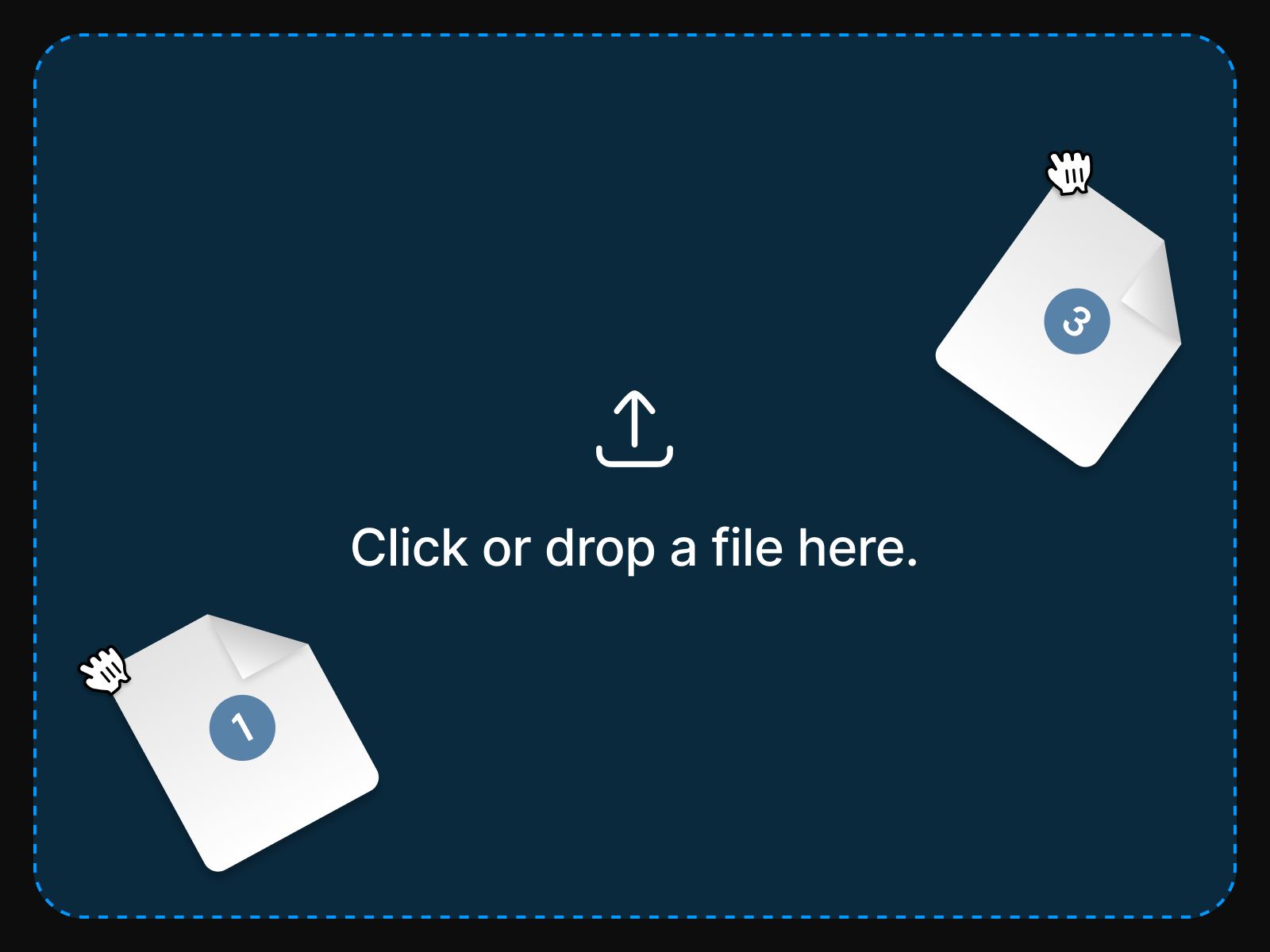
A drag-and-drop file upload form
Rank history
Daily rank per list, from the first snapshot — lower is better.
- All · #1414