component
File Uploader Widget
By Uploadcare Apps
Details
- Uploadcare AppsAuthor
- componentType
- 2026-07-01Published
- 2026-09-07Updated
- 2026-07-01Added
- FormsCategories
Summary
Plug-and-play file uploading.
Description
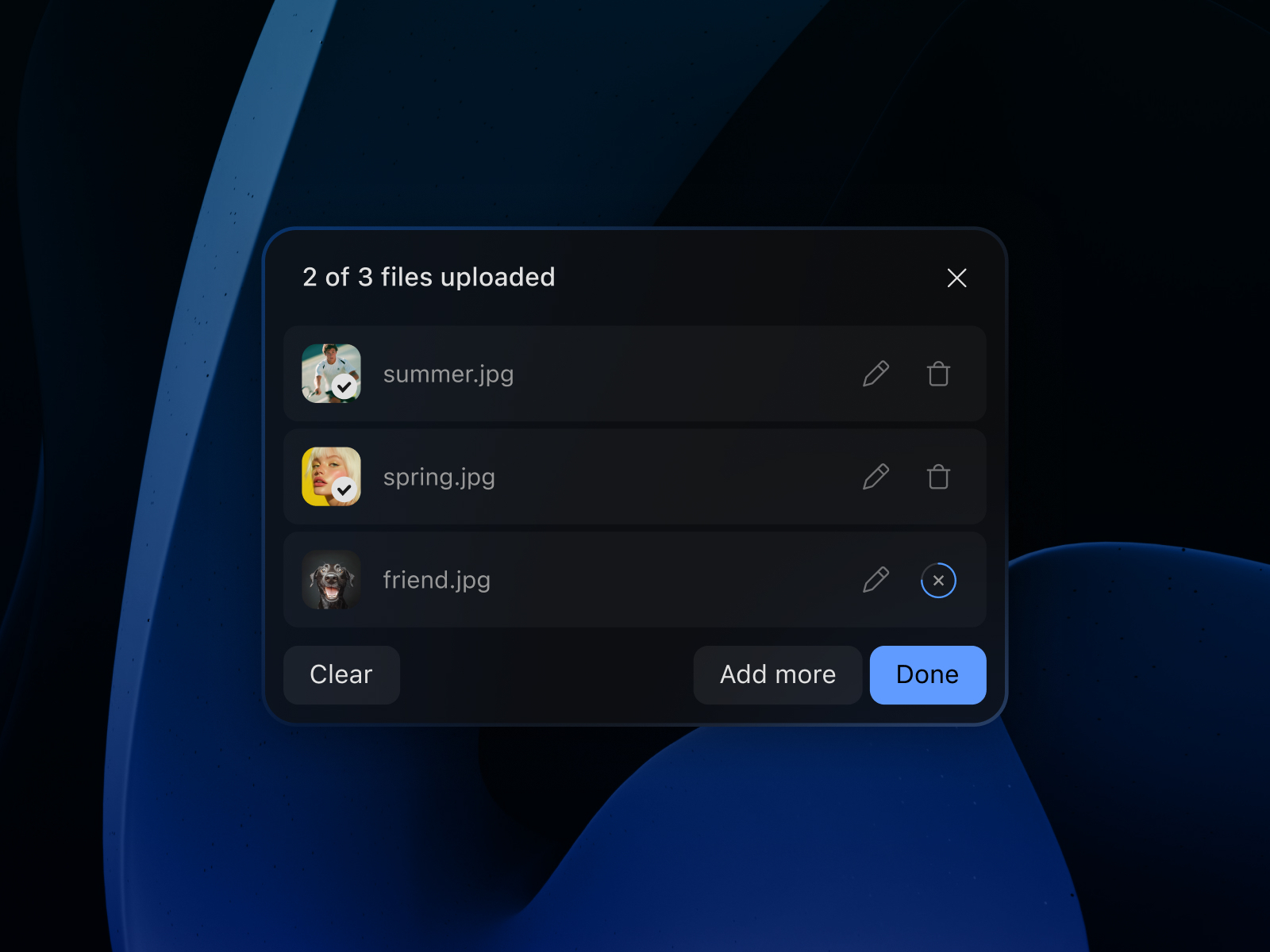
Get started by creating a free Uploadcare account , copying your project's public key, and dropping the component onto your canvas. Complete configuration of components with a detailed step-by-step guide . Upload from anywhere Local files (drag & drop) Google Drive, Dropbox, gPhotos, OneDrive Paste from clipboard Smart upload sources control Control exactly where users upload from using sourceList . Stay in control Restrict by file type (accept, imgOnly) Set file size and quantity limits Add an upload confirmation step Built for real-world usage Files up to 5 TB via multipart upload Built-in malware scanning and content moderation Reliable handling of unstable network conditions Better UX by default Drag & drop File previews Upload progress indicator Mobile-ready Built-in malware protection Every file is automatically scanned on upload. Infected files are blocked before they reach your environment. Enterprise-grade security & compliance SOC 2 Type II certified GDPR compliant — includes Data Processing Agreement with Standard Contractual Clauses HIPAA-configurable workflows available on the Enterprise plan (BAA required) Data encrypted in transit (TLS 1.2+) and at rest (AES-256) Full compliance documentation available at trust.uploadcare.com No backend required Works out of the box — no server setup, no storage configuration. Feedback & Support Contact us via email Visit our website Explore the Uploadcare documentation
Introduction
Plug-and-play file uploading.
Rank history
Daily rank per list, from the first snapshot — lower is better.
- All · #1920