component
Multiselect Form
By Motiondrops
Details
- MotiondropsAuthor
- componentType
- $3.00Price
- 2025-10-29Published
- 2026-08-01Updated
- 2025-10-22Added
- FormsCategories
Summary
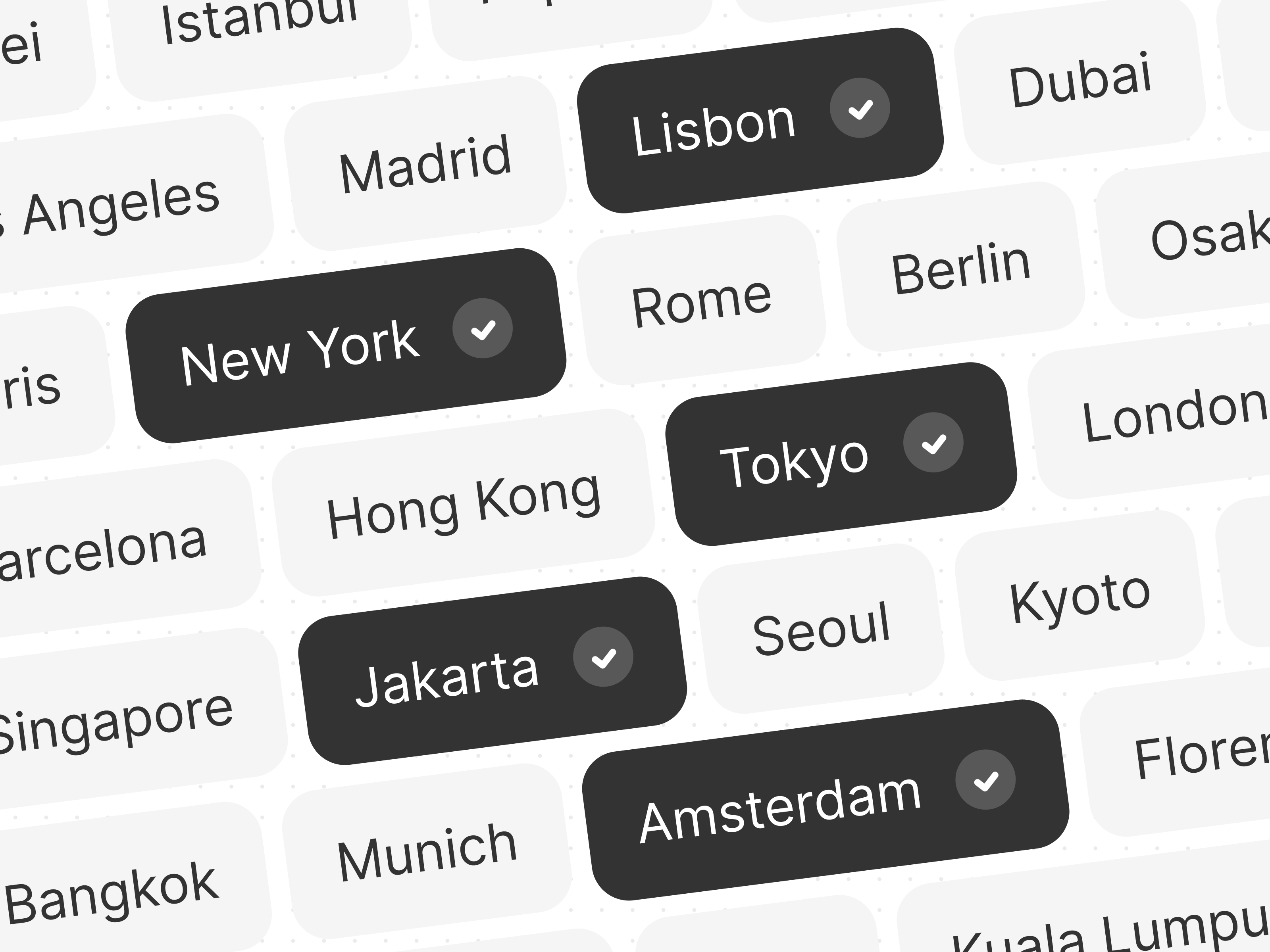
Select multiple options in a form
Description
Our components are thoughtfully organized to make customization simple and intuitive. Every property is clearly labeled, so you always know exactly what you’re adjusting. Stable values (IDs) for APIs, webhooks & CRMs. Perfect for multi-language sites, values stay the same even if labels change Selection mode: single, unlimited, or capped at a custom max number Backgrounds, text colors, borders, and corner radius for each state Custom label text and font above your buttons Icon position (none/left/right), style (opacity/fill), size, and color Horizontal and vertical gaps between buttons Button height, padding (can be different for each state), and typography Form-ready hidden input that stores selected values automatically . You think Multi Select could be better? Let us know! We prioritize user-requested features 🚀
Introduction
Select multiple options in a form
Rank history
Daily rank per list, from the first snapshot — lower is better.
- All · #6222