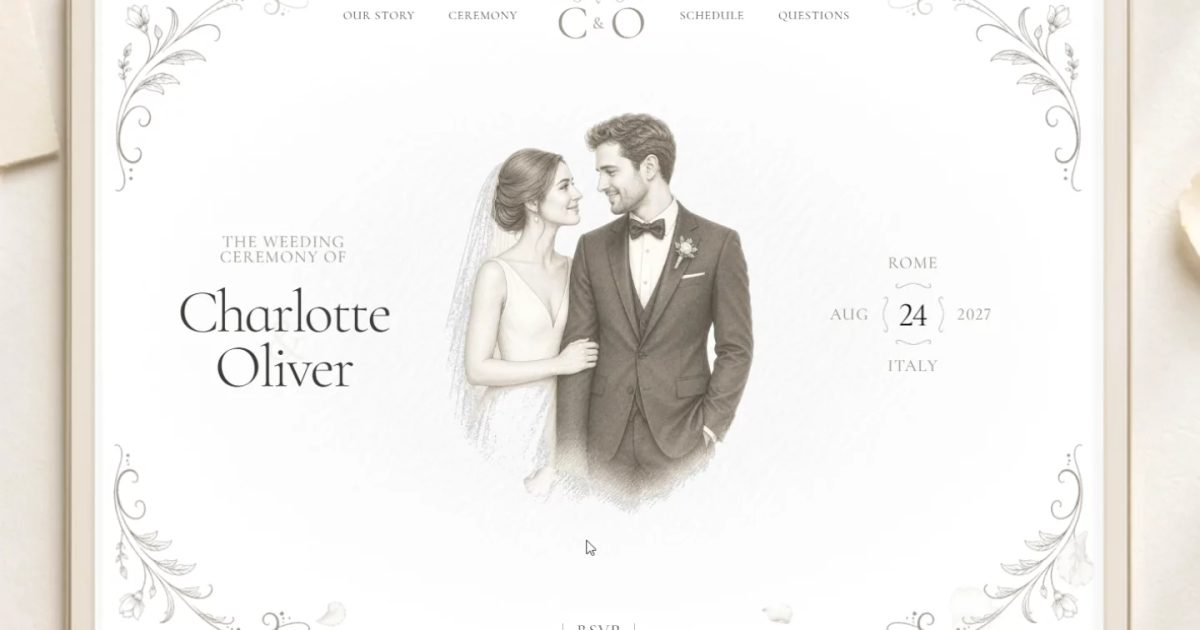
Nikita Shabunko
Amorette
FreeAmorette is an editorial wedding website template inspired by engraved stationery, handmade paper, and timeless Italian romance.
Read the fit noteSearching…
Templates by niche
Five free wedding templates, compared on the details guests actually open the site for: the schedule, the venue, travel, and the RSVP.
A wedding site is a logistics page wearing a beautiful suit. Guests need the date, the venue, the schedule, where to stay, and a way to reply. Couples need it to feel like the invitation, not a form.
These five are free to remix. They split between full multi-section sites, cinematic invitations, and one-page setups that can go live in an afternoon.
Our pick for most wedding projects is Amorette. The rest are stronger in specific situations, which the fit notes below explain.
| Template | Best for | Price |
|---|---|---|
| Amorette | Couples who want the site to feel like the stationery | Free |
| Ceremony | Couples who want a polished site live in under an hour | Free |
| Elaro | Destination weddings with travel and dress-code details | Free |
| Darling | A simple one-page wedding site with an email RSVP | Free |
| Atelier Invite | A cinematic, mobile-first digital invitation | Free |
All five are free to remix on Framer at the time of writing. A template that moves to a paid plan drops out of this page; the catalogue never lists paid templates.
Nikita Shabunko
Amorette is an editorial wedding website template inspired by engraved stationery, handmade paper, and timeless Italian romance.
Read the fit note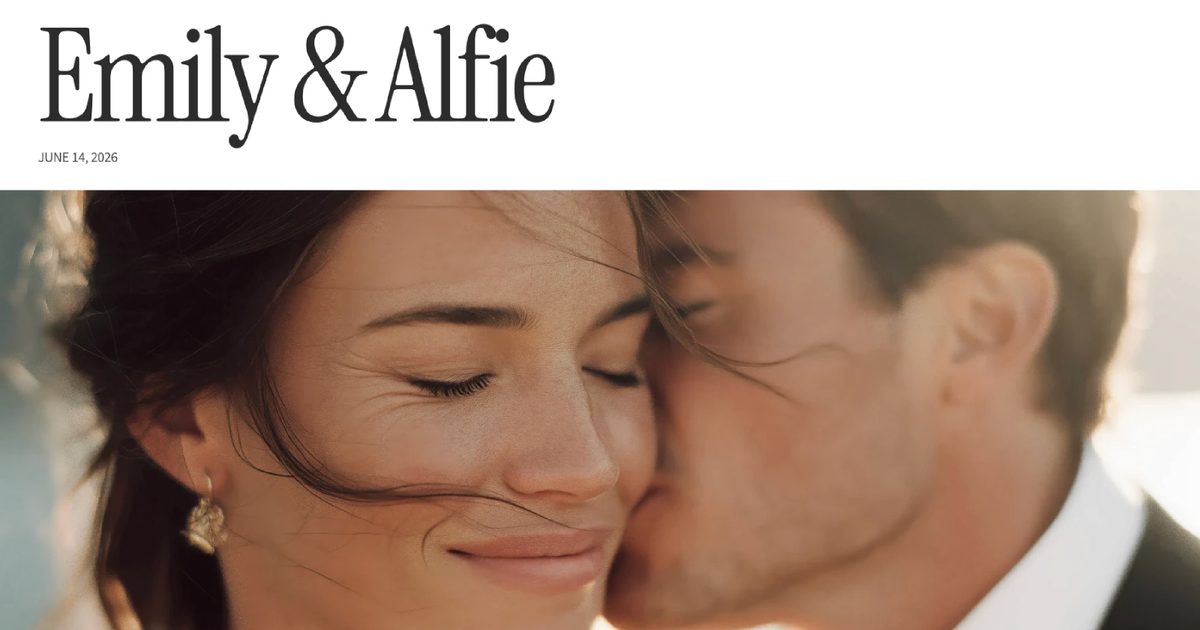
Ava Thiery
Ceremony is a premium wedding template that gives you everything you need to share your celebration with guests.
Read the fit note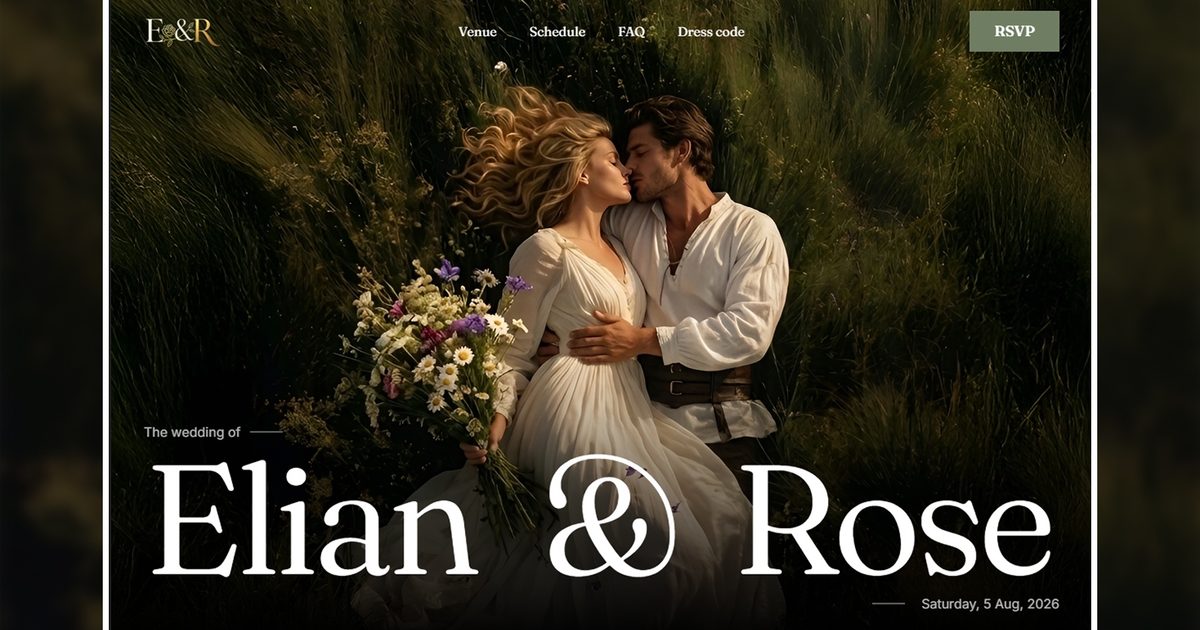
uicompose
Elegant Wedding Invitation
Read the fit note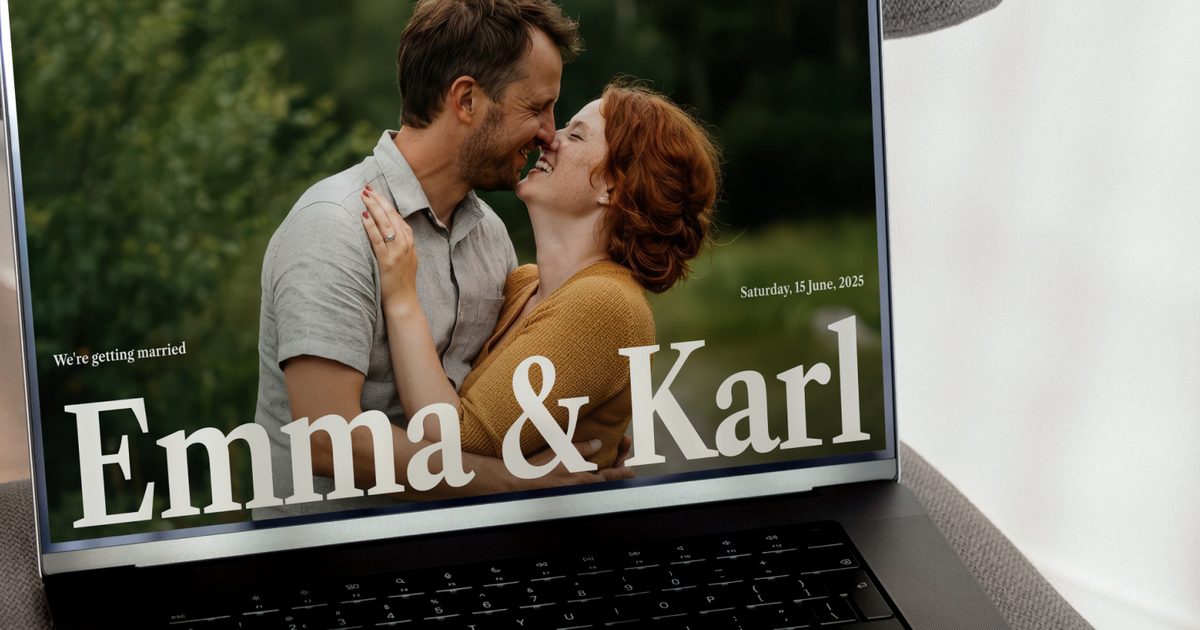
Sanna Granqvist
Mordern Wedding One pager
Read the fit note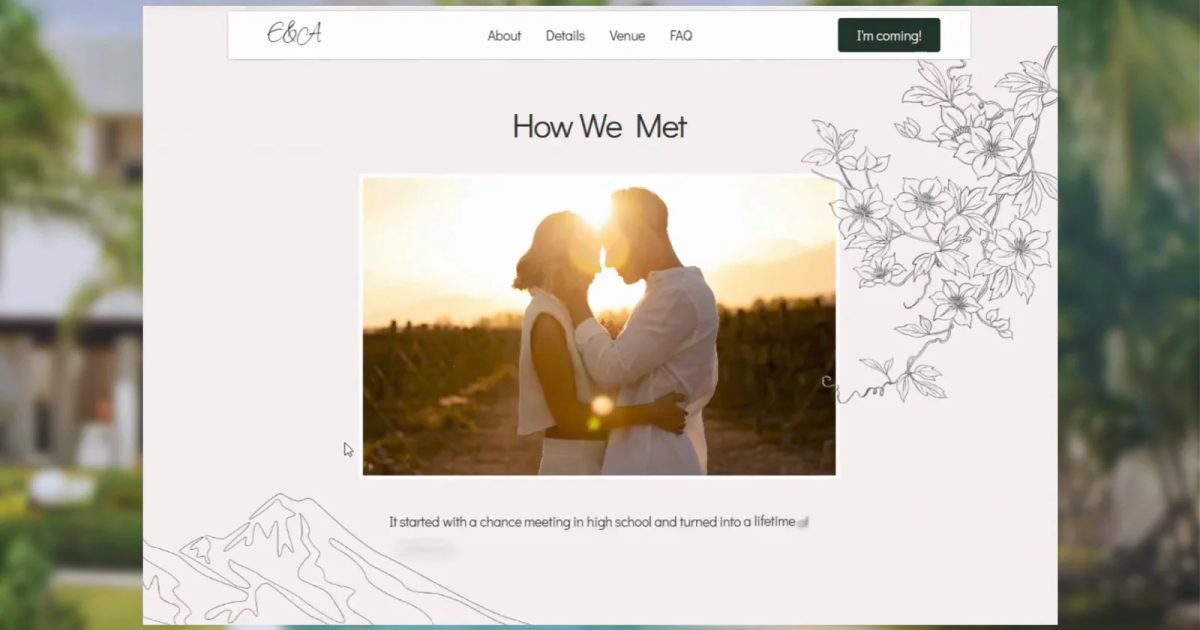
Yasiru S
A Cinematic Digital Experience Available completely free, Atelier Invite is a premium Framer template designed to break out…
Read the fit noteEditorial layouts inspired by engraved stationery and handmade paper, with a welcome hero, the story, ceremony and reception details, a day schedule, FAQ, and an RSVP form. It is the most complete “invitation” of the five.
Watch out: The Italian-romance styling is specific. A modern city wedding will need a different type and palette, though the structure still holds.
A clean, modern template with every section pre-built, built for couples rather than designers. Replace the text and photographs, adjust the colours, publish. It adapts to garden, city, destination, and intimate weddings.
Watch out: The restrained design is the point. If you want a highly animated, cinematic invitation, look at Atelier Invite.
A cinematic template with sections for the venue, wedding-day schedule, hotel, dress code, RSVP, and FAQ. The travel sections are the differentiator for a wedding that asks guests to book flights.
Watch out: The visual style is rich and layered. A minimal elopement page will feel overbuilt.
A one-pager with the welcome, when and where, schedule, accommodation, gift info, RSVP, and a countdown. The RSVP form sends responses to your email, so there is no extra tool to learn.
Watch out: One page is the whole site. If you need a long story, a gallery, or a registry page, Ceremony or Amorette has more room.
A free template built around fluid animation and editorial pacing, designed for phones first because that is where guests open an invitation. It is the most distinctive visual experience in the list.
Watch out: Motion-heavy pages need care with reduced-motion settings and slow connections. Check both before sending the link to every guest.
Yes. All five are free to remix on the Framer marketplace at the time of writing. Paid templates are excluded from this catalogue.
Yes. Framer forms can collect responses and send them to email, a webhook, or a sheet. Several of these templates include an RSVP form; check that the destination is set before you share the link.
Usually a few months before the wedding and a short while after. Framer’s free plan can host it on a framer.website subdomain; a custom domain needs Basic or higher.
Disclosure: some links on this page are affiliate links. If you subscribe to Framer after following one, we may earn a commission at no extra cost to you. Commissions never change an item's position in a ranking, and no creator can pay to appear in a comparison.